nano3G AP Installation Manual nano3G AP Hardware Installation
N3G_INST_300 v8.1 for N3G_2.0.5 © ip.access Limited 2011 Page 42
6.2 nano3G S4 AP Hardware Installation
6.2.1 Unpack the nano3G S4 AP
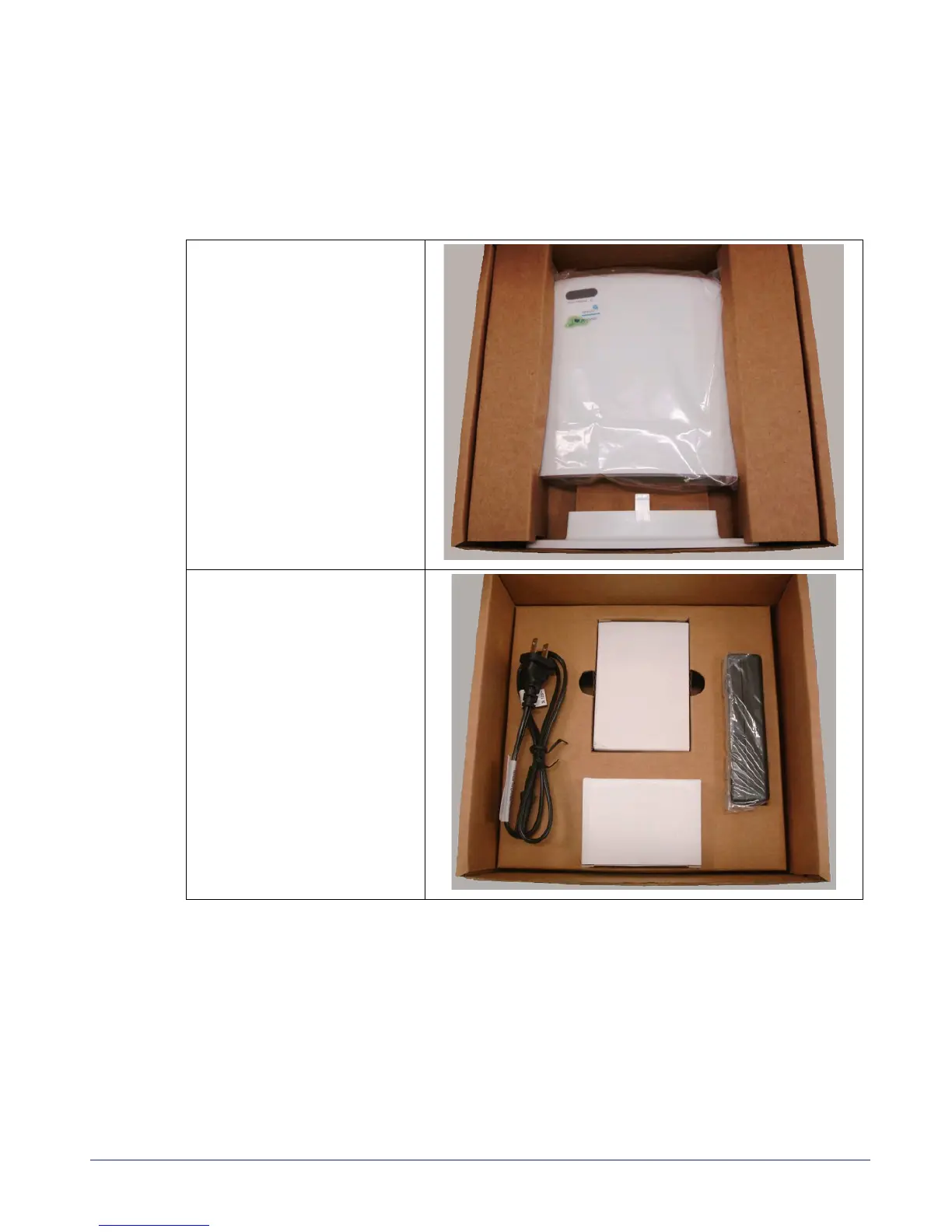
1) Unpack the nano3G S4 AP and its accessories.
Box contents may vary, but typically the box should contain the following, as
pictured:
Note: No screws are supplied to mount the AP or the splitter unit.
2) Check that the serial number on the nano3G S4 AP unit matches the label on the
box.
3) Check that the items have not been damaged in transit.
For any damaged units, contact the supplier immediately for returns advice.
Upper layer:
• nano3G S4 AP unit
• nano3G S4 AP stand
Lower layer:
• POE injector unit
• POE splitter unit
• Mains adaptor unit
• Mains cable for POE
injector



 To Next Page