| LaserNet software
82
YLS-K
Laser\ Change
Access Right
In the submenu Change Access Right, you can change between four dif-
ferent password-protected access levels. The following access levels are
available:
• Monitoring
• Operator
• Engineer
• Supervisor
The currently selected access level is marked with a check mark. The
various user rights can be viewed via the menu path Extras\Access
Rights.
When changing from one access level to another, a password must be
entered. By default, no password is set. However, the Supervisor can set
and change passwords for all access levels via the menu path Extras\Ac-
cess Rights.
Setting the Supervisor password
The system owner can set the Supervisor password
the first time the LaserNet software is started via the
menu path Extras\Access Rights.
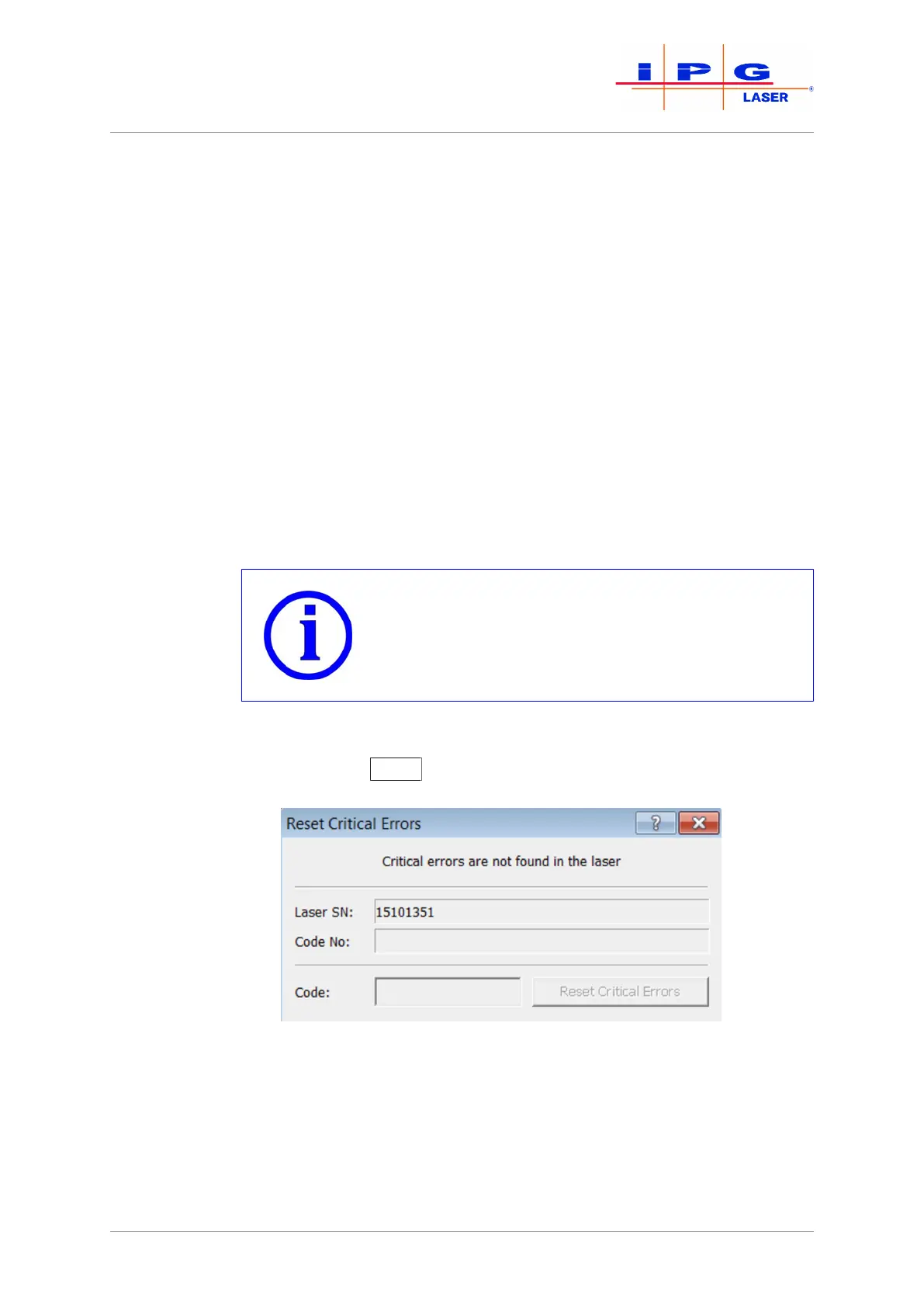
Laser\ Reset Criti-
cal Errors
If the laser reports the alarm Critical error, you cannot reset the error
by pressing the Reset
button. You can only reset a critical error by en-
tering a code.
Figure40: Reset Critical Errors
The code can be obtained by contacting the competent IPG service de-
partment (see Resetting critical errors [}139]).



 To Next Page