65
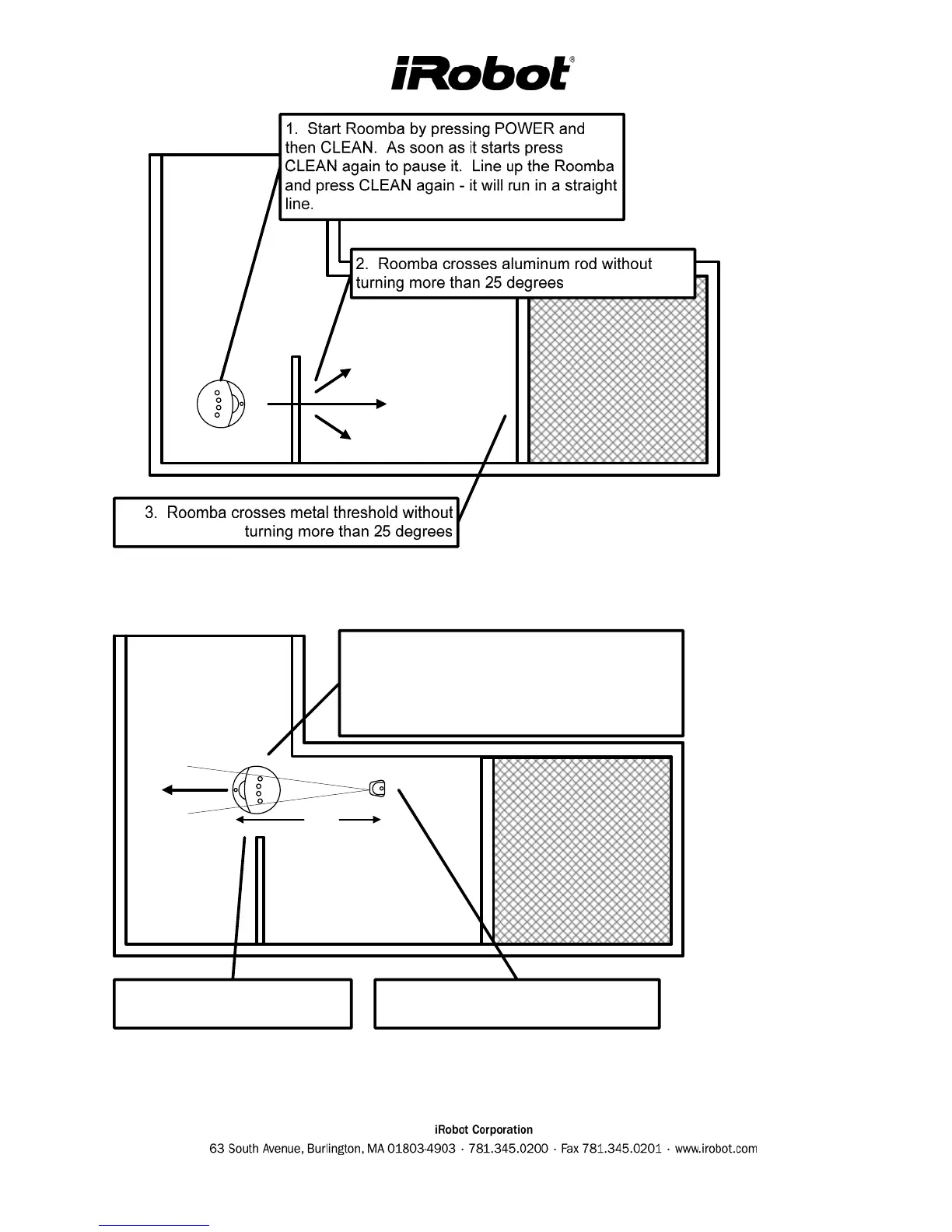
Figure 3 - Threshold Crossing Test
48"
1. Start Roomba by pressing POWER and
then CLEAN. As soon as it starts press
CLEAN again to pause it. Line up the Roomba
and press CLEAN again - it will run in a straight
line.
2. Place a VWU (set to M) 48" behind
the Roomba and turn it ON.
3. Roomba should immediately
turn away from the beam.
Figure 4 - Virtual Wall (VWU) Reception Test



 To Next Page