Manual No. 085-3435-07 19/45 IGB/IGX Series (Overseas Specifications) Service Manual
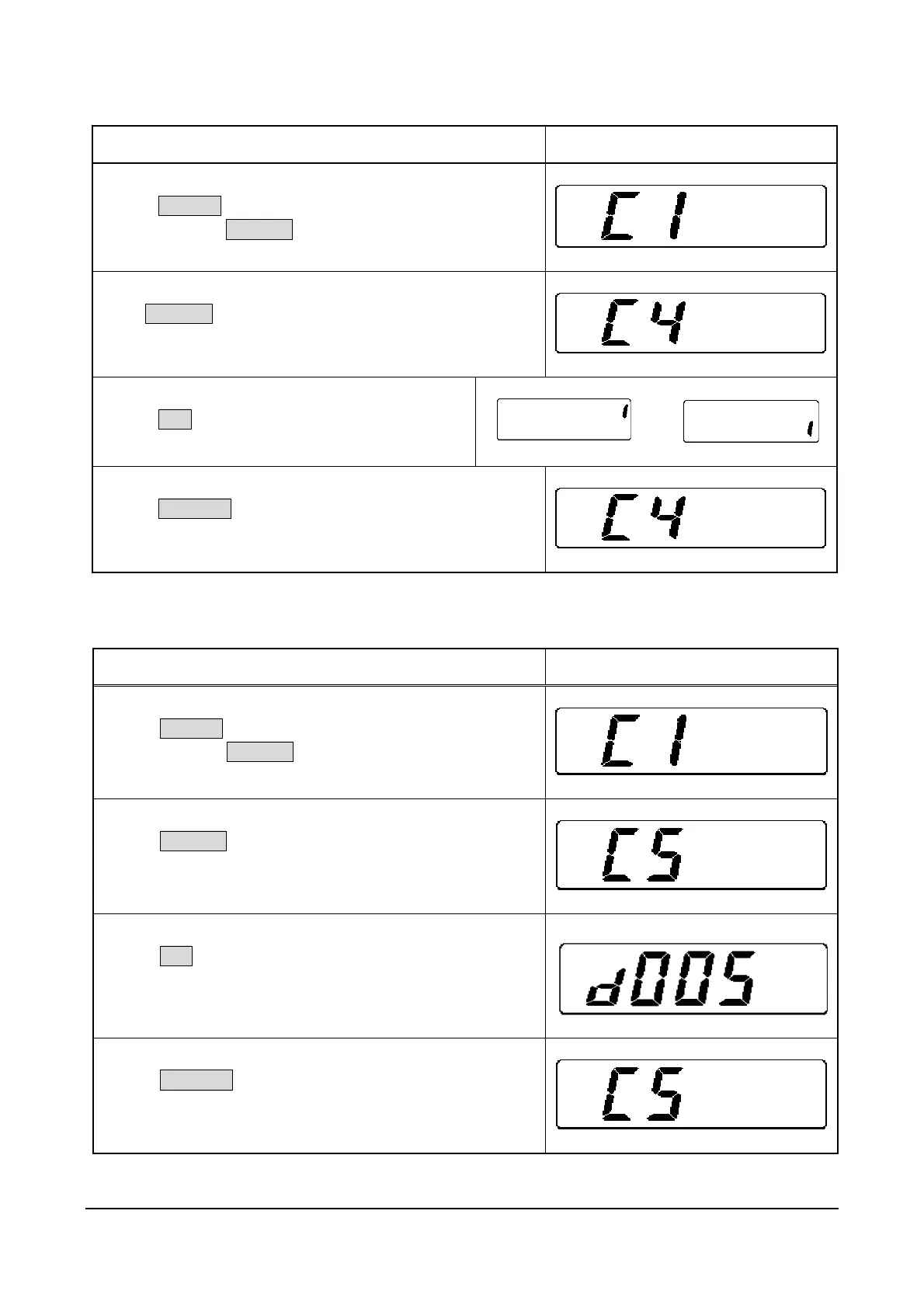
2.5 C4 Mode: Display Check 2 (Detailed Check)
Operation Display
1. Starting Test Mode (C1)
Press ON/OFF.
Press and hold ZERO(+) while all segments are lit.
2. Entering C4 Mode
Press ZERO(+) three times.
3. Checking Displays
Press SET.
The display shows self-diagnostic check.
¼
4. Returning to Test Mode
Press COLUMN to return to Test Mode.
2.6 C5 Mode: Program No Display
Operation Display
1. Starting Test Mode
Press ON/OFF.
Press and hold ZERO(+) while all segments are lit.
2. Entering C5 Mode
Press ZERO(+) four times.
3. Displaying Program Number
Press SET.
The installed program number (D005) will be displayed.
4. Returning to Test Mode
Press COLUMN to return to Test Mode.



 To Next Page