Chapter 2 NORMAL MODE
2.2 PLU CALL UP
2.2.1 PLU CALL USING KEYPAD
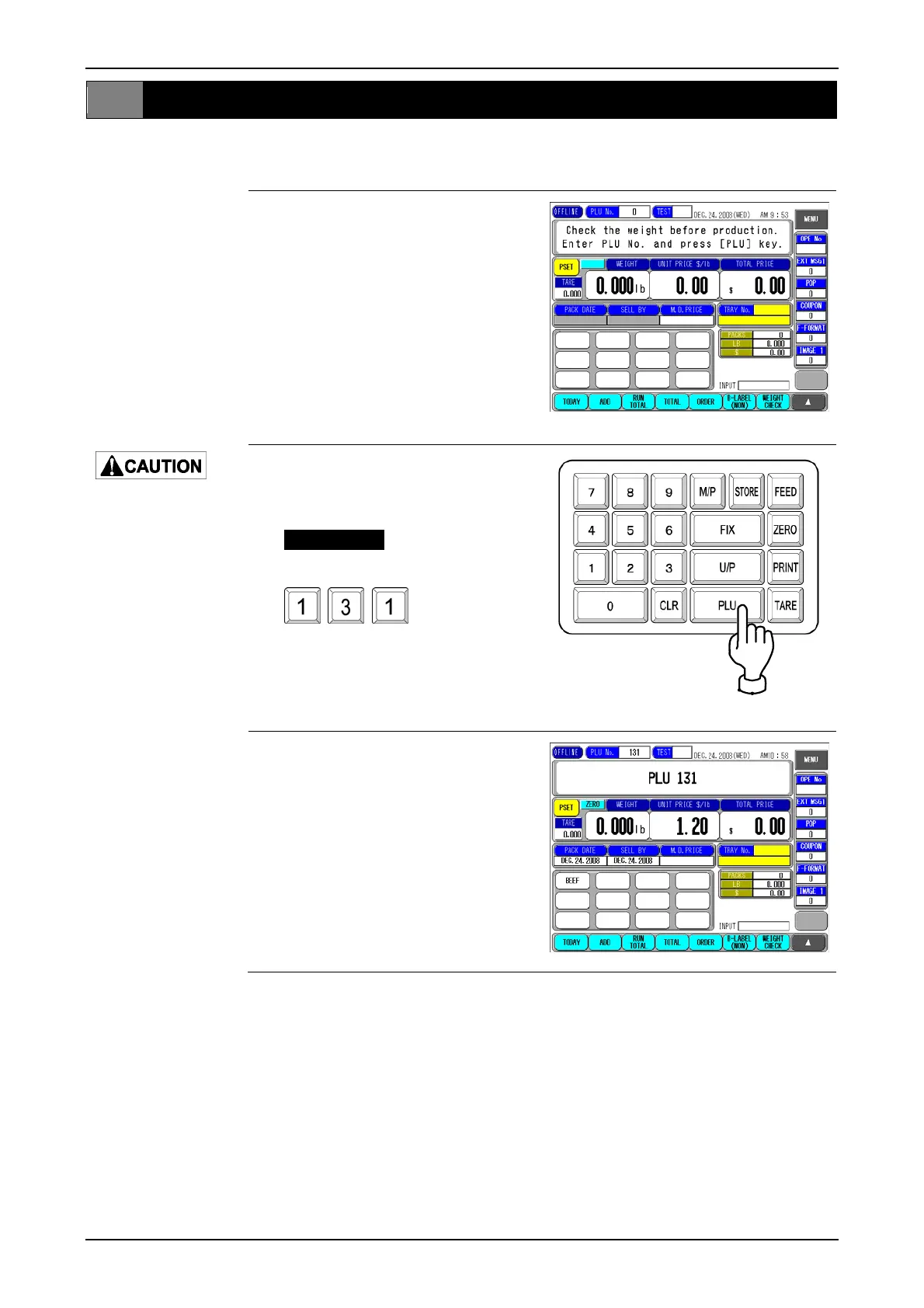
1. Make sure that the initial screen is
displayed.
Lightly press the touch
panel with your finger.
Pressing the panel
using pointed objects
such as fingernails or
mechanical pencils
may damage the touch
panel.
2. Enter a PLU number and press the
[PLU] stroke key or [PLU No.] field
on the screen.
EXAMPLE
Call up PLU No.131.
3. The designated PLU screen is
displayed.
page 2-4 IP-EMZ Operation Manual



 To Next Page