Chapter 4 PROGRAMMING MODE
For character entry,
refer to section 4.12
“Text Editing”.
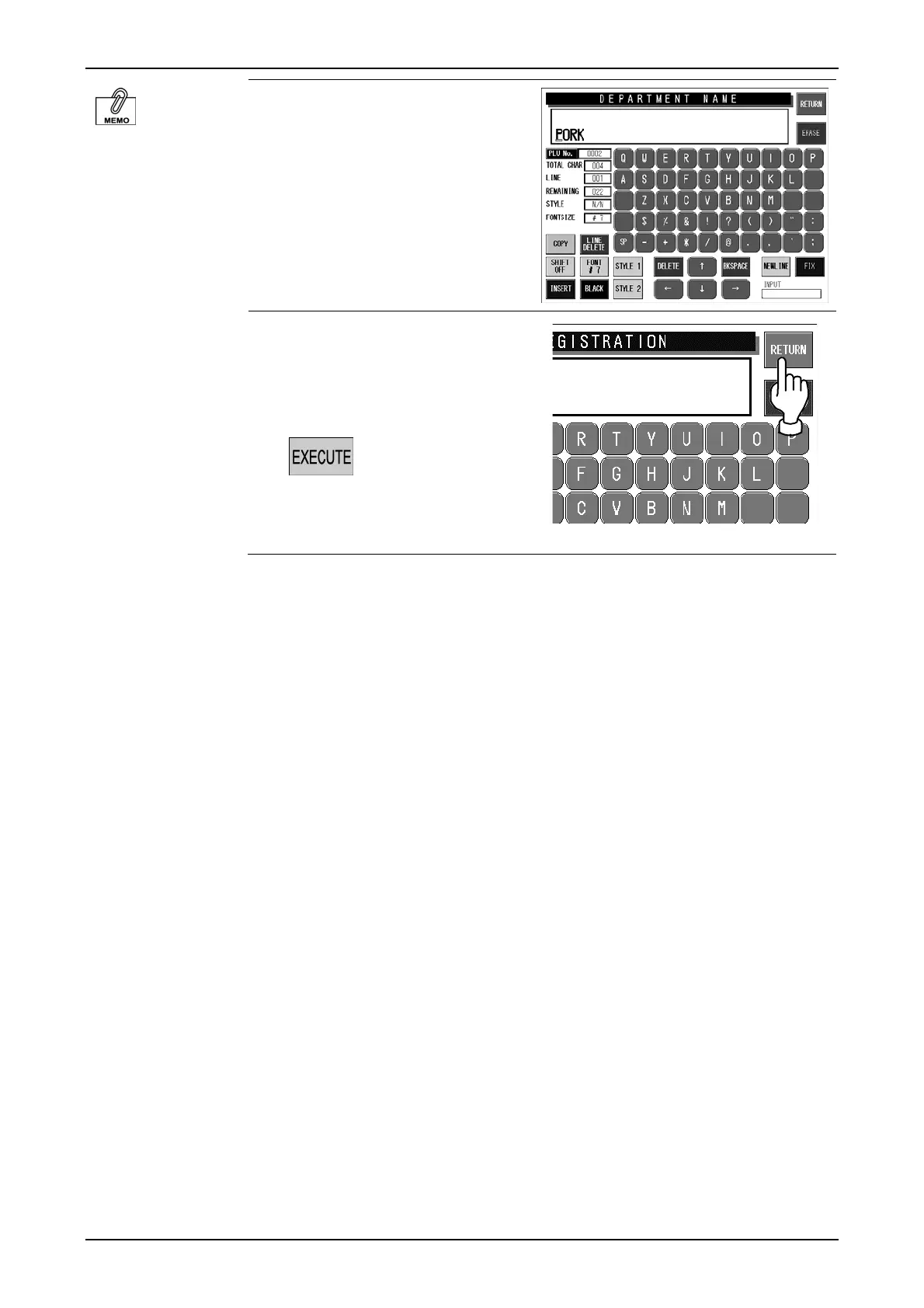
5. Text edit screen is displayed.
Enter the department name
using the keyboard on the
screen.
6. Press the [RETURN] button on
the screen.
Press the [EXECUTE] button to
save the data.
IP-EMZ Operation Manual page 4-27



 To Next Page