Editing Milling Jobs
101
Inserting the block into the device using the loading aid
For easy handling, the blocks are inserted into the loading aid in specially designed block
holder(s) with a marked insertion direction, and then transferred to the material and tool
changer.
CAUTION! Sharp edges on the block holder.
Cutting injuries.
Only grasp the block holders on the sides marked with arrows.
For safety reasons, the Wizard asks you to additionally confirm the following steps in the app.
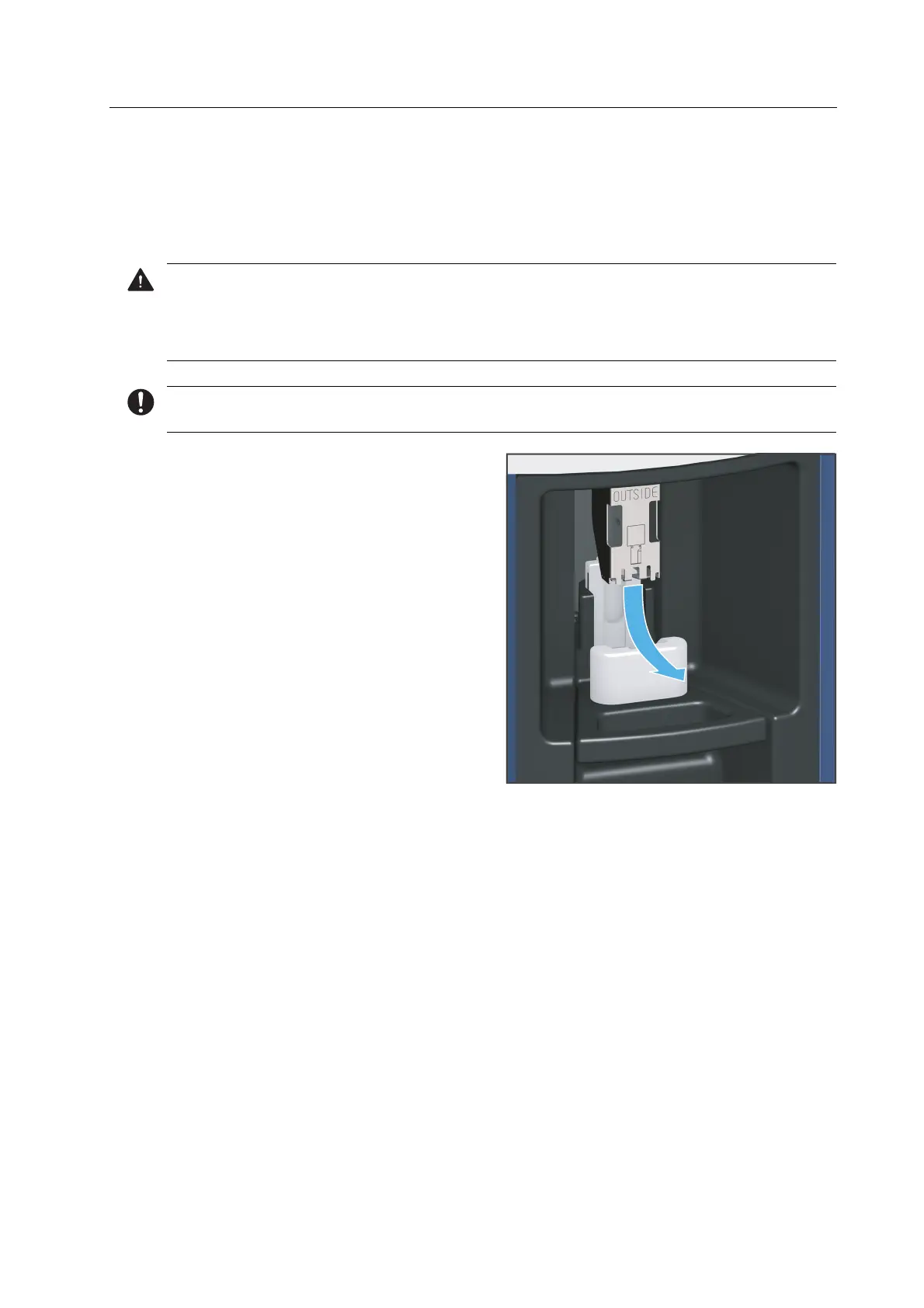
1. If the block holder is installed: Remove
the block holder from the loading aid in
the direction of the arrow.



 To Next Page