Cleaning and Maintenance Work for the User
131
For safety reasons, a Wizard in the app will guide you step by step through the individual
cleaning tasks.
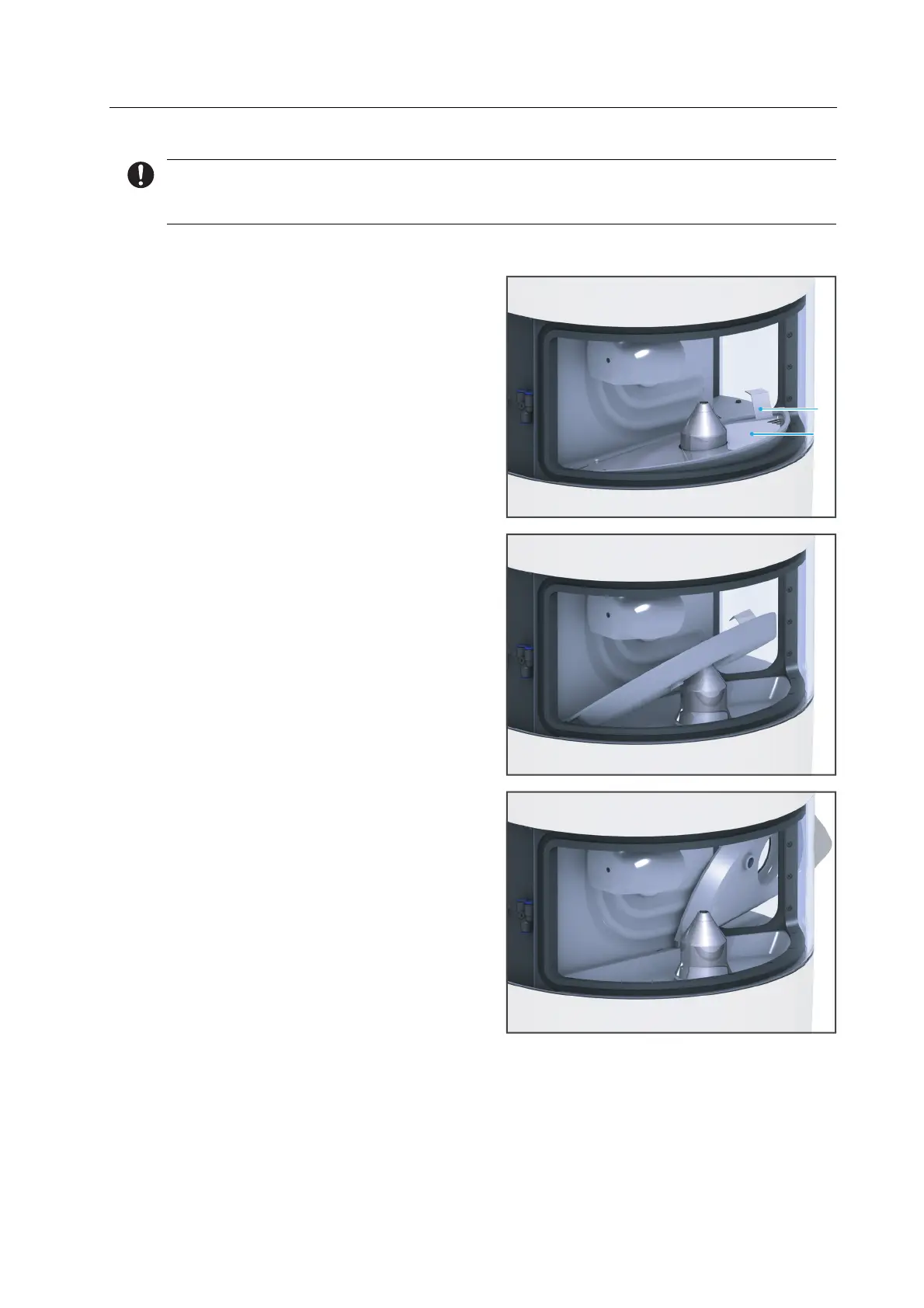
1. Remove excess water with a dry towel.
2. Grasp the collection container (2) and
cover (2) by the handle (1).
3. Hold the collection container and cover
at a slight angle.
4. Remove the collection container and
cover from the milling chamber.
1
2



 To Next Page