Editing Milling Jobs
91
Operating the material and tool changer via the main menu [Service]
You are in the main menu [Service].
The material and tool changer is not active.
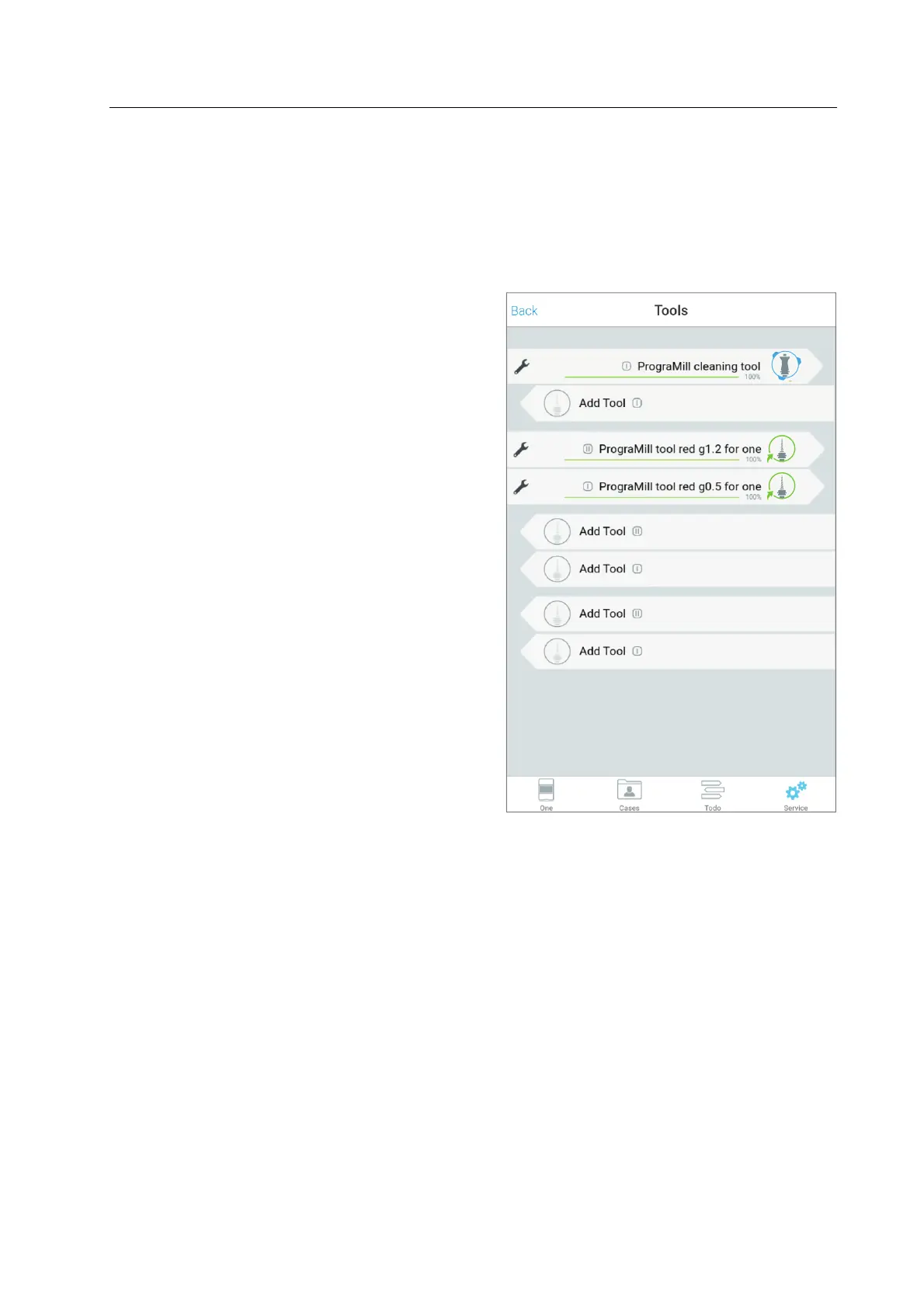
1. Select the sub-menu [Tools]
2. In the list of tools, tap on the position of
your choice.
The material and tool changer will be brought into position and the tool holder will be
provided at the loading aid.
You can now insert the tool (“Inserting the tools into the device using the loading aid”,
page 92).
The app shows a Wizard which will guide you step by step through the insertion process.



 To Next Page