19
Operation and display
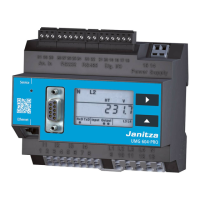
After the power supply has been restored
the UMG507 is always in the first programed
measured value dis-
play. The UMG507
is controlled using
the three keys in the
front.
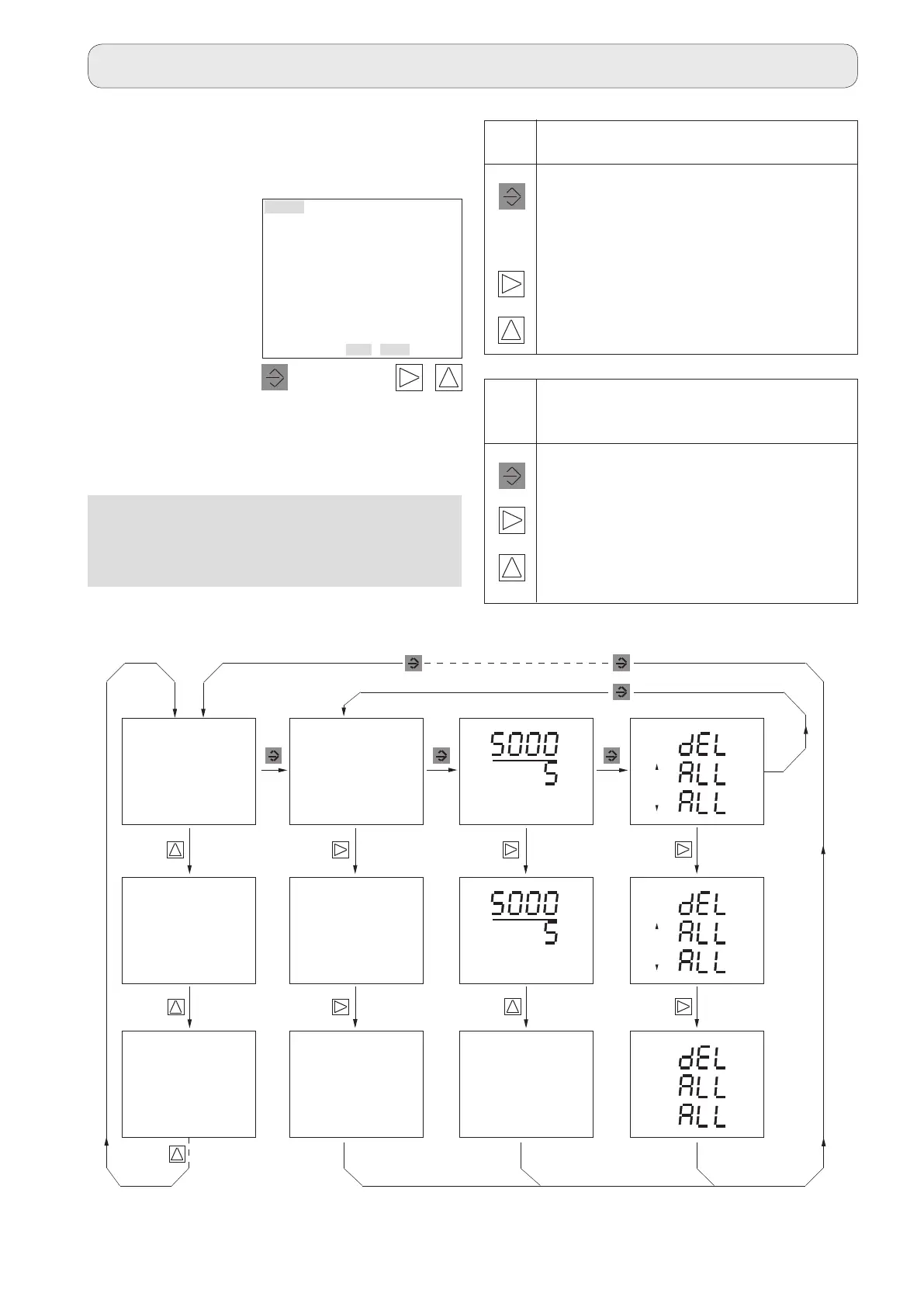
The keys have different meetings in the vari-
ous displays. If you are in a measured value
display, you can use the Key 1 to switch be-
tween
the measured value display,
the SELECT mode,
the configuration menu CONF and
the programming menu PROG
as shown in the figure below.
Fig. Menu overview
Operation
Keep Key 1 depressed for
approx. 2 seconds.
PRG
SELECT
Voltage transformer,
RS485,
ethernet,
date,
Free parameter entry
(address, value).
CONF
CONF
A
A
SELECT CT
CONF
A
A
CT
SELECT
Measured values
SELECT
Display additional infor-
mation
SELECT
Measured values
Select phase
Measured values
Measured values
Measured values
PRG
PRG
Wh
VArh
Key press briefly press continuously
2
1
3
Select menu Return to the first
measured value-
display (panel)
Panel right Panel left
Panel up Panel down
EDIT symbol active
Key press briefly press continuously
2
1
3
Next digit previous digit
Number * 10 Number / 10
Digit + 1 Digit - 1
SELECT
PRG CONF
Measured val-
ues
1
2
3



 To Next Page