5
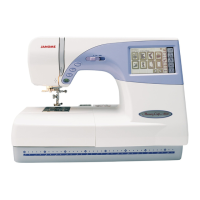
MC 9500
Changing External Parts (5) Base Unit
Base
To remove:
1 Remove the Belt cover. (See page 2)
2 Remove Screw (A) (4 pcs.), and remove
the base unit .
3 Disconnect the X Motor and Y Motor Connectors
from the printed circuit board A.
Screws (A)
X-motor connector (Blue)
Y- motor connector (White)
Extension table (Accessory)
To attach:
4 Connect the X, Y-Motor connectors , to the printed
circuit board A.
5 Insert the X,Y-Motor cords between the printed circuit board
A and Arm.
Make sure that the cords should not be caught between
the arm and base unit when attaching it, then tighten Screw
(4 pieces) temporarily.
6 Attach the Extension (Accessory) table .
7 Tighten Screws (A) while aligning the extension
table, base unit and free Arm.
8 Attach the belt cover.
1
2
3
1
4
1
2
3
1
2
3
4
1
1
1
2
3
4
www.promelectroavtomat.ru


 To Next Page