EVOLVE 200 USER MANUAL
17
2.6.3 MMA manual mode setting
2.6.3.1 MMA welding display
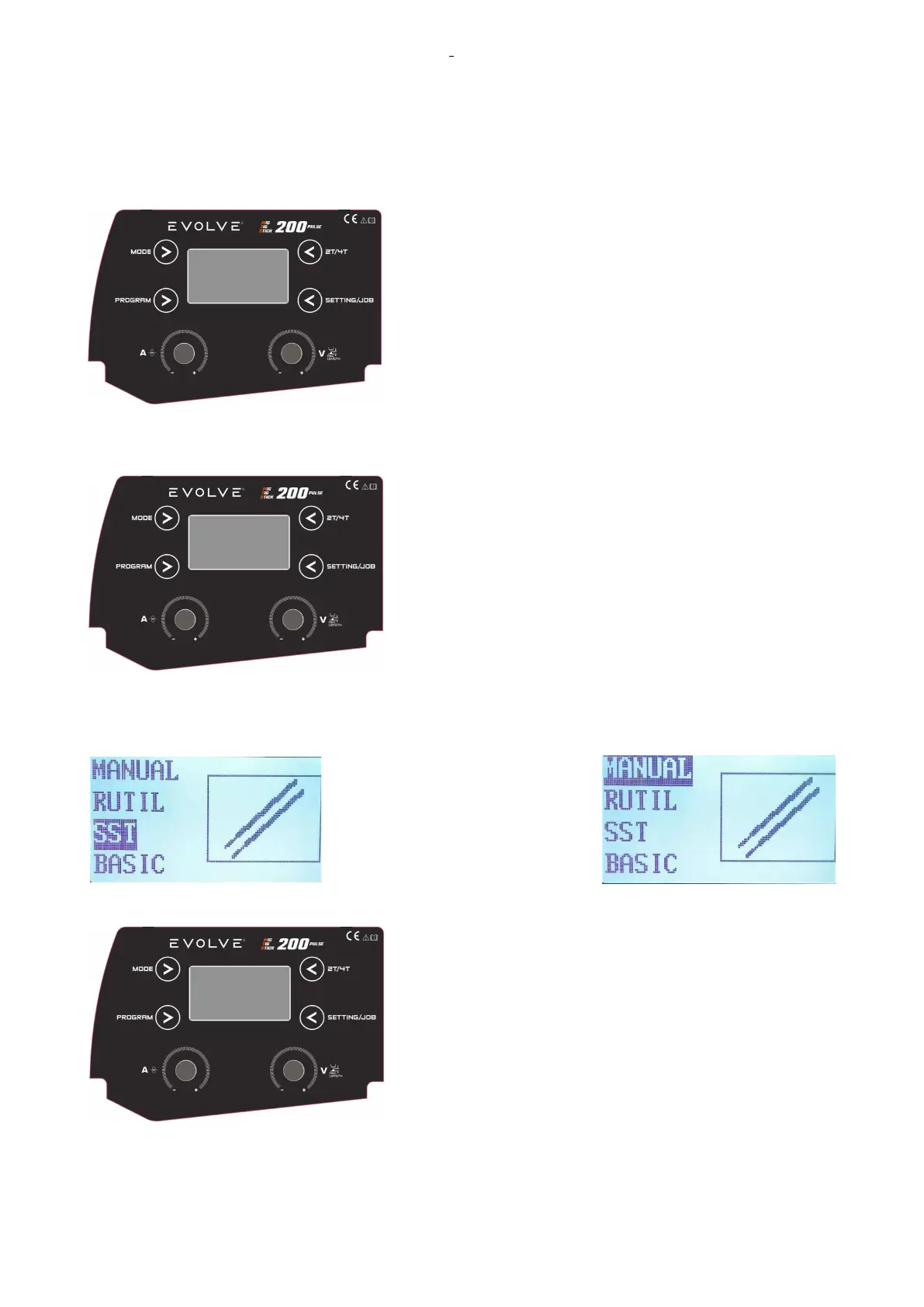
MMA welding display is as follows:
In this case, there was a set current of 70 A with the VRD set in
On position, and the system set a synergy for the stainless steel
with 2,0 mm electrodes.
2.6.3.2 Parameters setting
Push the PROG button to select the type of work to be
performed in the electrode adjustment.
Select the material by rotating the KNOB1 and confirm by
pushing KNOB1.
The selections available are MANUAL, RUTIL, SST, BASIC, ALMG and CELL.
ETTINGN IN MANUAL ELECTRODE
Rotate KBOB1 to adjust the output current from Mini set to Max
set: 20-180A.










 To Next Page