EVOLVE 200 USER MANUAL
7
1.2.4 Front panel display descriptions
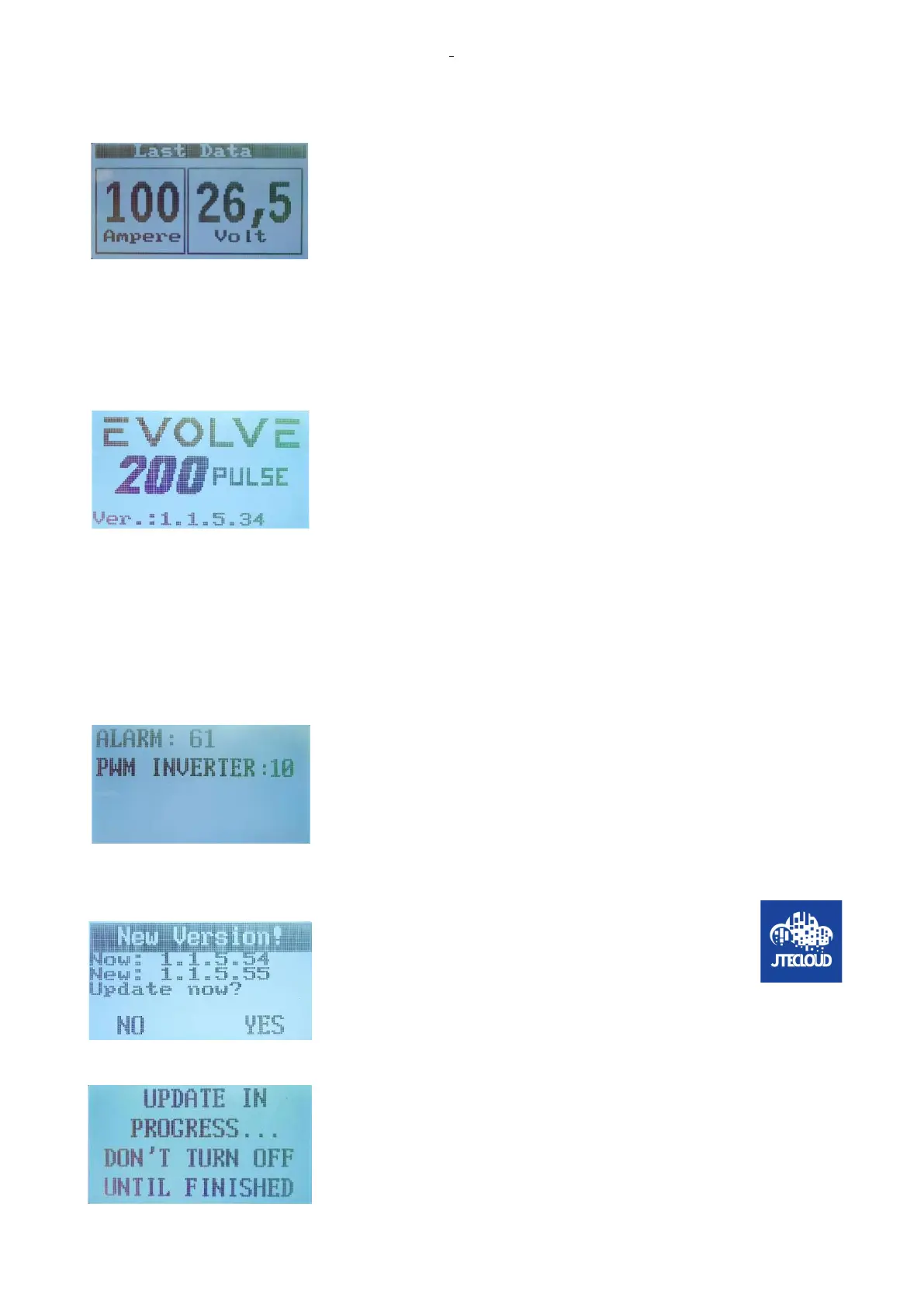
During the welding process, the display shows the real output current and
voltage.
At the end of the welding process, the display shows latest welding values
of the output current and voltage.
The latest setting data will be shown in the display when the buttons or the
KNOBs of the control panel are used.
1.3 Boot up self-test and display
1.3.1Boot up interface descriptions
At the power on in the first interface, the machine shows the Serial number
and the last software and firmware installed.
1.3.2 Boot up self-test process and descriptions
At the same time, the fan is controlled for a short period in order to load the fly-back power supply of the
inverter and allow the initial self-test.
The self-test involves check on the inverter, check on the wire feeder motor driver, check on the auxiliary
power supply for the machine and check on the mains cabling of the machine.
If there are errors during the self-test, the corresponding error code will be
shown in the display with a short description of the error. The flow chart
will indicate the errors. During the initial self-test, the errors found are fatal
errors, that means the alarms does not allow the machine to continue and
the display stops other visualizations and shows the error code and
description.
1.3.3 Machine software upgrade descriptions
In this start-up phase, if an update has arrived from the JTE
cloud and for new software, this update remains stored in the
internal wifi and connection board and a message is shown
on the display to tell the operator that he has the option to
accept the download of the new software or to reject it. At this point, the
user can choose to remain using the machine (press NO) as it was before
the last shut down or, accept to upgrade the firmware of the machine
(press YES).
If the operator agrees to download the new software, the display asks the
operator not to turn off the machine and starts uploading the new
software, an upload that takes about a minute.At the end of the upload,
the machine displays the data as the figure in chapter 1.3.1 with the new
software.











 To Next Page