EVOLVE 200 USER MANUAL
26
2.7.5 TIG STANDARD SETTING
The standard manual is always supported by a default setting
of the advanced setting data.
The default settings help to have the optimizations of the trigger
parameters.
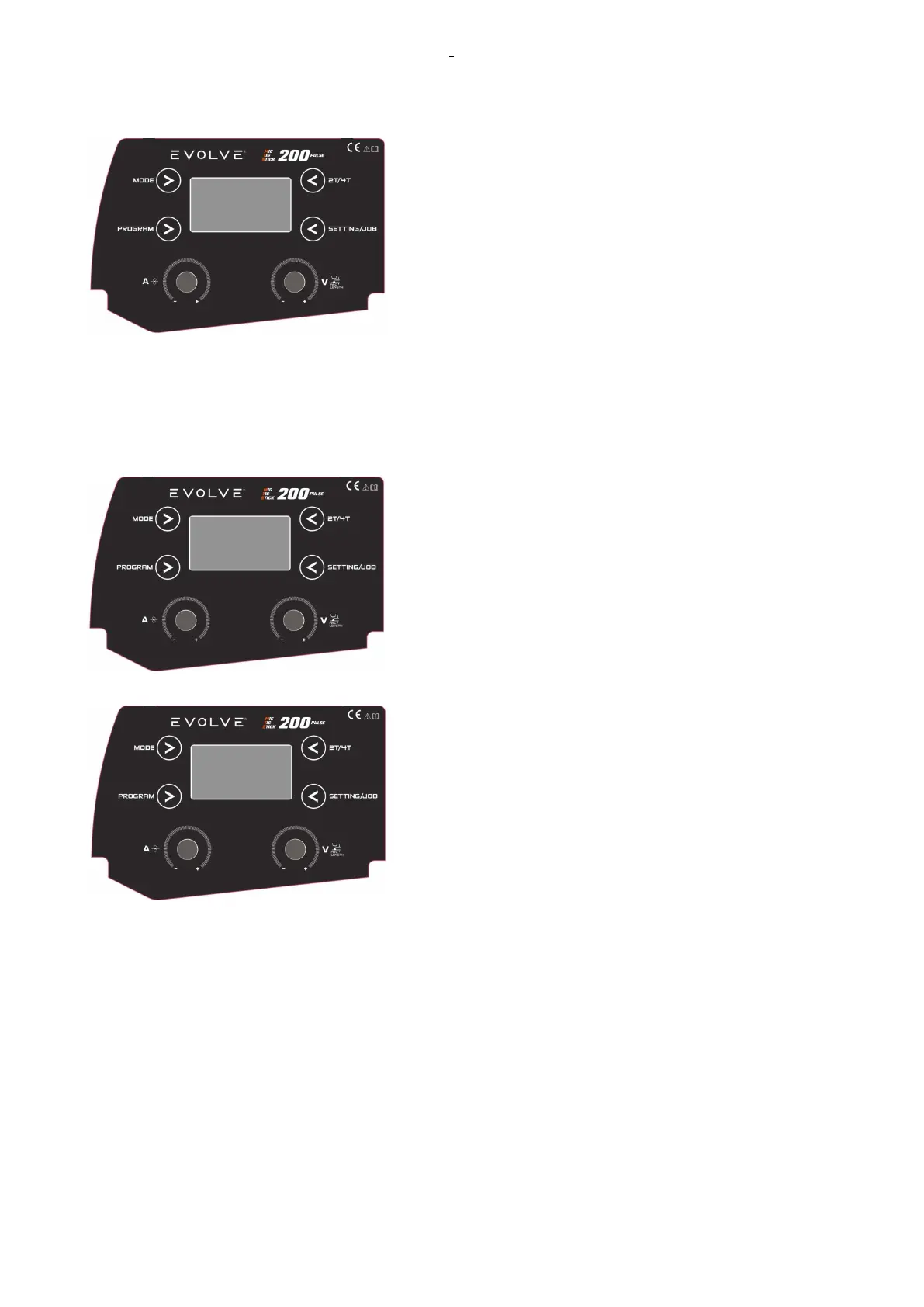
The display shows:
-in the top line, the TIG mode type and 2T/4T set (2T, 4T, SP).
-in the central and left side, the display shows SETTTING
CURRENT.
-in the bottom line, the material and diameter set.
2.7.6 TIG GLICK FUNCTION
The Glick function is available in TIG 4T mode.
By this function, it is possible to change the set of output
current during the welding.
The set will be reduced in % as the GLICK setting: setting
range OFF-90.
.
The GLICK setting is available in the TECHNICAL
PARAMETRE MENU.
Example: If the GLICK setting is 50, and the output current set is 130A, the reduction of set will be at 75A.
The output current set will be changed by a short pressing of the TIG torch switch.
By the short pressing of the torch switch, you can reduce the set, and/or return back to the machine setting
output current.
By a long pressing, the welding 2T/4T will be stopped.
To disable GLICK function, you set it in OFF.











 To Next Page