EVOLVE 200 USER MANUAL
33
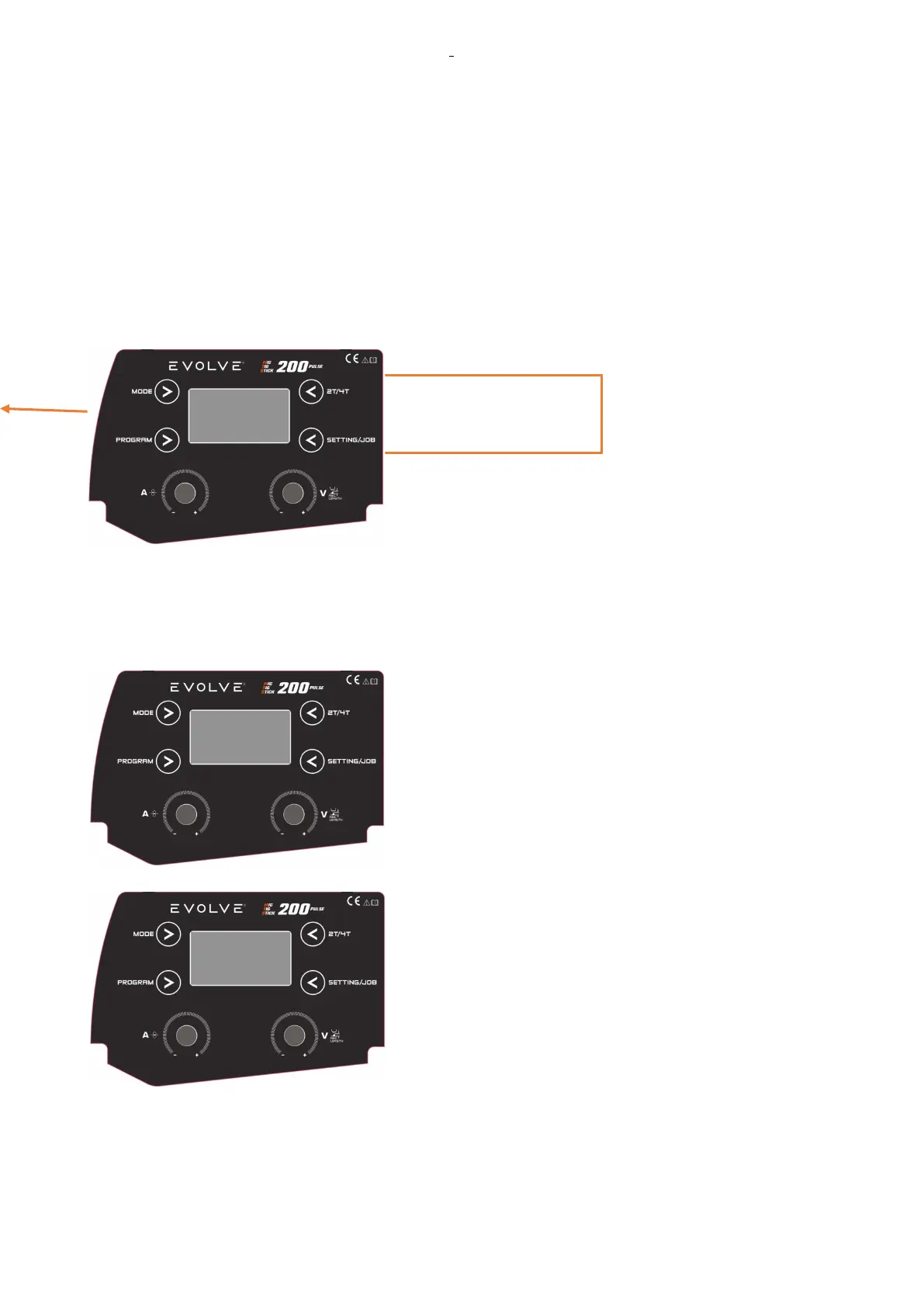
In this case, the display asks confirmation to overwrite the existing job with new data. Confirm by pushing the
knob1 or exit by pushing a button.
2.8.3.3 Job LOAD
There is possibility to load a Job in two ways:
a) Select the JOBS by same three main data of actual job : MATERIAL, DIAMETER, GAS
b) SCROLL ALL JOBS
Select the mode to load the Job by the knob1and confirm by pushing the knob.
Select the job to load by the Knob 1 and confirm by pushing the knob.
2.8.3.4 MAKE a NEW JOB
Make a new Job by the machine control panel following this procedure:
-EXIT to the loaded JOB.
-Set the data for the new Job: material, diameter of the wire,
gas, 2T/4T… special parameters.
-Save in a New Job.
In this case, you can select all Jobs with SG2, 1.0
diameter, 92/08 Gas.










 To Next Page