P/N 960-000180R_Rev. 1 {EDP #233427} © 2016, JAPAN CASH MACHINE CO., LTD.
Calibration and Testing DBV® Series DBV-400 Banknote Validator Section 6
Other Performance Tests
To perform the other Performance Tests, proceed as
follows:
1. Remove electrical power from the DBV-400 Unit.
2. Select the desired Performance Test by setting the
DIP Switches as indicated in Table 6-4.
3. Set the DBV-400 DIP SW1 #8 to
ON and the DIP
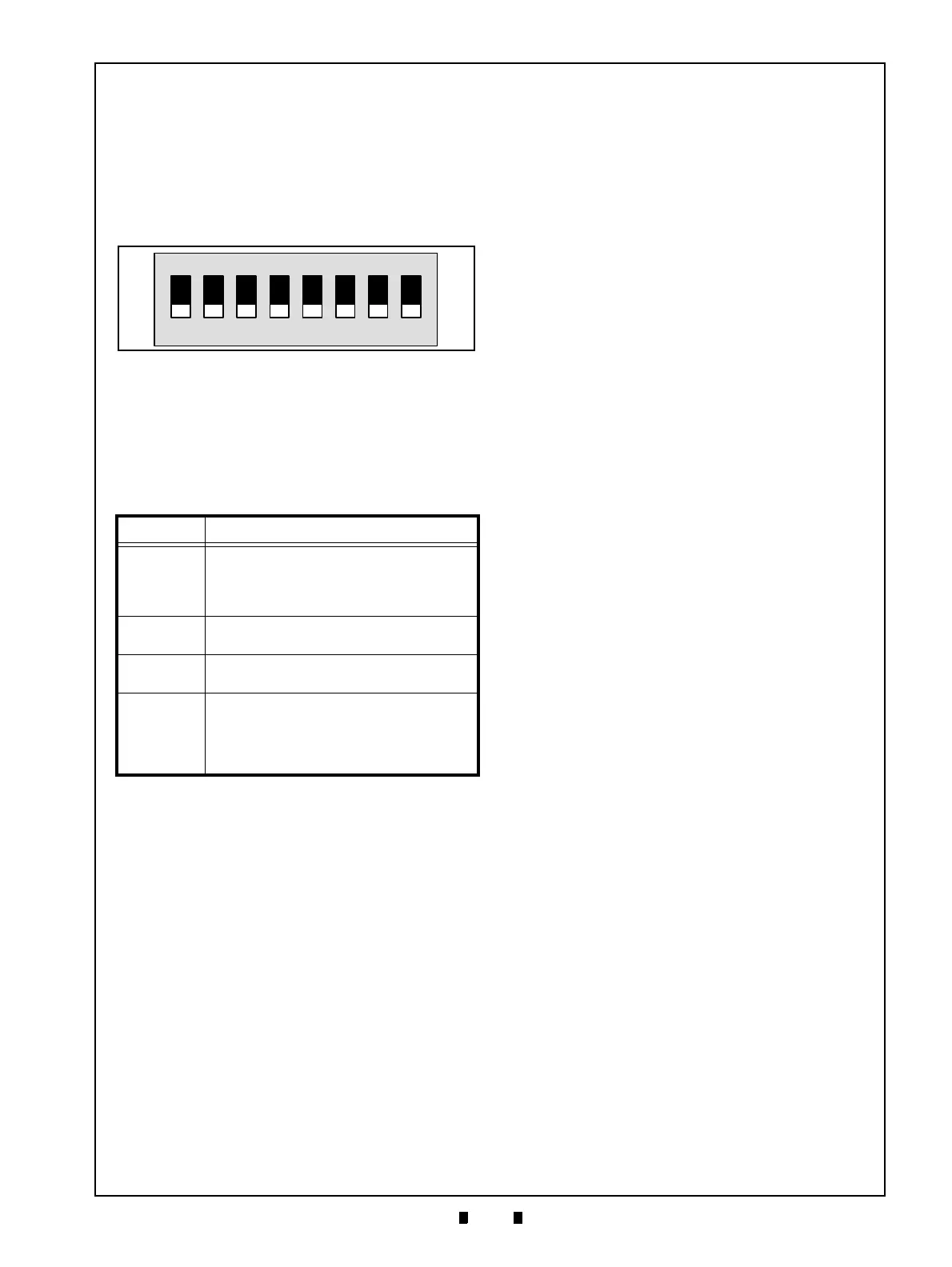
SW2 all switches to OFF (Figure 6-76).
4. Connect the Power Harness and apply electrical
power to the DBV-400 Unit.
5. Set the DIP SW1 #8 to
OFF to start the test.
6. Confirm that each test is performed normally as
stated in Table 6-9.
7. Set the DIP SW1 #8 to
ON to end the test.
Table 6-9 Performance Confirmation
Test Item Performance Confirmation
Feed Motor
Normal/
Reverse
Rotation
Confirm that the Feed Motor rotates
normally in a specified direction.
Stacking
Confirm that a cycle movement is
performing normally.
Reject Test
Insert a Banknote and then confirm that
the Banknote is returned.
Bezel LED
Confirm that the Bezel LED is lit in the
order as follows:
Red ->Green -> Blue -> Yellow ->
Magenta -> Cyan -> White ->
Extinguished.
Figure 6-76 Other Tests DIP SW2 Setting
Figure 6-76 Other Tests DIP SW2 Setting



 To Next Page