radio control system
EN
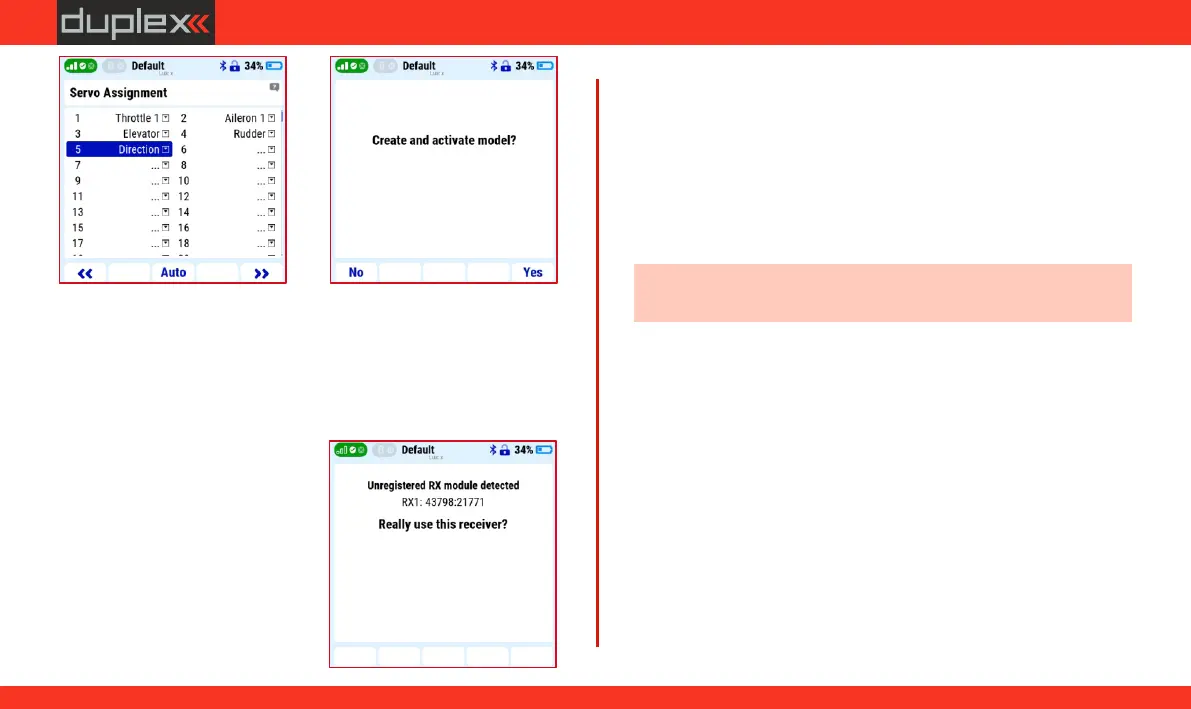
For now, we skip the "Servo setup" and "Pair/bind the receiver(s)
now" menus in the wizard.
3.11.4 Pairing (Binding) receiver with transmitter
The basic procedure of binding the receiver with the transmitter.
1. Select the correct model in the
transmitter menu, turn off the
receiver and transmitter.
2. Insert the binding plug into the
"Ext." output of the receiver
(included in the receiver
package).
3. Connect the power supply to
the receiver.
4. Turn on the transmitter and
confirm the binding of the receiver by the "F5" button.
5. Remove the binding plug from the receiver.
3.11.5 Using a satellite receiver for the 900 Mhz band
The Duplex DC/DS 24II transmitter uses the 2.4GHz band and the
900MHz band. The possibility of using data transmission in two
bands significantly increases the safety of the model's operation.
Therefore, we recommend using dual-band transmission
whenever possible.
Note: Duplex DC-24II transmitter supports Rsat 900NG backup
receiver.
1. In the transmitter "Main menu/ Model/Device explorer/REX
10/Alternative pin configuration" set the receiver output "E1"
option "EX Bus input/backup".
2. Turn off the transmitter and the receiver.
3. Insert the binding plug into the "Ext." output of the Duplex Rsat
900NG satellite receiver.
4. Connect the output "1" of the satellite receiver (900MHzNG) by a
three-wire JR cable to the input "E1" of the REX10 receiver.
5. Turn on the transmitter and receiver.
6. In "Main Menu/Advanced properties/Wireless Modes-Trainer"
select the option "Enable 900MHz backup".
7. Activate the "Pair 900MHz module" option.
8. Remove the binding plug from the satellite 900Mhz receiver.
31
www.modellmarkt24.ch



 To Next Page