4.
4.
computer
radio
control
system
EN
4. Stopping the Servo
T
est
Press the
„F4
(Stop)“
butt
on
to stop the servo
t
est.
5. Display Receiver
Outputs
Press the
„F2
(Servo
Monitor)“
butt
on
to see the
outputs
being
sent
to your selected receiver
channel
.
6.
R
ange
T
est
This
menu line allows you to set the transmitter
output
to its
range
test
mode
.
See the receiver instructions for how to set the receiver to its
range
test
mode
.
9.5.3
V
ie
w
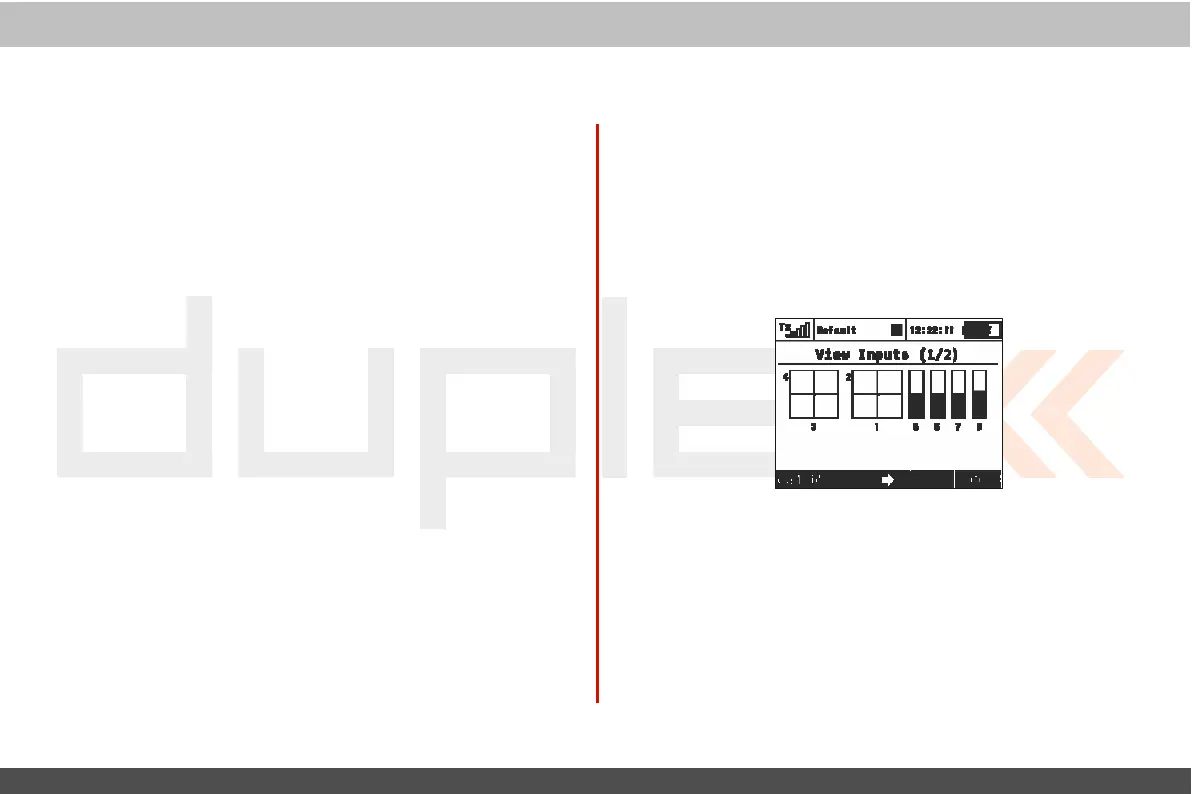
Inputs
This
menu allows you to view input from the transmitter
sticks
,
switches and knobs as
detected
by the transmitter
sof
t
war
e
.
T
his
menu also contains a wizard to guide you through calibrating
y
our
transmitters proportional c
ontr
ols
.
I
t
is
recommended
to calibrate your proportional controls
when:
•
Y
ou
change from modes 1-2 to modes 3-4
•
T
he
proportional controllers do not move to the extremes of
the
graphic
displa
y
1.
C
alibr
a
tion
of Proportional
C
on
tr
ols
Press the
„F1 (Calib)“
button.
Y
ou
will
be asked
if
you
really
want
t
o
perform the calibration. Press the „F5
(Yes)“
button
to confirm.
Follow
the onscreen directions:
Move
all
of the proportional c
ontr
ols
slowly to their maximums a few times and return them to
their
centered
positions
.
Press the „F1
(Calib)“
button
again to finish
calibration.
Y
ou
will
be taken back to the
„
V
ie
w
Inputs (1/2)“ scr
een.



 To Next Page