computer
radio
control
system
EN
9.4.5
S
ensors/L
ogging
S
etup
This
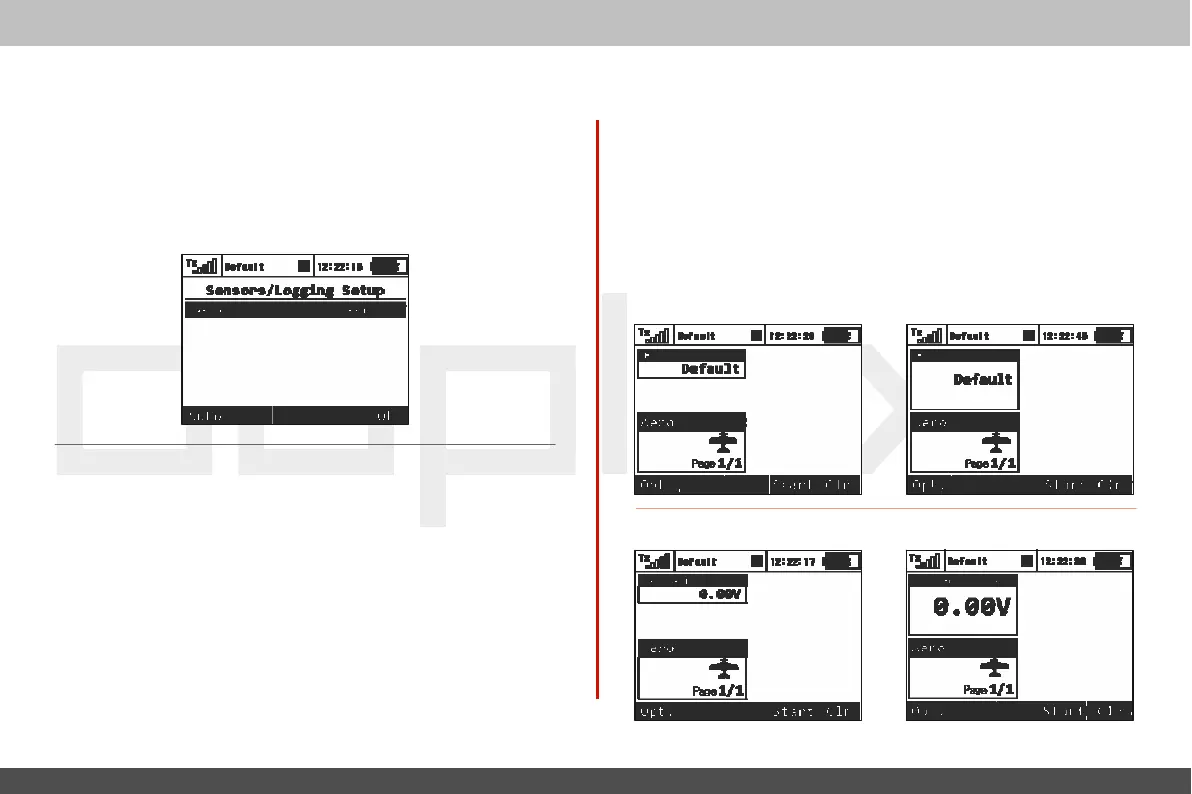
menu lists all of the Duplex
EX
sensors and their values
which
are
operating
in
your
model
.
When you connect a sensor to a
Duplex
EX
receiver it may take several minutes for the sensor to
be
recognized by the transmitter and added to the list.
I
n
this menu you can edit the telemetry
parameters of
each
sensor
.
9.4.6 Displayed
T
elemetr
y
This
menu
lists all
of the user information blocks which are
displa
y
ed
on the
deskt
op
.
Y
ou
can use this menu to manually
add
,
delet
e
,
rename and resize the user information blocks displayed on
the
deskt
op
.
User Block
O
v
er
vie
w:
"F
light
mode" - Name of the
current
flight
mode
„Voltage
Rx“
-
Receiver
V
oltage



 To Next Page