4.
4.
computer
radio
control
system
EN
9.8
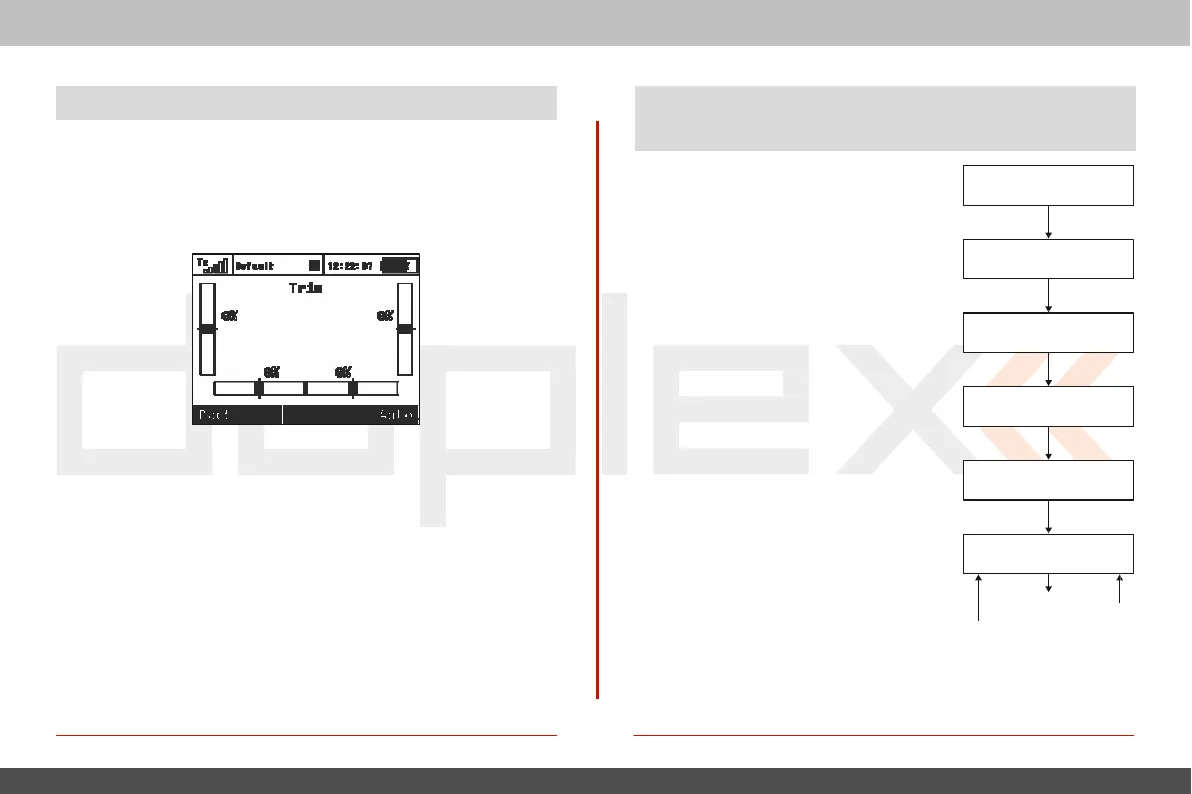
Trim
Menu
This
menu displays the current trim
settings
.
Y
ou
can access
this
menu from the desktop by either pushing the „3D control“ or
b
y
9.9 How
T
r
ansmitt
er
Output
F
unc
tions
are
P
r
oc
essed
This
chart displays how the
transmitt
er
simply pushing one of the trim
butt
ons
.
I
n
this
menu
,
you can
pr
ess
the „F1 (Back)“
button
to exit or push the „F5 (Auto)“
button
t
o
activate the Automatic
T
rim
f
eatur
e
.
When the Automatic
Trim
is
activat
ed
,
the trim is automatically
set
based upon your flight stick
positions
.
T
he
farther the stick
defection, the faster the trim value is set in that direction.
During
the auto-trim process you
still
have normal control of your
model
.
output
functions are processed and
at
what point the various c
o
n
f
i
gu
r
a
t
i
o
n
choices affect the
output
function.
When you move a control device (t
op
block), the
output
function will
mo
v
e
according to its
programmed
func
tion
curve „Menu, >Fine Tuning, >Function
C
u
r
v e
s
“.
A
t t h e
s
a m e t
i
m e a n y
programmed
delay is also
a
pp
li
ed
.
F
o
l
l
o
w
i
n g t h
i
s
,
a
n
y p
r
o
g
r
a
m m e
d
exponential is applied and then any
dual
rate limits are also
applied
.
T
he
next
st
ep
applies any mixes and/or
pr
og
rammed
flight modes to the
output
function.
No
w
,
any servo setup configuration items
(end
p
o
i
n
t
,
s
u
b
t
r
i
m
,
r
e
v
e
r
s
i
ng
,
e
t
c
.
)
a
r
e
implemented
and then any trims or
flight
mode trims are applied to the
channel
’
s
output
function.
Control
Devic
e
Flight Function
C
ur
v
es
Dual
R
ate
–
Exponential
Dual
R
ate
–
T
hr
o
w
M
ix
es
Servo
S
etup
Channels
T
rims
F
light
Mode
T
rims



 To Next Page