computer
radio
control
system
EN
4.
4.
Other
parameters
displayed
in
this menu
ar
e:
•
EX
P
aramet
er
.
Here you can select your sensor and
its
parameter
which
will
act as a source for the
V
ario
system.
T
he
Climb
R
ate
is predefined by default
(if
the
MVARIO EX
is
detected)
but
y
ou
are free to choose one of the other sensors and their
parameters
(for
example: an
RP
M
probe to indicate high
r
ev
olutions).
•
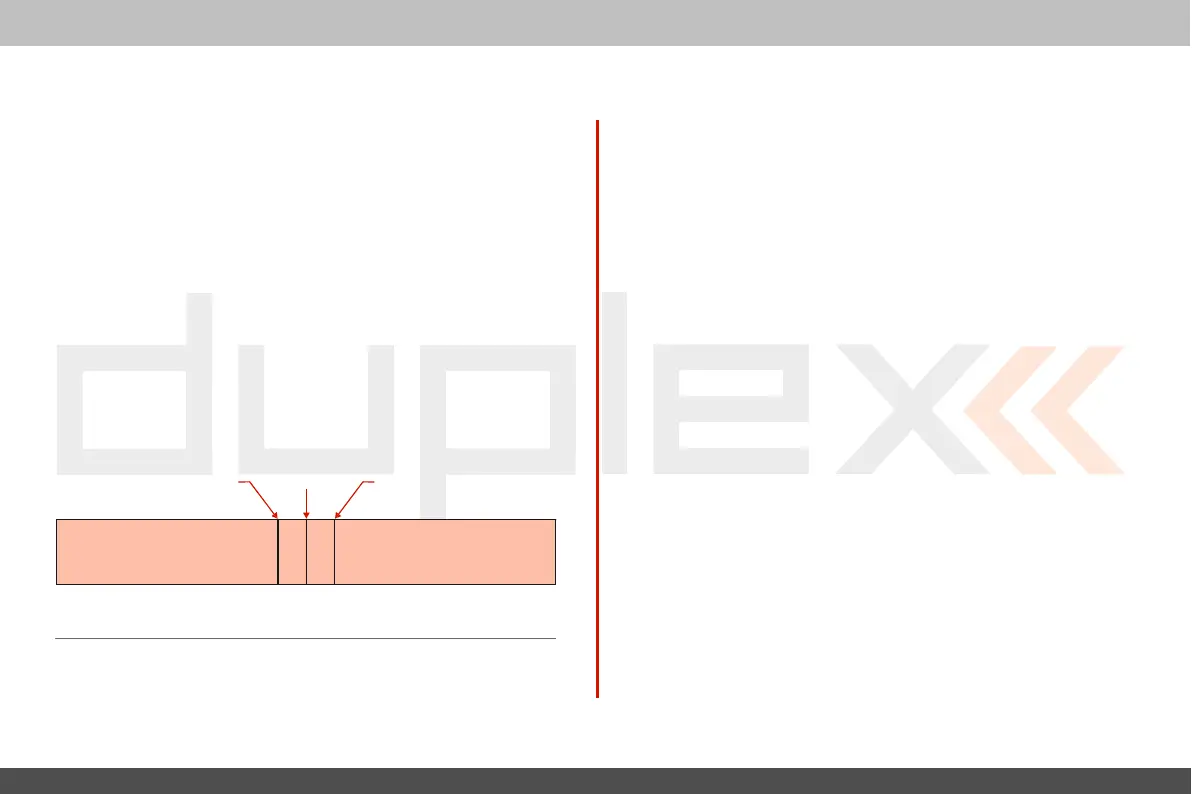
Dead Zone (negative and positive).
This
field sets an
ar
ea
around the centre of the range with no acoustic
sig
nal
.
V
alues
ar
e
relative to the c
ent
er
.
•
R
ange
(minimum, center and maximum). Here you can
define
the full range of the sensor which will be indicated by the
V
ario
sy
st
em.
T
he
actual value of the sensor and its
appropriate
V
ario
output
ar
e
indicated at the
bott
om
of the scr
een.
9.4.4 Voice
Output
This
powerful function makes it easier for
all
modellers who need
t
o
know their actual telemetry values often but they don't want to (or
cannot) look at the display because it may be
inconvenient or
danger
ous
.
Voice output
f
or
a
timer
T
he
first
menu row
r
epresents
settings
f
or
the voice
output
of a
timer
.
T
he
actual status of a single timer can be expressed by a
synthesiz
ed
v
oic
e
.
If
you select the desired timer and a switch, every time
the
switch
is
activat
ed
,
the actual time
is
stated
aloud
.
If
the timer type equals
“Laps”
t
ype
,
another menu row
equipped
with checkbox appears
belo
w
.
I
n
this
r
o
w
,
“Report previous
lap
”
allows you to
determine
whether you want to hear the time of
a
current lap which
is
already
running
,
or hear the time of the
pr
evious
lap which has ended
r
ec
ently
.
Negative dead
zone
C
entr
e
of
r
ange
Positive dead
zone
Minimum Maxim
um
Voice output
f
or
telemetr
y
T
her
e
are two
independent
queues
dedicated
to
output
t
elemetr
y
values
.
T
he
first
queue repeats its message every
x
seconds
(number
of seconds elapsed is displayed over the
F(1)
button).
Y
ou
can
also
P
ermanent
sound
Silence Beeping...
assign a switch to enable or disable the
repeating
of the c
ountdo
wn.
Every
time this switch is
activat
ed
,
the
appropriate
variables
ar
e
reported
by voice and then the c
ountdo
wn
starts a new round until
a
timeout
is
r
eached
.
T
he
second voice queue specifies which variables are
reported only
onc
e
,
after a single press of a switch.
Y
ou
can select a
T
rigger
swit
ch
and a
list
of variables that are
r
epor
t
ed
when the switch
is
activat
ed
.



 To Next Page