EasyManua.ls Logo

Jntech JNP11KH-V4 - Page 72

Default Icon
76 pages
Print Icon
To Next Page IconTo Next Page
To Previous Page IconTo Previous Page
Loading...
·72·
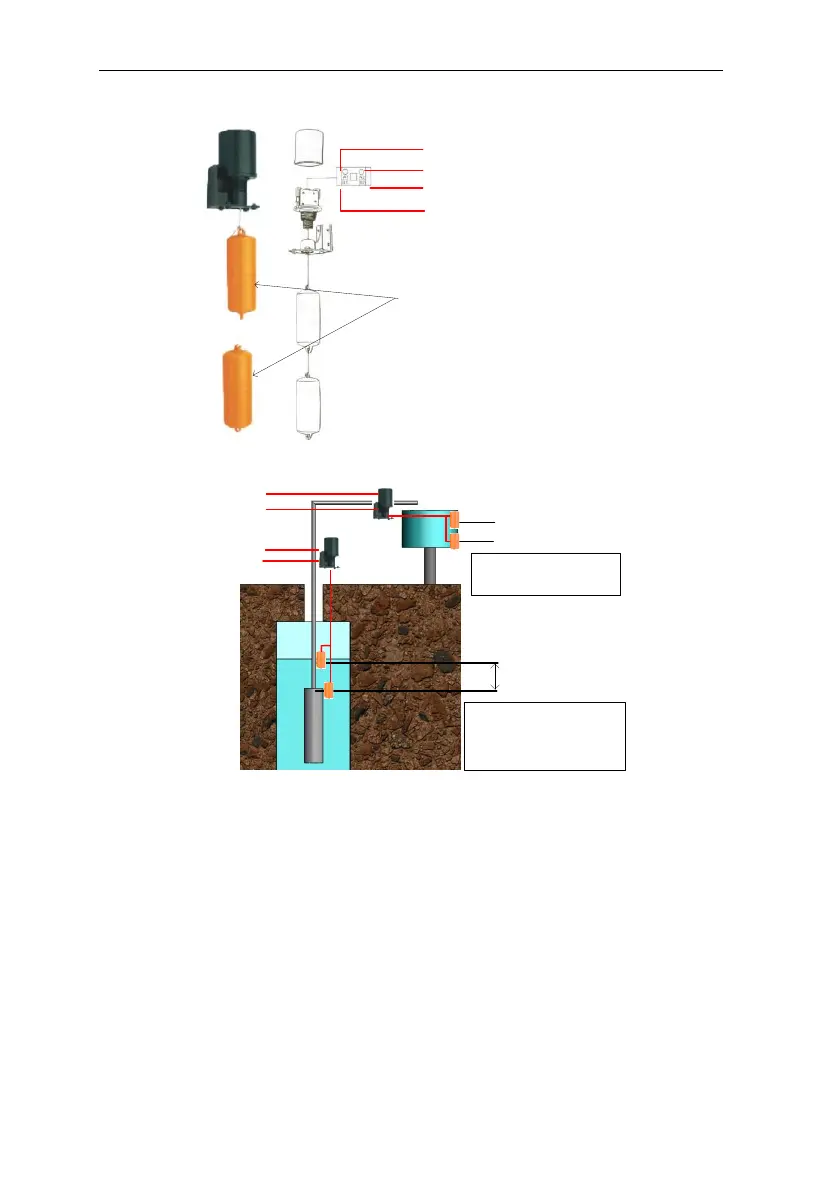
B1 connect to SY
B2 connect to COM
A2 connect to COM
A1 connect to DG
Note: Both yellow shrub-
like hammer, you need
filled water, when you
install sensor A
Figure6-7 The detail figure of Sensor A
A
C
D
S
A:the Installation location of
overflow high water level sensor.
B:the Installation location of
overflow low water level sensor.
1. C:the Installation location of pump
dryed high water level sensor.
2. D:Pump outletthe Installation
location of pump dryed low water
level sensor.
3. S about 1-3 m .
B
To Wa ter le vel
sen sor connecto r
B1 connect To SY
B2 connect to COM
A2 connect to COM
A1 connect to DG

Figure6-8 The installation figure of Sensor A
If you selected water level sensor B, then water sensor installation method is
shown below:

Table of Contents

Related product manuals