65
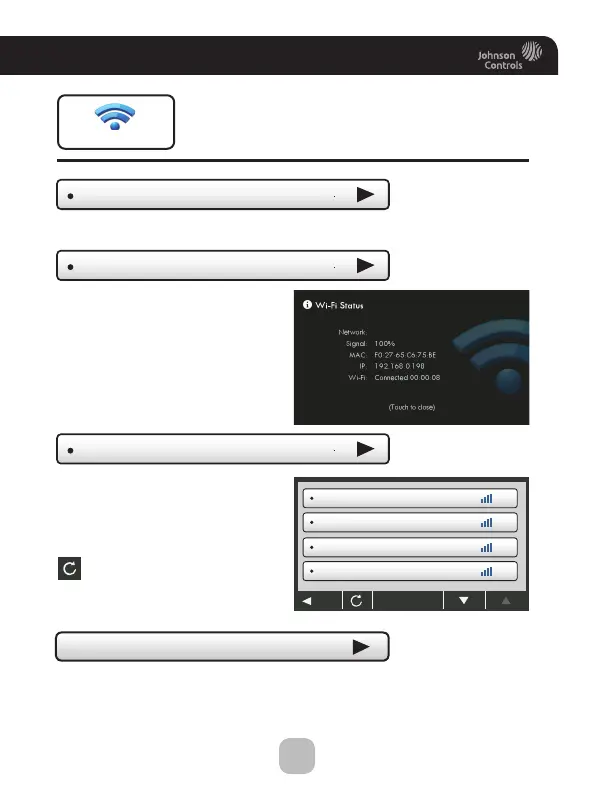
Main Menu Buttons - Wi-Fi
Wi-Fi Status
Wi-Fi Enabled
It is here that you will find
helpful information
regarding the connectivity
status of your thermostat,
including the thermostat’s ID.
This option allows the wifi radio to be turned off or on.
Wi-Fi Setup
Choose your network
from the list and enter
the network password.
If your network does
not appear in the list,
hit the refresh button.
Network Name 1
Network Name 2
Network Name 3
Network Name 4
BACK
Wi-Fi
myoffice
Turning on the local API allows 3rd party software to interface
with your thermostat, such as a home automation system.
• Local API Option









 To Next Page