SECTION 4 - PRINTING
JOHNSON CONTROLS
207
FORM 160.54-O1
ISSUE DATE: 9/10/2014
4
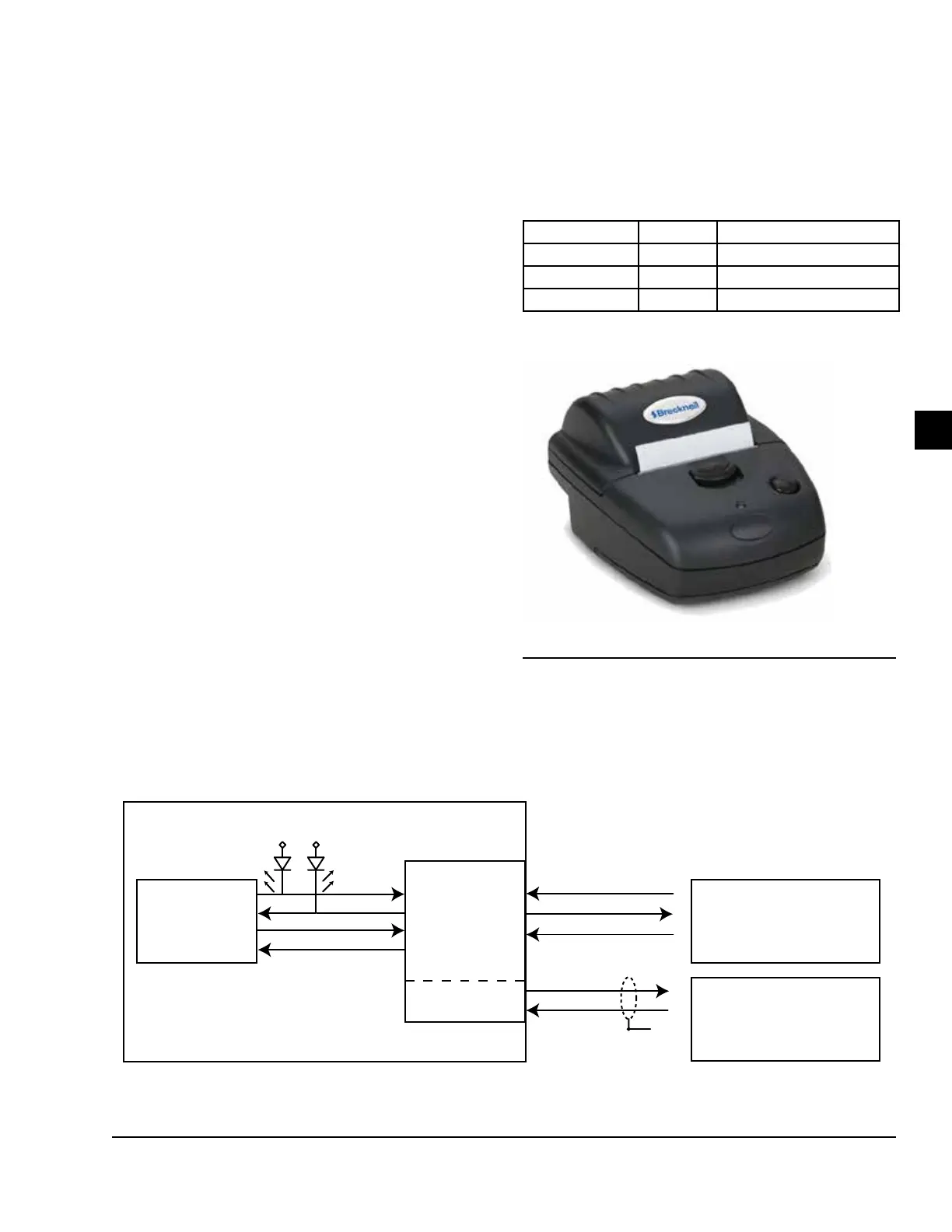
Brecknell –
Models: Brecknell CP130
• Dimensions:
5.25″Longx3.75″Widex2.5″High
• Paper: Thermal 57mm (2.25”)
• Type: Dot Matrix
• Purchase: 800-637-0529 (North America)
+44 (0) 845-246-6717 (Europe & ME)
• P/N AWT 05-505788 (printer, cable, 1 roll of paper)
• P/N AWT 05-505594 (power supply)
• P/N AWT 05-505671 (case, 20 rolls of paper)
PRINTER CONNECTIONS
Connect the printer to the Control Center Microboard
as follows. Only one printer can be connected at a time.
TABLE 6 - BRECKNELL CP130
Modify the cable and connect as shown below.
MICROBOARD PRINTER FUNCTION
J2-4 Pin 3 TX Data to the printer
J2-2 Pin 5 Busy signal from the printer
J2-9 Pin 6 Signal Common
LD17609
FIGURE 63 - BRECKMAN PRINTER
MICRO
OPTIVIEW
R
TX1
G
RX1
PC
HYPERTERMINAL
E-LINK
COM 1
RS-232
TX
DB9
2
5
4
Port 2B
RX
TX
COM
GND
DSR
GTX
GRX
COM 4B
J2
9
4
2
J2
7
6
FIGURE 64 - COMMUNICATIONS BLOCK DIAGRAM
LD14492



 To Next Page
 Loading...







