© 2017 JTECH Medical MN022_M
20
Wireless Dual Inclinometers (9RF303, 9RF304)
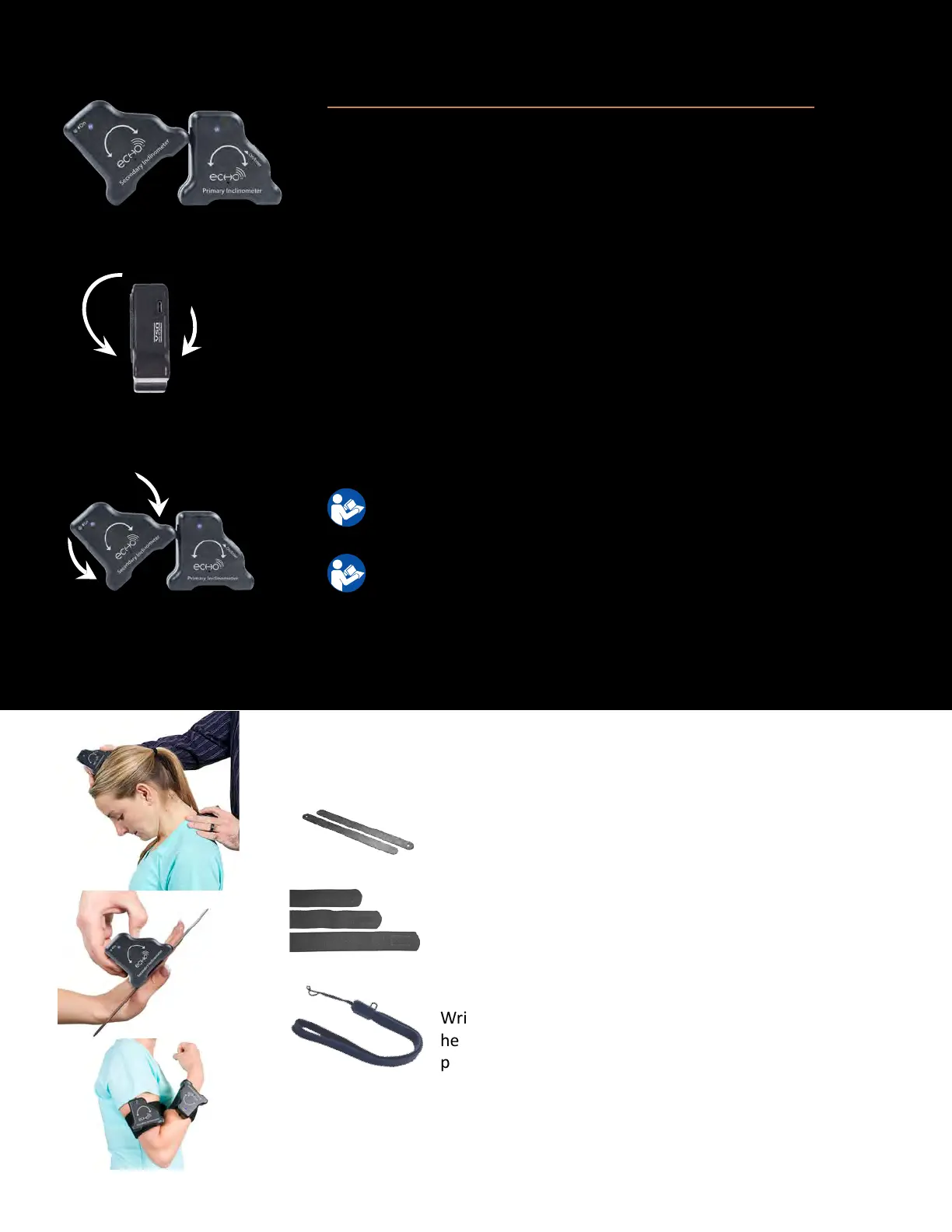
Used to convey funconal abilies concerning Range of Moon (ROM).
(9RF304) (9RF303)
Incorrect moon
Correct moon
1. If using the alignment rails accessory, aach the alignment rail to the
inclinometer by seng the “Feet” of the inclinometer on top of one
alignment rail. Repeat for other inclinometer. To remove the alignment
rail, grasp the alignment rail and inclinometer in opposite hands and
pull to separate.
2. If using VELCRO® straps, aach the VELCRO® strap to the subject and
then aach the back of the inclinometer to the VELCRO® strap using a
slight twisng moon. To remove the inclinometer from the VELCRO®
strap, peel the inclinometer from the VELCRO® strap and then remove
the strap from the subject.
3. Push the “On” buon on the inclinometer to enable communicaon
with the Commander Echo Console. If necessary, repeat this procedure
for the other inclinometer.
For instrucons on operang the Commander Echo Console, please
refer to the Console Secon of the manual.
For instrucons on performing specic tests, please refer to the
oponal Mulmedia Help System CD.
For troubleshoong informaon, please see page 43
For technical specicaons, please see page 52
Alignment Rails (8MH068) – The Alignment Rails
magnecally aach to the Inclinometers for easy visual
conrmaon of alignment.
VELCRO® Straps (AA 026) – The VELCRO® straps can be used
for dynamic range of moon inclinometry tesng. Comes in
a set with Small, Medium, and Large straps.
Accessories
Wrist Lanyard (7AC006) – The Wrist Lanyard is used to
help prevent dropping devices when carrying, or when
performing some tests.



 To Next Page