© 2017 JTECH Medical MN022_M
28
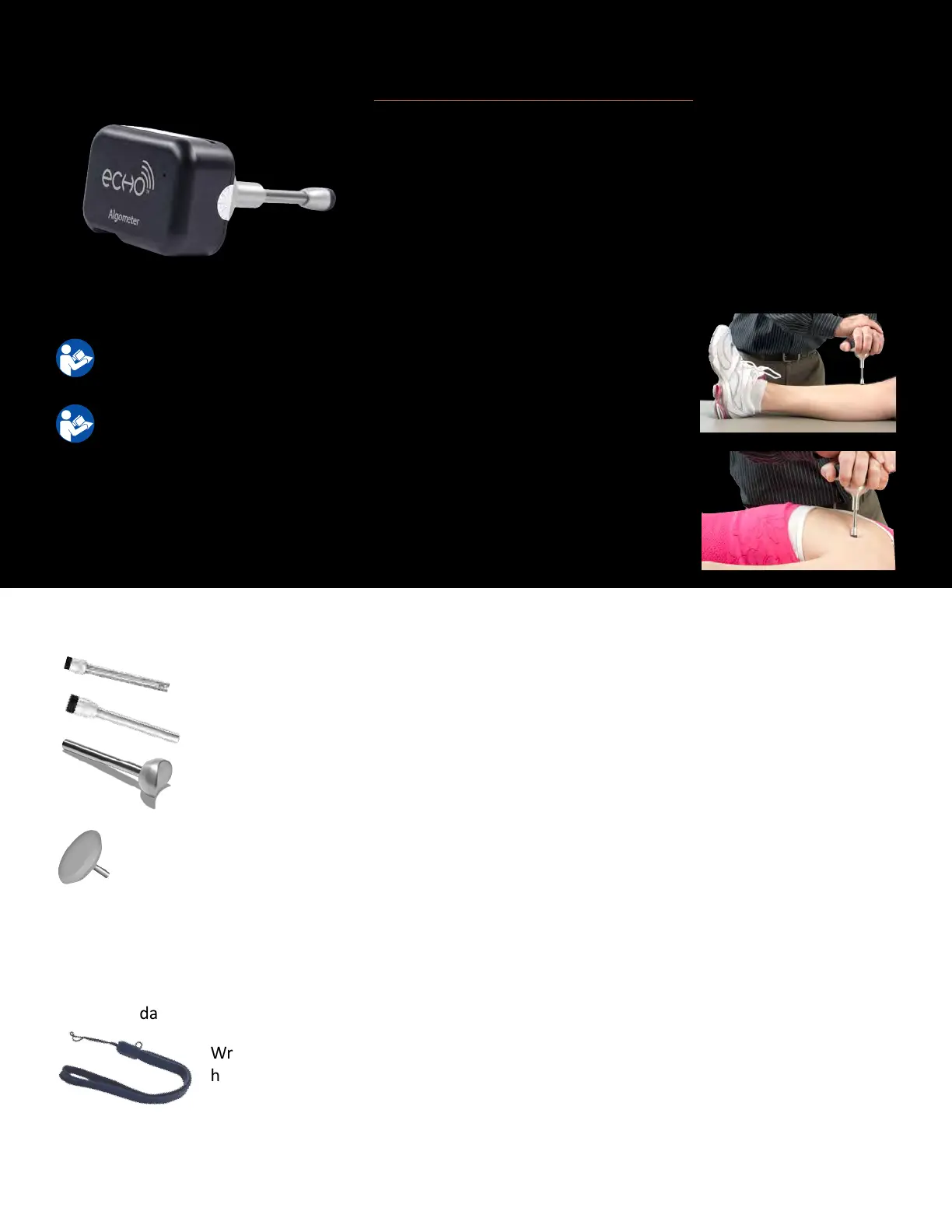
Wireless Algometer (9RF307)
Used to convey pain response and pressure threshold.
For instrucons on operang the Commander Echo Console, please refer
to the Console Secon of the manual.
For instrucons on performing specic tests, please refer to the oponal
Mulmedia Help System CD.
For troubleshoong informaon, please see page 43
For technical specicaons, please see page 55
1. Aach appropriate accessory to Algometer by inserng the
metal sha on the accessory into the accessory receptacle on
the Algometer. Note: One of the Algometry Tips must be used
with the Algometer.
2. Push the “On” buon to enable communicaon with the
Commander Echo Console.
0.5cm
2
Algometer Tip (8AC006) – The 0.5cm
2
Algometer Tip
can be used for cervical tesng.
1.0cm
2
Algometer Tip (8AC005) – The 1.0cm
2
Algometer Tip
conforms to normave tesng.
Finger Tip Adapter (8AC007) – The Finger Tip Adapter converts
the Algometer for tesng individual nger strength.
Accessories
Flat Pad (8AC008) – The at pad is used for calibraon of the
algometer.
Wrist Lanyard (7AC006) – The Wrist Lanyard is used to
help prevent dropping devices when carrying, or when
performing some tests.
Noce: It is recommended not to use the Flat Pad with the
Algometer for anything other than calibraon. Improper use of the
Flat pad could result in exceeding the force limits of the instrument.
Exceeding the force limits of the instrument can permanently
damage the internal components of the Algometer.



 To Next Page