-
37
-
❻
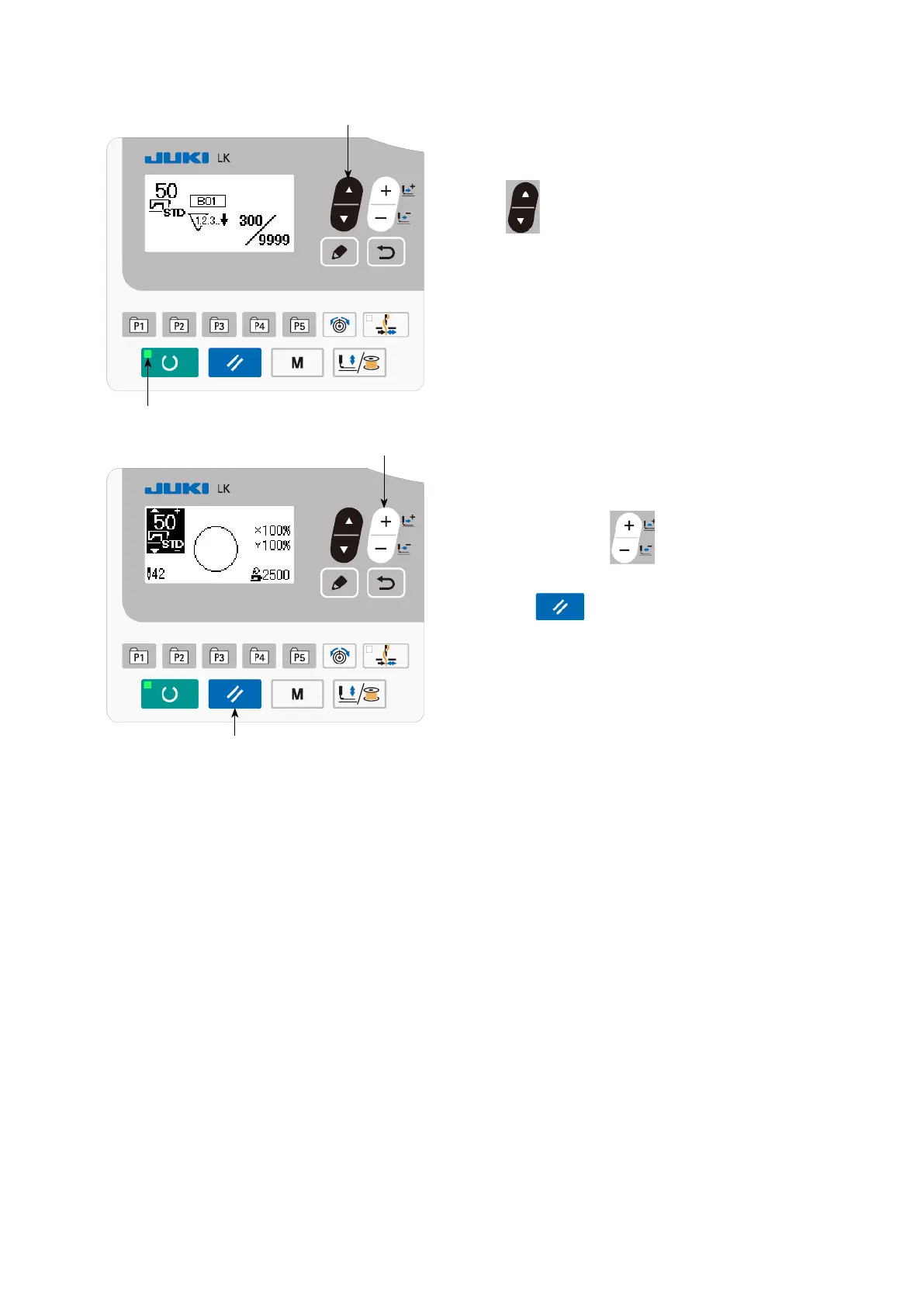
(4) How to check the counter in the ready state
1) Under the sewing mode where SET READY
LED
lights up, press ITEM SELECT key
❻
to display the counter screen.
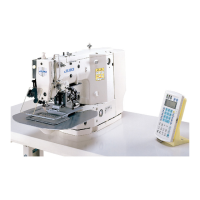
2) On the counter screen, the current value
on the counter can be updated with DATA
CHANGE key
❼
. The current value
on the counter can be cleared with RESET
key
❸
.
* In the case the panel reset key is so set, with
the memory switch U031, as to function as
the pause switch, the pause function is dis-
abled on this screen.
❸
❼



 To Next Page