-
42
-
(2) How to use the communication function
This sewing machine is capable of inputting/outputting data by means of an USB thumb drive.
Name of data Extension Description of data
Vector form data
VD00 ××× .VDT
(×××:001 to 999)
Data on needle entry points created with the PM-
1. The data form is commonly used among JUKI
sewing machine.(User pattern)
3) Selecting the communication direction
Press ITEM SELECT key
❻
to display
pictograph
A
which shows the communication
direction selection.
Press DATA CHANGE key
❼
to select
the communication direction.
: Data shown on the operation panel is
written on the USB thumb drive.
: Data stored on the USB thumb drive is
read into the operation panel.
❻
❼
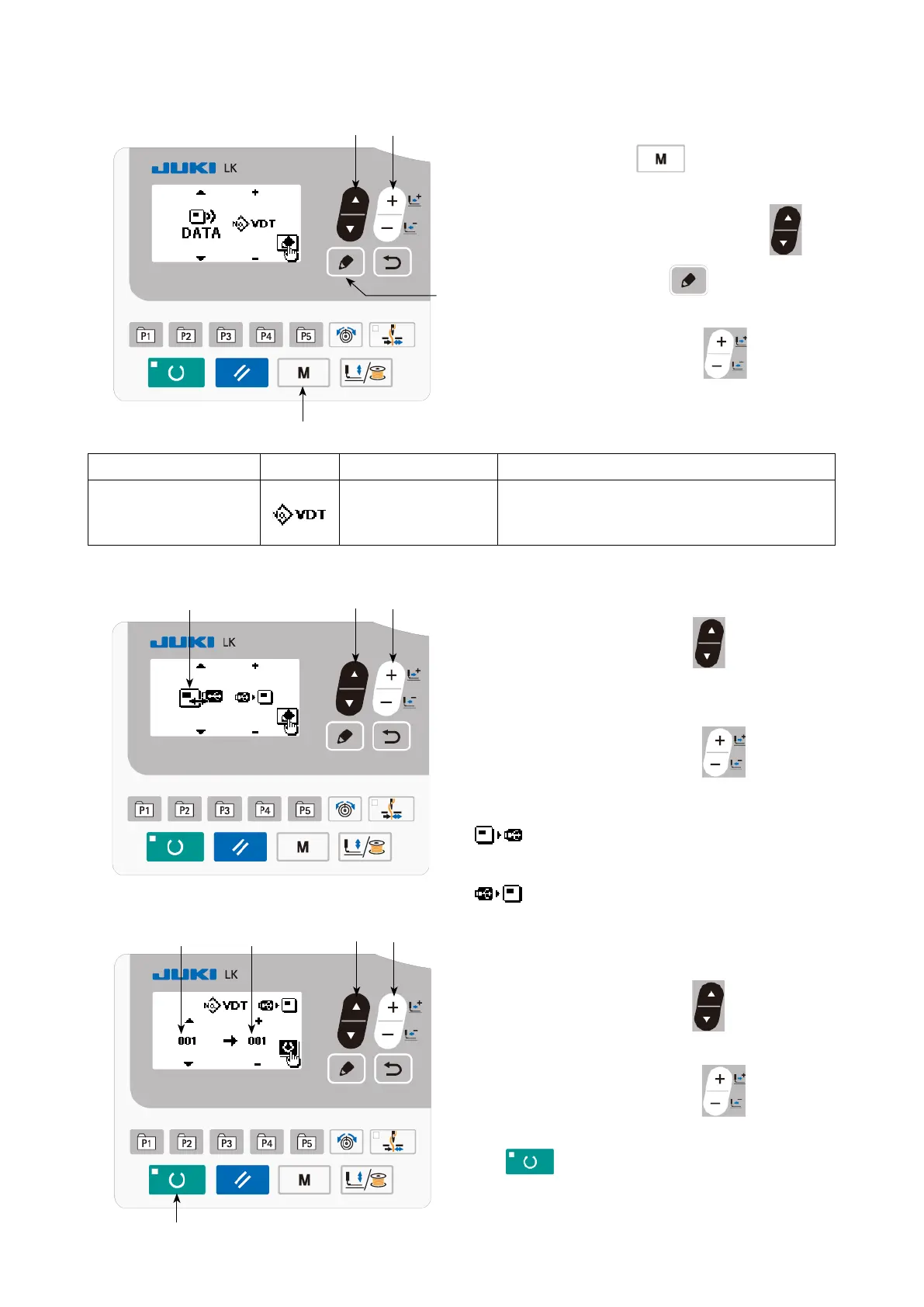
1) Entering the communication mode
Press MODE key
❹
to display the
mode screen. Put the pattern copy in the se-
lected state with ITEM SELECT key
❻
.
Then, press EDIT key
❽
.
2) Selecting the type of communication
Press DATA CHANGE key
❼
to select
the type of communication.
A
❻
❻
❼
❼
❷
4) Selecting the number
Press ITEM SELECT key
❻
to select le
No.
B
to be read.
Press DATA CHANGE key
❼
to select
le No.
C
to be written. Press set READY key
❷
to write the data in le No.
C
.
❹
❽
B C



 To Next Page