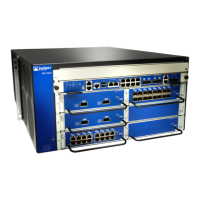
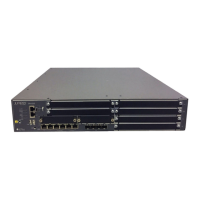
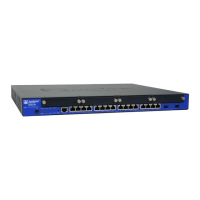
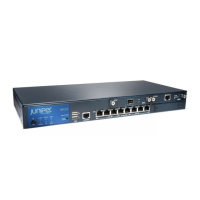
[edit]
admin# exit
admin>
Related
Documentation
• SRX345 Services Gateway Software Configuration Overview on page 67
• Understanding SRX345 Services Gateway Factory-Default Settings on page 68
• Viewing SRX345 Services Gateway Factory-Default Settings on page 69
• Accessing J-Web on the SRX345 Services Gateway on page 71
• Configuring the SRX345 Services Gateway Using the J-Web Setup Wizard on page 72
• Accessing the CLI on the SRX345 Services Gateway on page 76
• Connecting to the SRX345 Services Gateway from the CLI Remotely on page 77
81Copyright © 2017, Juniper Networks, Inc.
Chapter 18: Performing the Initial Configuration


 To Next Page