DN112-06v02
JYE Tech - 22 - www.jyetech.com
Remarks: After received this command DSO112A will return
the same device information as in Query command
and enter USB Scope mode.
Disconnect
Function: Set DSO112A back to Standalone mode
Format:
Return: None
Remarks: After received this command DSO112A will go back
to standalone mode.
Note: Alternatively touch the “Exit” button on panel will
also make DSO112A exit USB Scope mode and
back to standalone mode.
Get Configuration
Function: Read the ranges of parameters used in DSO112A
Format:
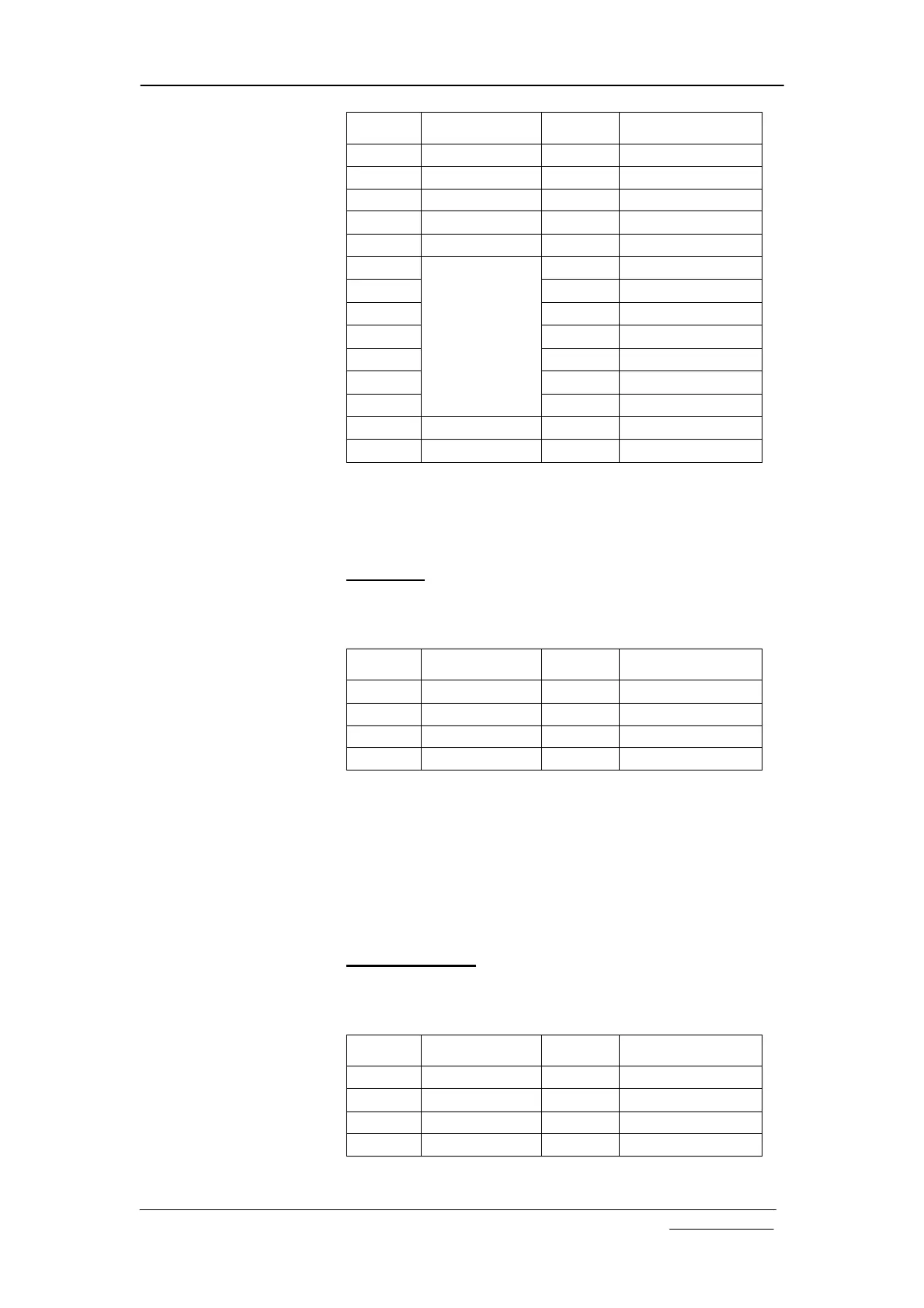
Offset Field Name Size Value
-1 Sync character
1 0xFE
0 Frame ID 1 0xE2
1 Frame Size 2 14
3 Device type 1 ‘O’ (for DSO)
4 Model 1 5 (for 112A)
5 1 ‘D’
6 1 ‘S’
7 1 ‘O’
8 1 ‘1’
9 1 ‘1’
10 1 ‘2’
11
Description
1 ‘A’
12 End of string 1 0x00
13 Reserved 1 0x00
Offset Field Name Size Value
-1 Sync character
1 0xFE
0 Frame ID 1 0xE9
1 Frame Size 2 4
3 Reserved 1 0x00
Offset Field Name Size Value
-1 Sync character
1 0xFE
0 Frame ID 1 0xC0
1 Frame Size 2 4
3 Sub Command
1 0x20


 To Next Page