Operation
8 --- 28
8Operation
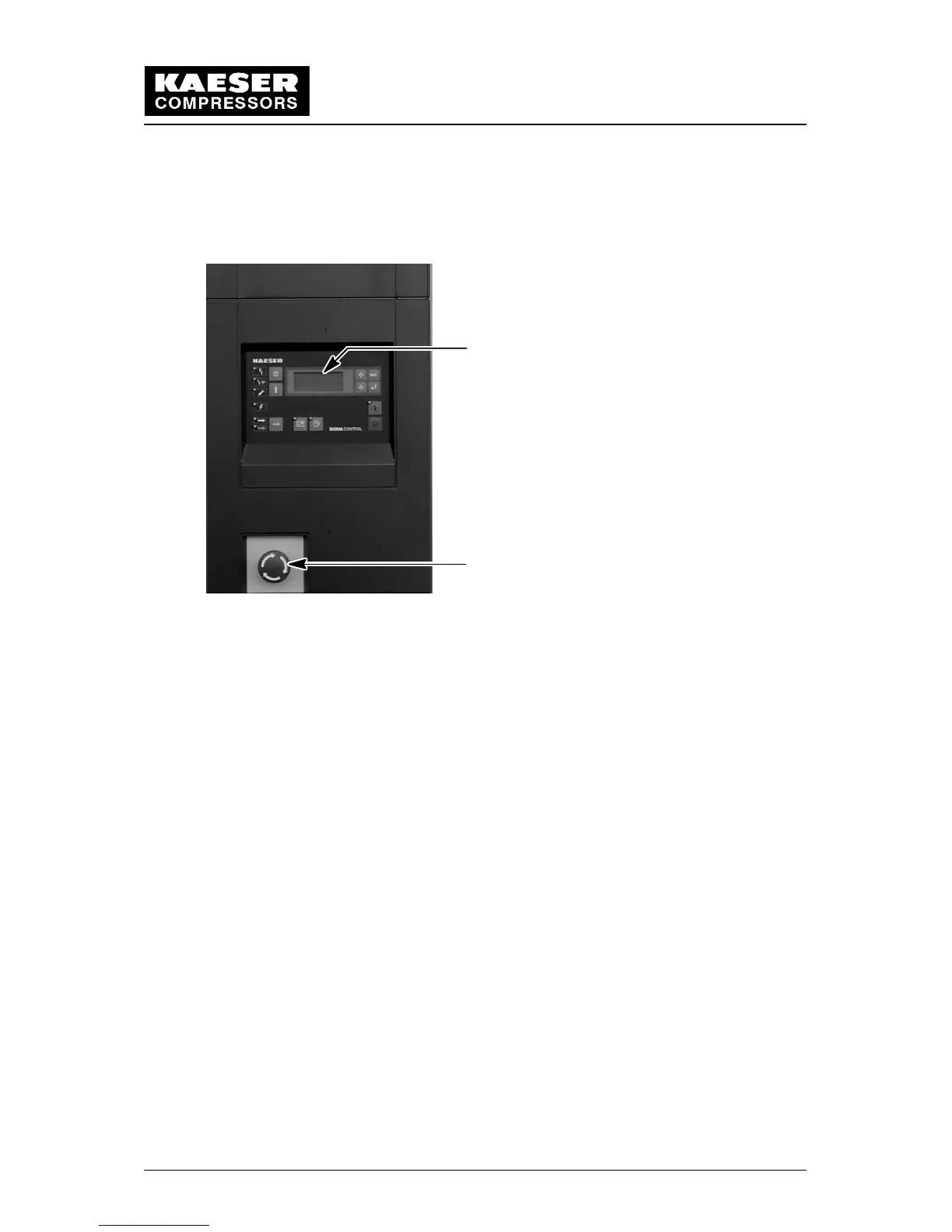
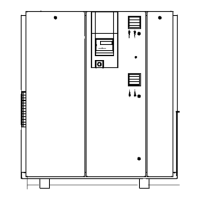
8.1 Control Panel
1
2
1 SIGMA CONTROL
2 EMERGENCYSTOP pushbutton
8.2 SIGMA controller
The SIGMA controller (1) is fitted in the control cabinet in the compressor package and
serves as the control panel. It has 11 keys and 9 LEDs. Operation of the compressor pack-
age is determined by the settings programmed into the controller.
Further details on individual function keys, LEDs and plain text display relating to possible
alarms and service messages, display of events, etc. are given in the service manual sup-
plied for the SIGMA CONTROL controller.
8.3 Emergency Stop Pushbutton
The Emergency Stop pushbutton shuts down the compressor package immediately.
If the Emergency Stop pushbutton is pressed because of an existing hazard, then this
must be eliminated before the compressor package is reset. To accomplish this the follow-
ing procedure must be carried out:
Unlatch the Emergency Stop pushbutton by turning in the direction of the arrows.
Acknowledge the alarm message on the controller by pressing the acknowledge
(reset) key. (function keys see chapter 8.3.1.)


 To Next Page