Maintenance
9 --- 41
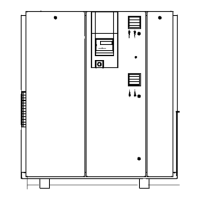
Remove cover panel (2, siee chapter 9.2).
1
2
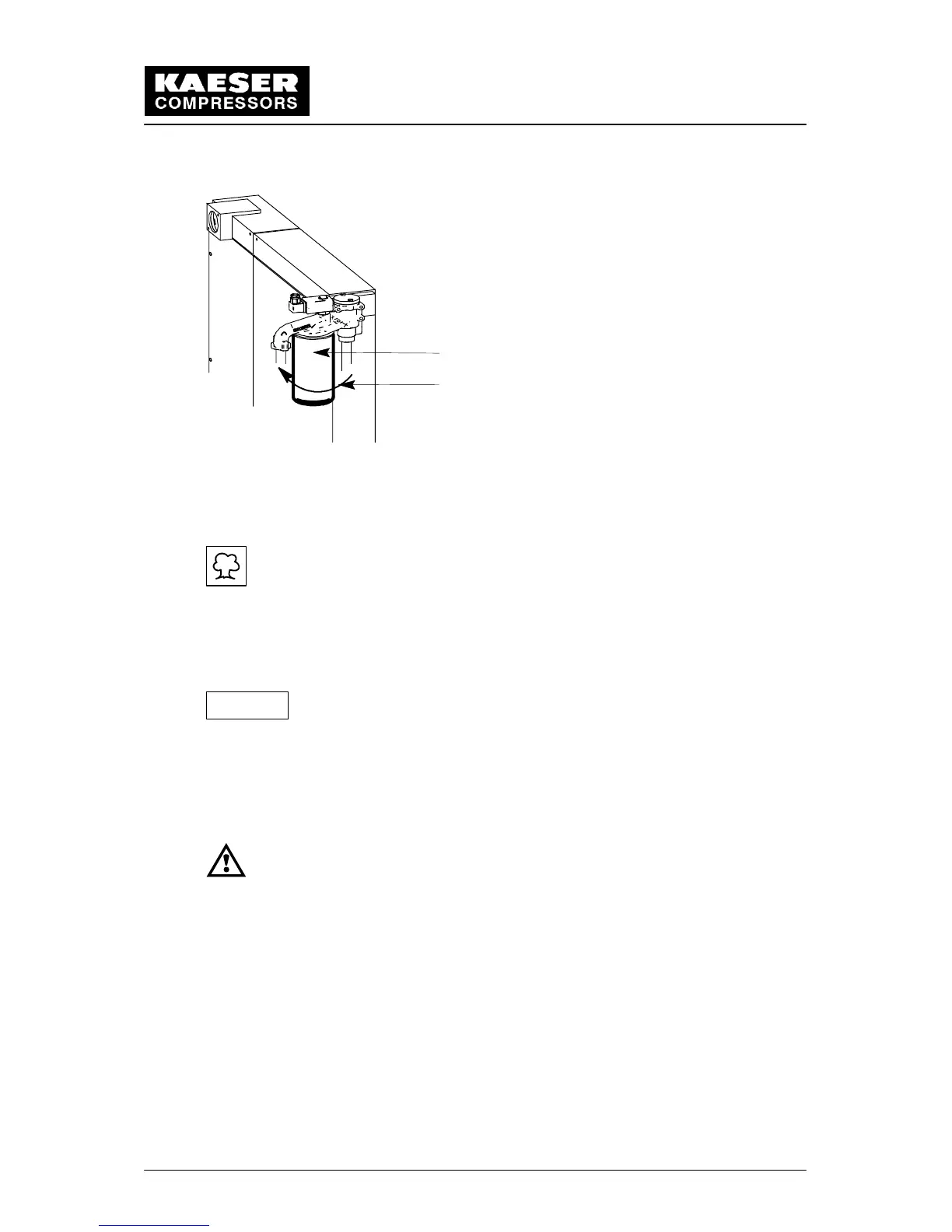
1 Oil filter cartridge
2 Turn in this direction to unscrew the cartridge
Twist the used or contaminated oil filter cartridge counter clockwise to remove and
catch escaping oil in a suitable container.
Dispose of the old oil filter and any used, accumulated oil according to
environmental care regulations!
Clean the face of the combination block with a lint free cloth.
Lightly oil the gasket of the new filter cartridge before screwing into position.
Screw in the new filter cartridge clockwise by hand until the gasket fits tightly.
Do not use a tool as this may cause damage to the oil filter cartridge
and the gasket.
Check the oil level (see chapter 9.11).
Close all maintenance doors and reattach all cover panels.
Open the isolation shut---off valve between the compressor and the compressed air
system.
Perform a test run
When the operating temperature is reached (see chapter 1.1), shut
down the compressor package (see chapter 8.4) and lock the main
disconnect in the ”off” position in accordance with applicable lock out/
tag out procedures (example: OSHA CFR 29 § 1910.147) to ensure the
compressor does not restart.
Afterwards, carry out a visual check for leaks.
Attention!


 To Next Page