Maintenance
9 --- 43
1
2
3
4
9
11
12
10
5
B
A
low
high
a
b
c
8
7
6
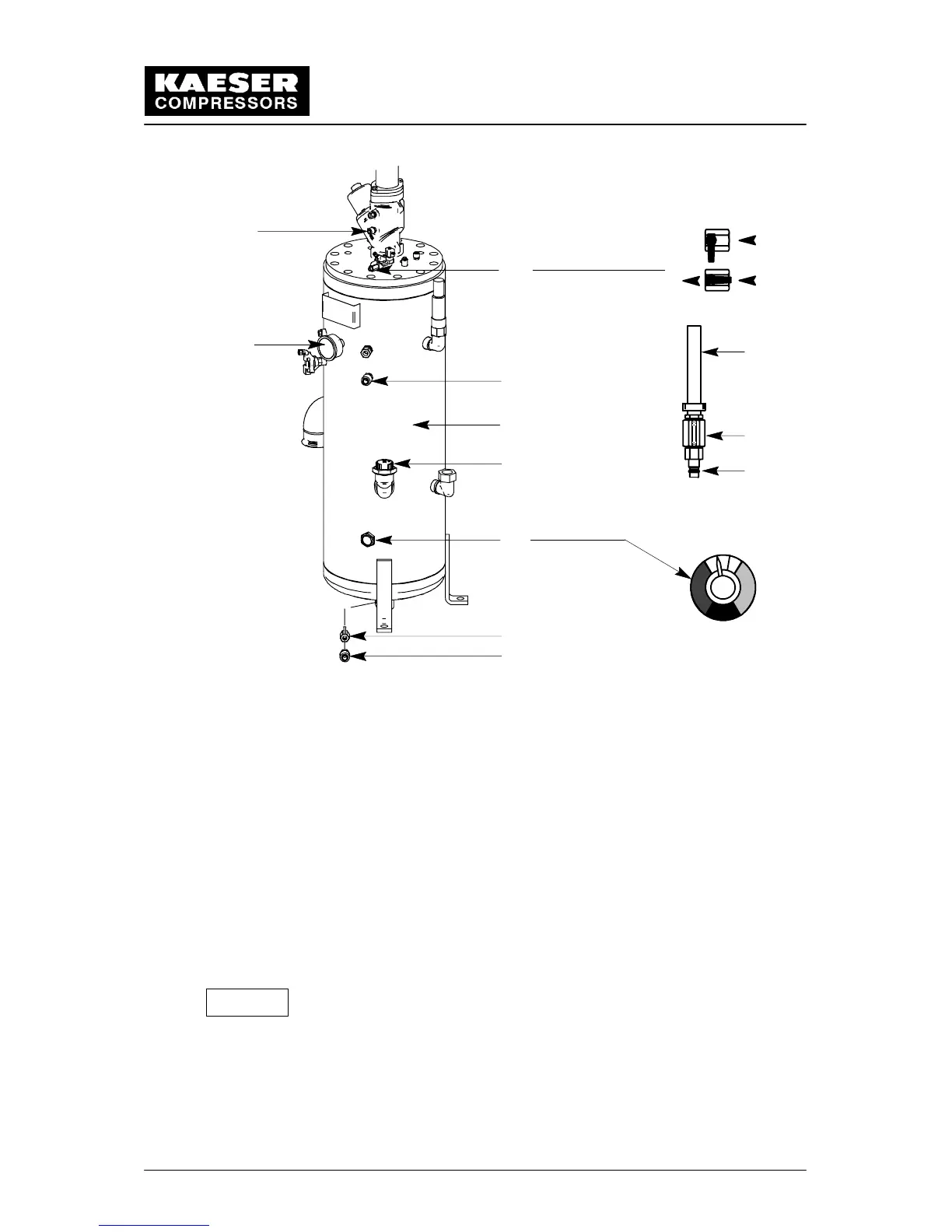
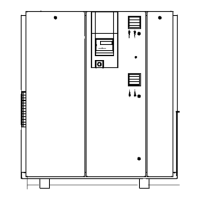
1 Ball valve 4 Filler plug 8 Maintenance hose (6---8)
A shut (oil top --- off) 9 Oil level indicator
B open 5 Oil separator tank 10 Hose coupling
2 Pressure gauge 6 Nozzle 11 Ball valve (oil drain)
3 Hose coupling 7 Ball valve 12 Hose coupling
9 Oil level indicator:
a) Optimum oil level (green zone)
b) Oil level too high (amber zone)
c) Oil level to low (red zone)
Unscrew the oil filler plug (4) on the oil separator tank.
Fill with oil up to the maximum indicator level. See chapter 1.7 for the oil volume
needed to increase the indicated level from minimum to maximum.
Check the sealing ring of the filler plug (4) for damage and then replace the filler plug.
Close all maintenance doors and reattach all cover panels.
Open the isolation shut---off valve between the compressor and the compressed air
system.
After an oil change or oil cooler cleaning (with removal of the oil
cooler) run the compressor package up to operating temperature to
ensure that the combination valve closes and that the oil cooler is
flooded with oil.
Afterwards, repeat the procedures ‘‘Venting the Compressor Package’’
(chapter 9.9) and “Topping off the Oil”
(chapter 9.11).
Attention!


 To Next Page