–18–
BEFORE PLAYING A DISC
1. To play a disc, turn on the TV or monitor and select the video input source to which the DVD-2 is
connected (e.g. VIDEO 1, 2 or 3. )
2. If the DVD-2 is connected to a separate sound syst em, turn on the audi o system and select the audio
input to which t he DVD- 2 i s connected.
3. If desired, go to the SETUP menu and set the playback picture size based on the aspect ratio of the
connected TV or monitor. The available settings are 4:3 Pan & Scan, 4:3 Letter Box and 16:9.
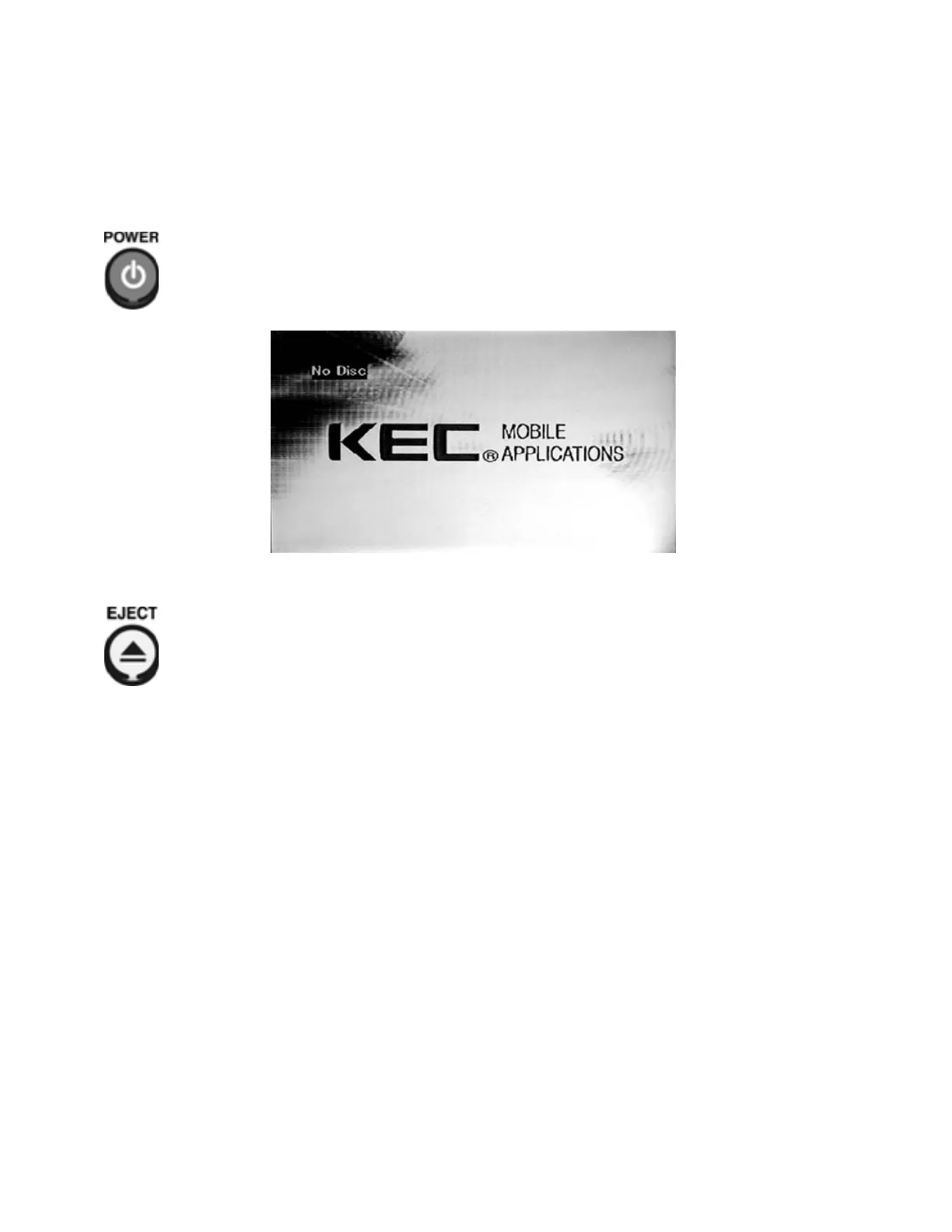
Press t he DVD-2’s POWE R but ton. If power is off, inserting a disc will automatically turn power on.
“Loading” wil l be displ ayed on the screen. If no disc is in the pl ayer, “Loading” wil l be followed by "No Di sc".
Press t he EJECT button if you wish to ej ect a disc.
Notes:
• Disc s should alwa ys be inserted wit h the label facing up.
• Whenever
∅ i s displayed on screen aft er any button pr ess, it means that the command associ at ed
with that button is either not available with the disc that is being played, or that the command is
temporarily unavailabl e because the DVD- 2 is busy carr ying out anot her operation.
• The player will automatically power of f if "No Disc" is displayed on t he screen f or 8 minutes.
Caution s:
• Avoid movement of or shock to the DVD player when a disc is playi ng.
• A disc may be damaged if it is ejected by force.
• Never insert any object other than a disc i n t he slot .
• Certain funct ions may not oper at e or may operat e diff er ently dependi ng on t he disc.
Ref er to the notes accompanying the disc.


 To Next Page