–23–
DVD-2 SETUP MENU – VIDEO
SELECTING ASPECT RATIO & TV SYSTEM
The Video Menu - Selecting Aspect Ratio & TV System
The Video Menu lets you select the appropriate screen type for your television or monitor, and the TV
System standard for t he country in which you will be using the player.
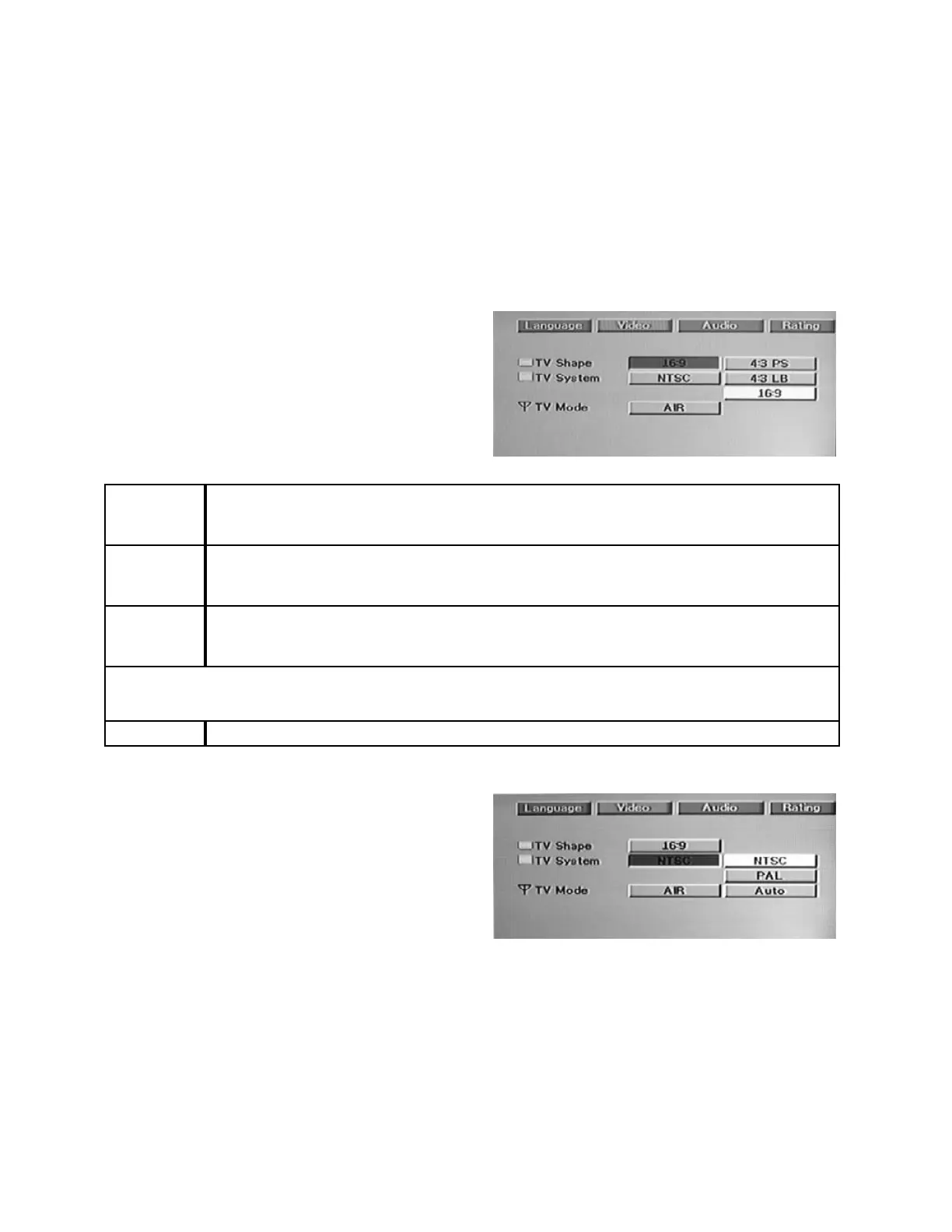
TV Sh ape ( Aspect Rat io)
Select the appropriate screen type for your television or monitor. If you have a conventional screen, choose
either 4: 3 PS (Pa n & Scan) or 4:3 LB (Lett erbox). If you have a wide-scr een televisi on or monit or, sel ect
16:9. See the chart below for a more detailed explanation.
Procedure:
1. Press the SETUP button.
2. Pr ess t he X ARROW button to highlight “Video”
3. Press the ENTER button to display the VIDEO
sub-menu.
4. Press t he ENTER button again to di splay the TV
Shape options.
5. Highlight your choice using the ARROW buttons
and press ENTE R to select it.
TV Shape
(Aspect
Ratio)
De sc r i pt i on
4:3 Pan Scan
The entire scr een wi ll be fil led with a pict ure. Since a widescr een picture cannot all f it on a
conventional 4:3 screen without letterboxing, some portion of the left or right side (or a
combination of both sides) of the original widescreen movie will be cut of f.
4:3 Letterbox
Widescreen movie s wi ll be pl ayed back as they were f ilmed wit h t he enti re pi cture
displayed. However, there will be black bands at the top and bottom of the screen. Note
that non-let terboxed movies will st ill fill the entire screen.
Note: Choosing Pan & Scan or Letterbox is a matter of personal taste. You may pref er a picture t hat f ills the
ent ire screen, even though some of t he orig inal pictur e i s missi ng. Or you may prefer to see a wi descr een
mo vie exactly as the direct or int en de d, even though t he bl ack bands result in a small er overall pi cture.
16:9 Select this ONLY if the DVD-1 is connected to a widescreen television or monitor.
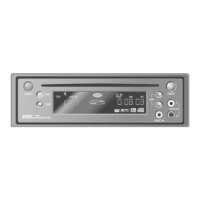
TV SYSTEM – I MPORTANT – PL EA SE R EAD C AR EFULL Y
This unit is preset to NTSC at the factory.
Do not change this setting unless you will be using
the DVD-2 in a country that uses the PAL System.
An incorrect setting will result in a very poor black &
white picture or no picture at all.
Note:
TV Mode, the t hird item shown on t he Video sub-menu, will only appear on t he DVD-2T. Please ref er to
Page 17 in the CONNECTIONS section of this manual for further information.


 To Next Page