–30–
REFERENCE
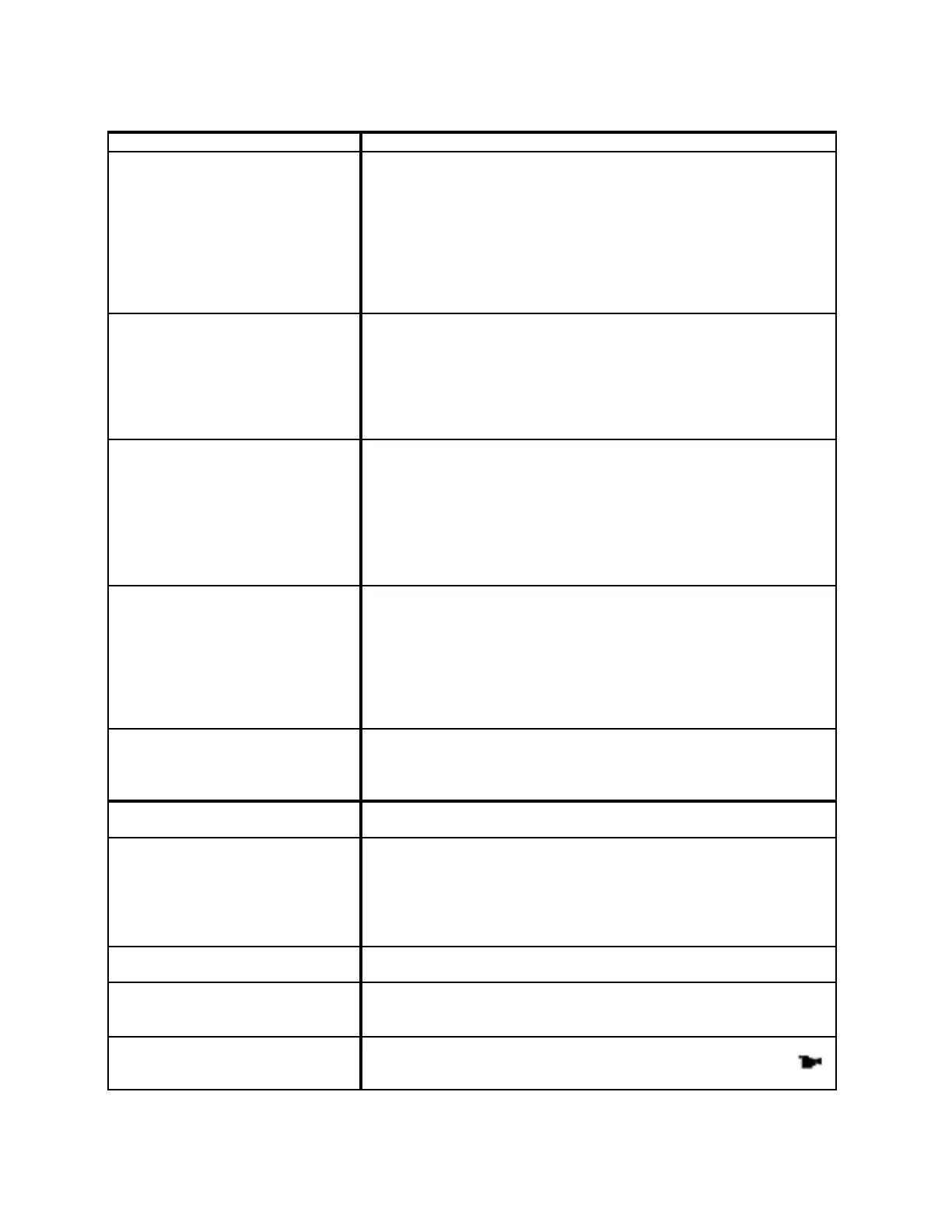
TROUBLESHOOTI NG GUIDE
SYMPTO M POSSI BLE CAUSE / SOLUTION
No picture on screen.
Poor or unstable picture on screen.
Black& White picture on screen.
Is TV/Monitor powered on?
Is TV/Monitor input set correctly (AV1 or AV2 or AV3)?
Is power being supplied to both DVD Player and monit or ?
Is DVD Player in "PLAY” mode?
Is di sc cl ean and undamaged?
Note that poorly manufactured disc may not be fully readable by the
player.
Is DVD Player or TV/Monitor set to PAL with NTSC disc?
Is DVD Player or TV/Monitor set to NTSC with PAL disc?
No sound or poor quali ty sound. Is audi o output level set to zero (refer to Item #9 on DVD-2 Remote
Cont roller diagram)?
Are audio cables correctly and securely connected?
If DVD Player is connect ed to Dolby Digital Amplif ier is it powered
on and are the Di git al Audi o Output setti ngs correctl y?
Is the unit in slow, st ill or scanning mode? (ther e i s no audi o output
in these modes) .
Remote controller does not work. Are the bat teries i n t he remot e control ler fresh?
Was an R-Link cable incorrectly plugged into the Remote Sensor In
Jack inst ead of int o the R-Link I n or Out Jacks on the rear panel of
the DVD- 2? ( This impr oper connecti on interrupt s all re mote con trol
capabi lity).
Is the remote controller pointed at the remote sensor, or is it too far
from the remote sensor or is there an obstacle in the path of the
remote controller and t he remote sensor ?
No vi deo and/ or audio, or the di sc
is ejected after 2~5 seconds.
Has the environment around the DVD player or disc changed from
cold to warm? This is a common occurrence in mobile or outdoor
installations – especially in the morning. DEW (condensation) may
have formed on the disc or in the player. The built -in DEW
protect ion f unct ion will activate and eject the disc. Leave power to
the DVD pl ayer ON for 1~2 hours so that heat has a chance t o
evaporate the moisture. After moisture disappears, the disc can be
played.
The DVD pl ayer does not work. Is a disc inser ted in the player?
Is a disc inser ted upside down? (Disc label should be facing up).
Is the voltage supply adequate?
Does the disc Region Code match the DVD player Region Code?
DVD pl ayer does not work as
expected based on i nit ial settings.
Some initial settings may operate differently depending on the wa
a
DVD disc was recorded.
Screen aspect rati o does not
appear as selected.
Various DVD discs are recorded and manufactured with differing
aspect ratios (e.g.16:9 or 2.35:1 Wide Screen, 4:3 Movie, 4:3 Pan &
Scan, etc.)
Chec k the case of the DVD disc and select the appr opriate screen
shape. Your TV or Monit or may al so have scr een and/ or zoom
adjustment functions.
The Dolby Digital 5.1 Channel
sound does not oper at e.
You must have a Dolby Digital 5.1 Processor/Amplifier to enjoy
Dolby Digital 5.1 recorded discs.
Audio and/or subtitle language has
been chosen in setup but doesn’t
work.
A DVD disc must have been recorded in the chosen language(s) in
order for such language(s) to operate.
Camera Angles does not oper at e in
disc play.
You can change camera angl es on scr een only when dif fer ent
camera angles have been recorded on all or part of the disc. A
symbol will be displayed on the DVD-2 Display Screen.


 To Next Page