–28–
ADVANCED OPERATION & SPECIAL FEATUR ES
The GOTO Button – Locating A Specific Point On The Disc
The DVD-2 can be dir ected t o locat e the desired screen or select ion by el apsed time, tit le, chapt er or tr ack.
To l ocat e a speci fic point by el apsed t ime:
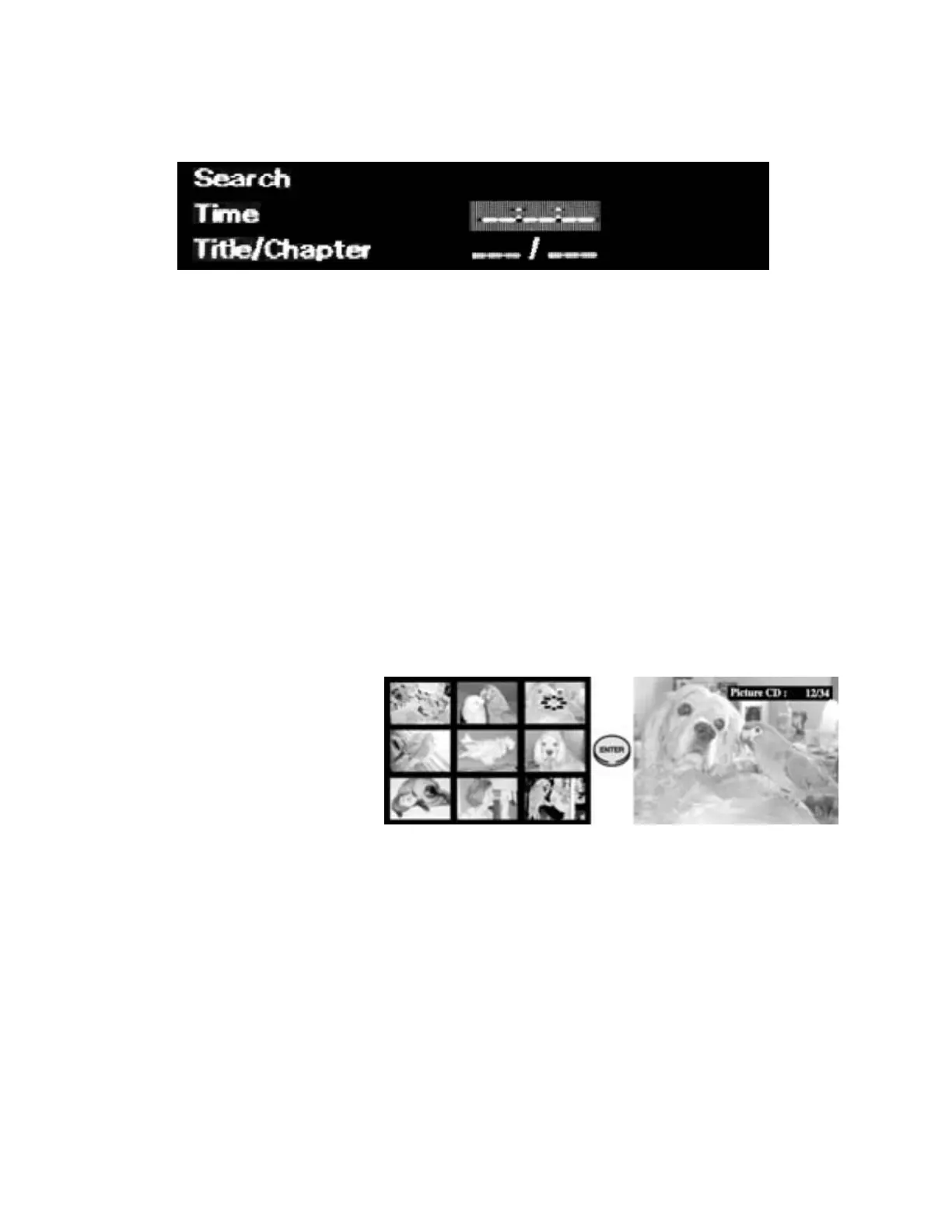
1. Press the GOTO butt on. The SEARCH scr een wi ll be di splayed.
2. Press the ARROW buttons to move to the time setting entry line.
3. Ent er the desired ti me using the numeric keypad on t he DVD-1 r emot e cont rol ler using the f ormat
HMMSS. For exa mple, t o advance to 1 hour 7 minutes and 12 seconds, press 1, 0, 7, 1, 2.
4. Press the ENTER but ton.
To locate a specific point by title or chapter:
1. Press the GOTO button to display the SEARCH screen.
2. Press the ARROW buttons to move to the Title/Chapter entry line.
3. Ent er the desired tit le and chapter usi ng the numeric keypad on t he DVD-1 r emote cont roller. If you
wish to advance to a chapter in the current title, it is only necessary to enter the chapter number.
4. Press the ENTER but ton.
Viewing JPEG Files
1. Insert the disc containing JPEG files. Make sure that the disc's label is facing up.
2. The DVD-2 f ront panel will flash “LOAD”. Aft er some time (dependi ng o n t he n umber and size of JPEG
files on the disc), the number of JPEG f iles f ound will be displayed.
The Slide show will begin automatically at the f irst picture. Each picture will be displayed for 10
seconds.
3. Press the PAUSE button to stop the slideshow. Press the PLAY button to resume.
• Press the MENU button to display
thumbnail pictures – 9 per screen.
• Use the ARROW and PREV/ NEXT
butt ons to navi gate these scr eens.
• Press the ENTER button to display
a hi ghlight ed pict ur e.
• Press the ANGLE button to rotate a displayed picture in 90 degree steps.
• Press the ZOOM butt on to enlarge or reduce a displayed picture.
• A JPEG file may be selected directly using the numeric keypad and ENTER button.
• Press the STOP button to display a directory listing of the JPEG files on the disc. The JPEG directory
is navigated in the same manner as the MP3/WMA directory (see page 20).
NOTES
• A slide show can consist of up to 999 pictures.
• JPG/JPEG files are the only picture files that will be recognized.
• JPEG filenames may not use the following symbols: ( \ / : * ! " < > | )
• Some JPEG files and/or discs may not be recognized by the DVD-2 depending on the recording
conditions.
If a disc has both MP3/WMA files and JPEG file, the DVD-2 will play the audio files first.


 To Next Page