40
Table of ContentsSetting Up the LSXUsing the KEF Control AppPlayback and StreamingFAQ and Troubleshooting
9.1.1.7 Playing Music from Spotify
See chapter “Streaming with Spotify Connect”.
9.1.1.8 Favourites
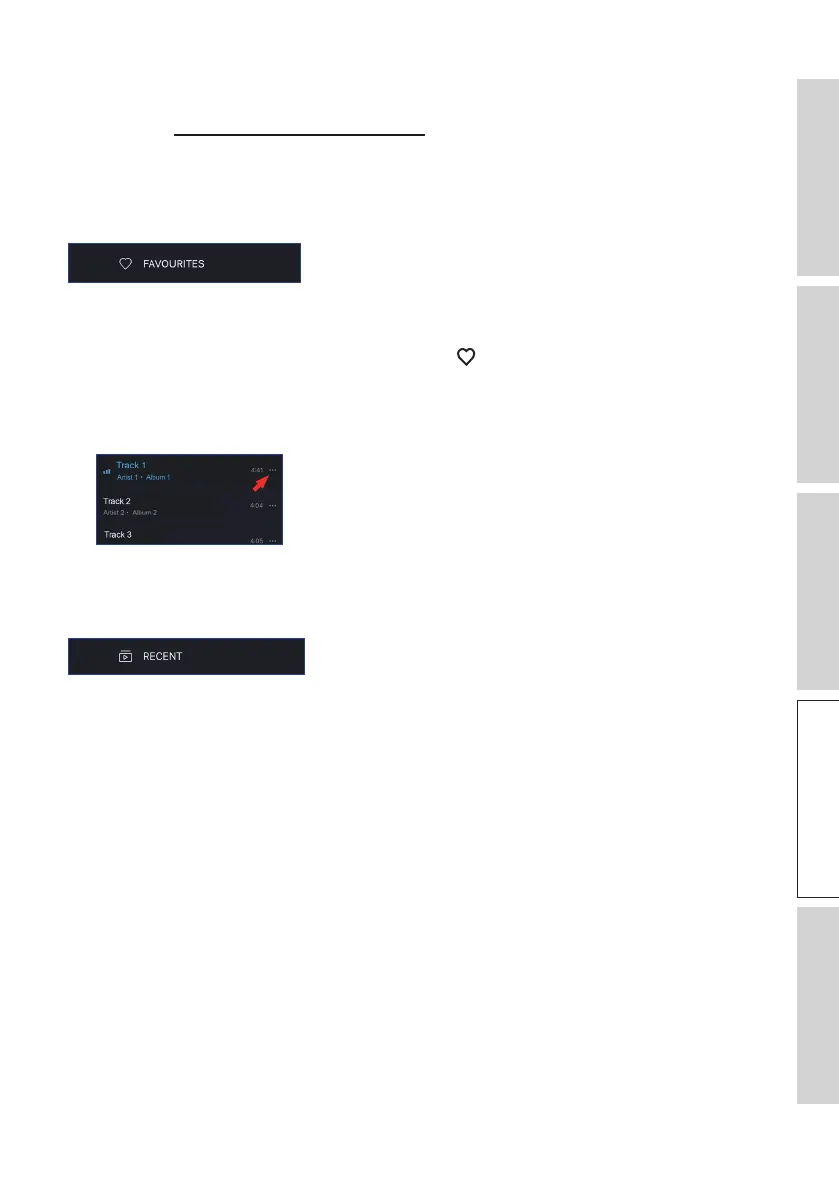
To show the favourites in your local library, tap “Favourites” from the main menu. The
recently added favorites can be found on the home screen.
• Selecting or Deselecting a Track as Favourites
From the playback screen, tap the heart icon ( ) to select or deselect the track as
favorites, or
From a list of tracks, tap the option icon (
…
) on the right hand side and then select
“Add to Favorites” or “Remove from Favourites”.
9.1.1.9 Recent
Tap “Recent” from the main menu to show the most recently played tracks from your
local library. The most recently played tracks can also be found on the home screen.



 To Next Page