42
Table of ContentsSetting Up the LSXUsing the KEF Control AppPlayback and StreamingFAQ and Troubleshooting
• Editing the Queue
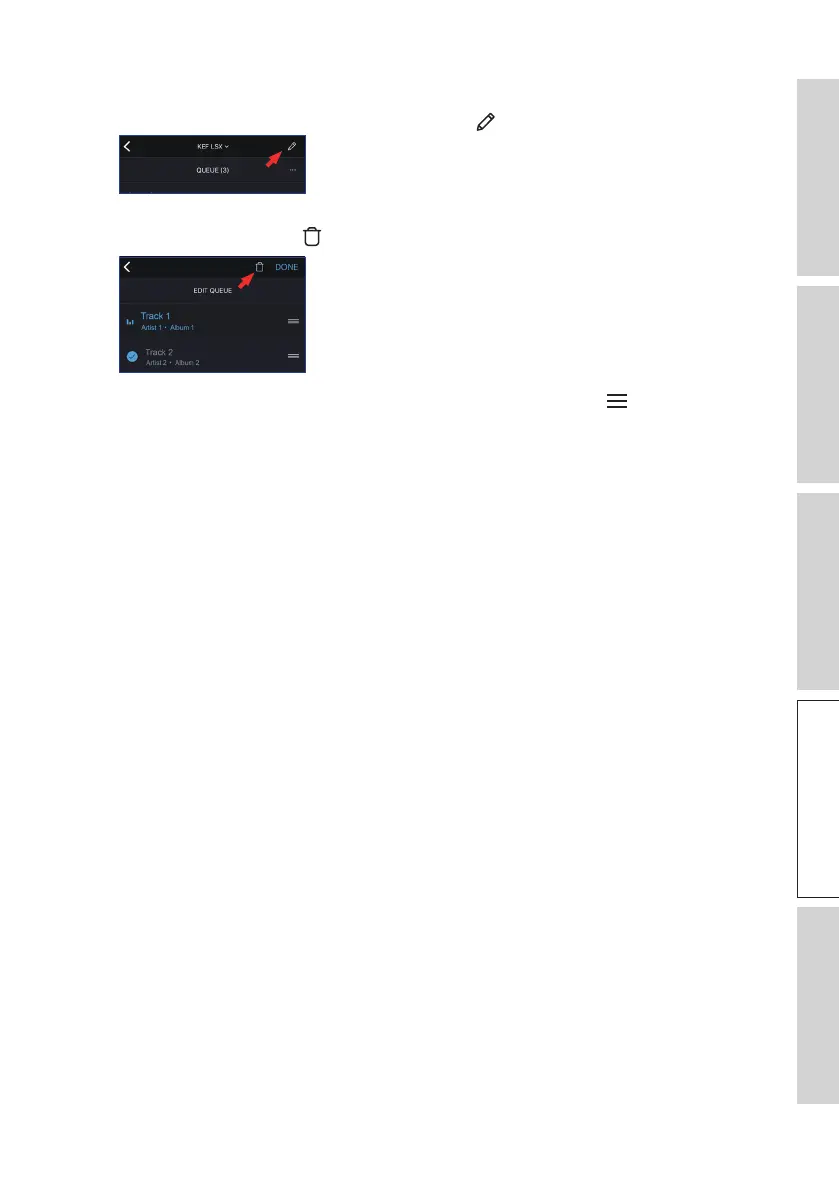
1. From the current queue, tap the pencil icon ( ) at the top right corner.
2. To remove a track from the queue, select the track by tapping in the circle and then
tap the trash bin icon ( ).
3. To edit the playback sequence, press and hold the three bars ( ) on the right
hand side and then drag the track up or down the queue.



 To Next Page