Remote Interface Configurations 7
Keysight 11713D/E Operating and Service Manual 99
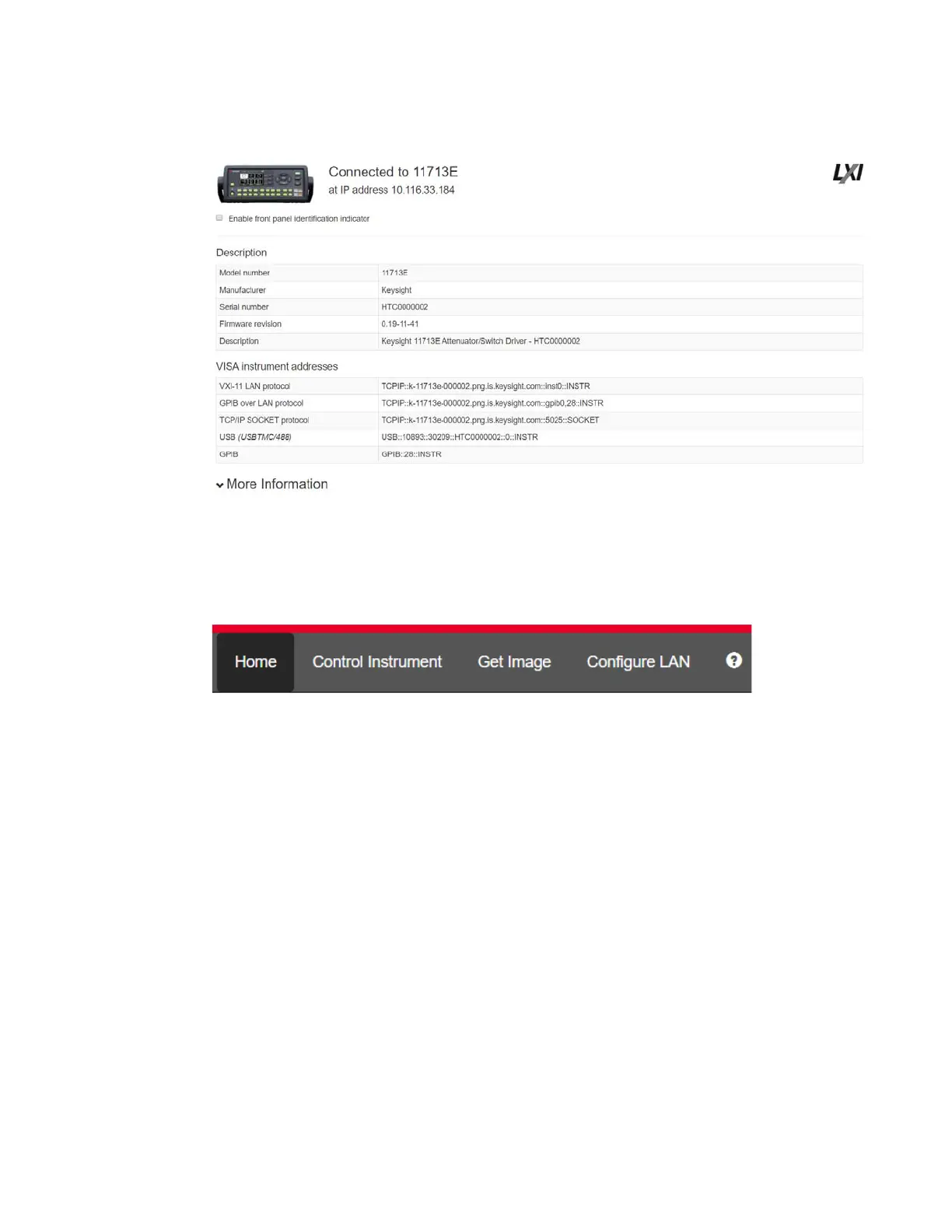
Figure 7-1 11713D/E Web Interface’s Welcome Window
Navigation bar
Figure 7-2 Navigation bar
– Home: Displays various setting information.
– Control Instrument: Virtual front panel.
– Get Image: Receives image.
– Configure LAN: Displays and modifies LAN settings.
– Help icon: Displays the Help file.
Displaying the browser web control page
1 In the Home window, click Control Instrument on the top bar of the window.
2 You can view the virtual front panel of 11713D/E.
3 Now, you can control this device remotely, similar to the front panel of the actual instrument.
4 Click the Settings icon on the top left corner of the window to open the Password Options
window.



 To Next Page