5Local Operations
60 Keysight 11713D/E Operating and Service Manual
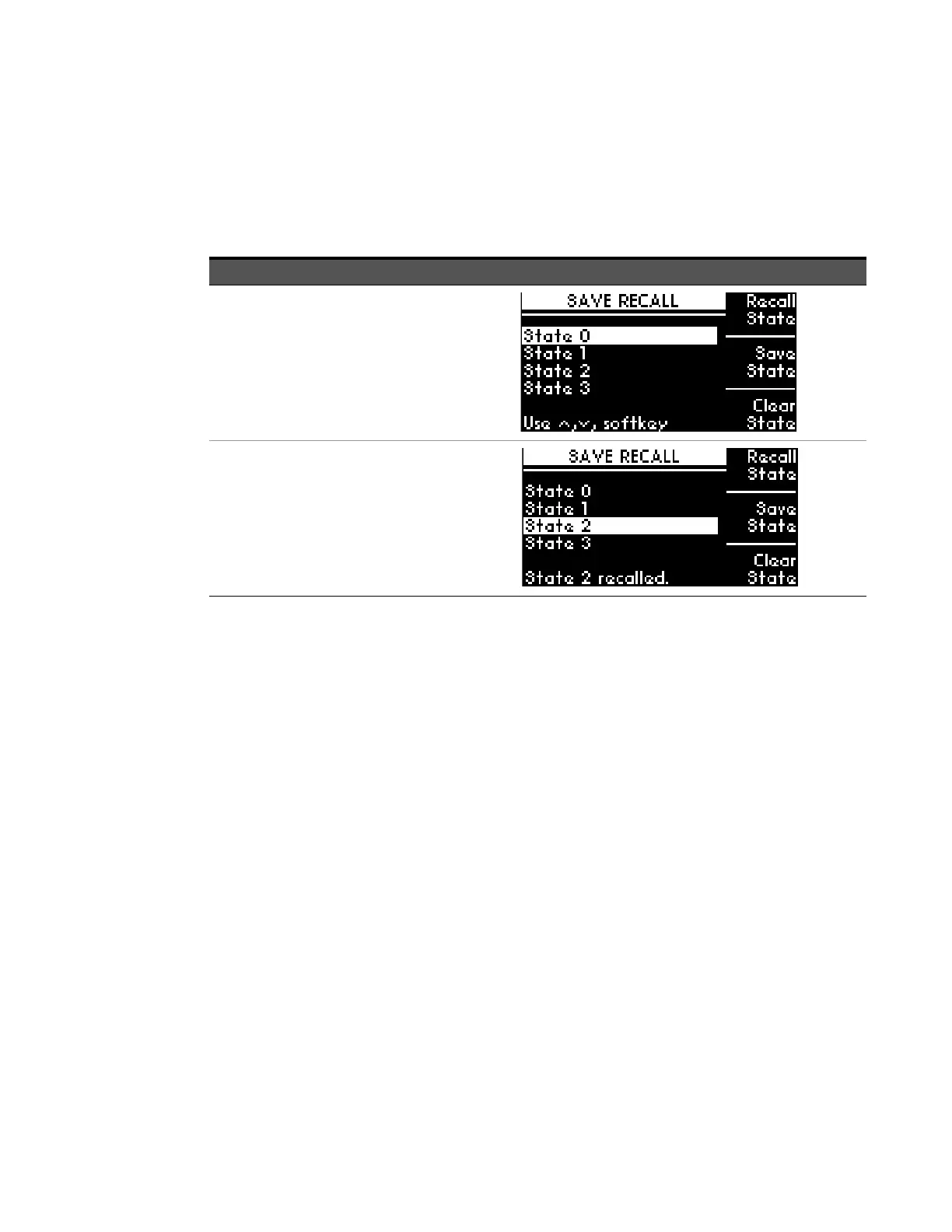
Save/Recall State Menu
The save state function is important to enable you to store up to four different configurations and
the recall state function allows you to re-instate one of the four saved states for use. This greatly
helps to minimize the amount of work required to make “standard” configuration changes.
Function Action Illustration
To save state
a Press Save/Recall button.
b Scroll to the desired state to store
configuration (e.g. State 0) using the
navigation keys.
c Press Save State softkey to store
configuration.
d Press Menu/Enter button again to
return to main menu.
To recall state
a Press Save/Recall button.
b Scroll to the desired state to recall
configuration (e.g. STATE 2) using
the navigation keys.
c Press Recall State softkey to
reinstate configuration.
d Press Menu/Enter button again to
return to main menu.



 To Next Page