Press UP and DOWN to select the correct value to
match the wheel diameter. Selectable values include: 16, 18,
20, 22, 24, 26, 700C, 28, 29. Default diameter is 26 inch.
Ld means Wheel Diameter.
Wheel Diameter Setting Page
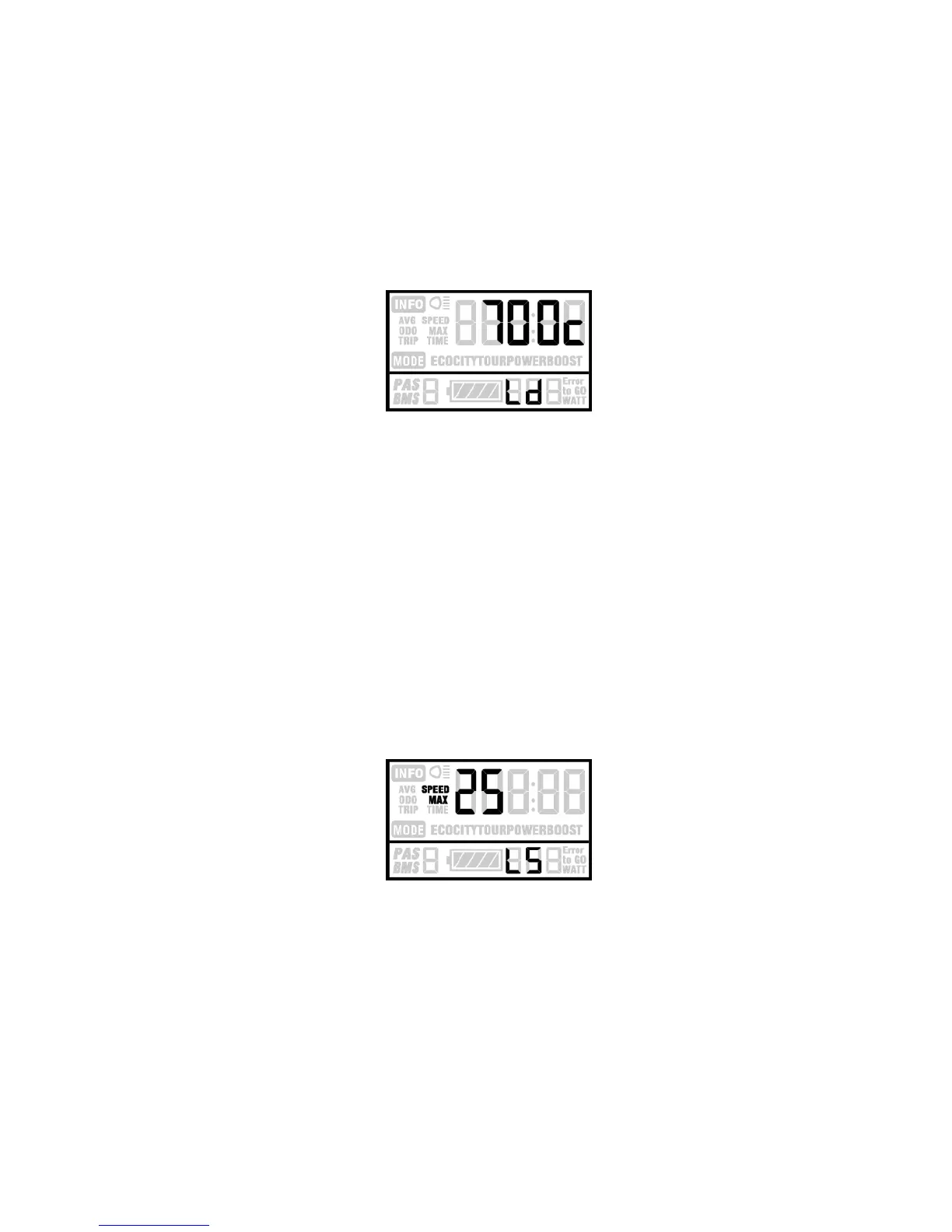
Speed-limit Setting
When the running speed is faster than MAX SPEED,
the controller will cut off the motor power. MAX SPEED
default setting is 25Km/h. LS means Limit Speed 12Km/h to
40Km/h is selectable. Press UP/DOWN to select the favorite
value, then hold MODE over 2 seconds to confirm and quit
the setting mode.
Limit Speed Setting Page



 To Next Page
 Loading...