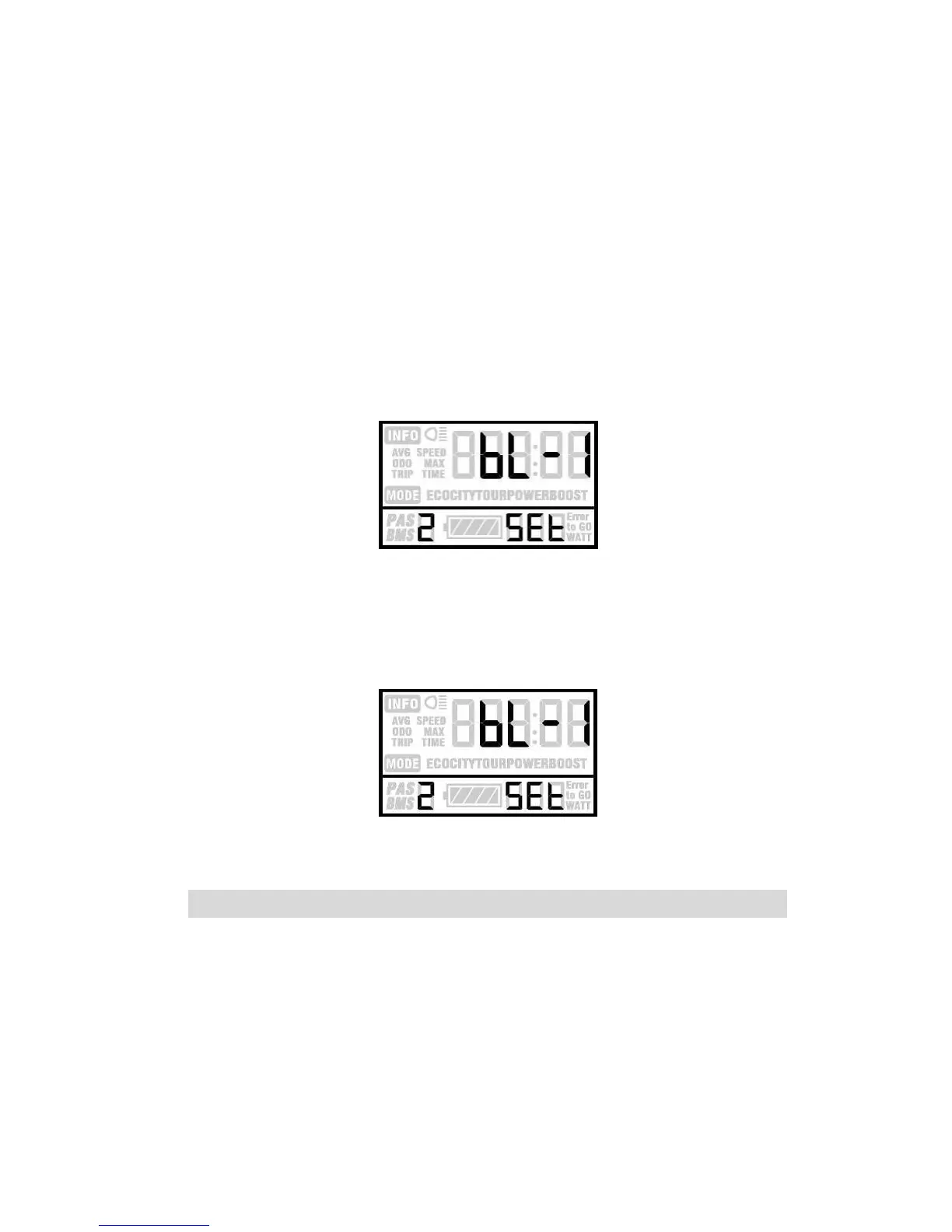
Backlight Contrast
BL means backlight. Level 1 is the low brightness. Level
2 is the middle brightness. Level 3 is high brightness. The
default level is 1. Bottom of the screen prompts SET2.
Press UP or DOWN to modify the backlight brightness.
Hold MODE to confirm the modification and exit the general
setting.
Backlight Brightness
Pressing UP and DOWN can change the backlight
lighting. Long press MODE is to confirm and quit Setting
Mode.
Backlight setting Interface
Power-on Password Enable/Disable
The character “-P-” on the bottom of the screen means
the page of password. Hold UP and DOWN both up to 2
seconds enter normal setting , while hold both UP and














 To Next Page