16 | USING THE STAND MIXER
USING THE STAND MIXER
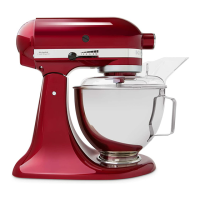
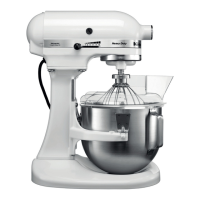
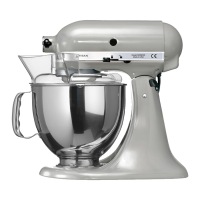
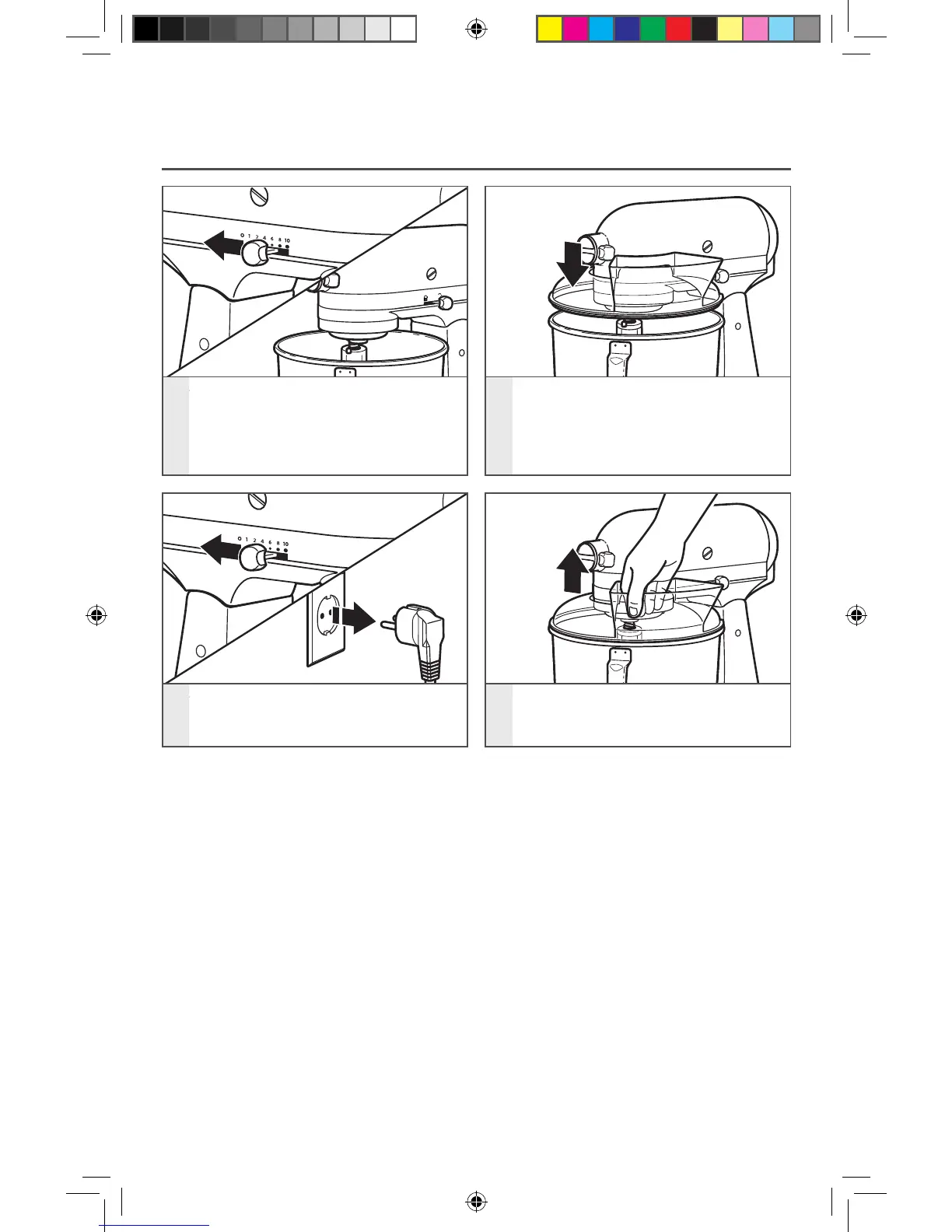
PLACING/REMOVING THE POURING SHIELD*
1
To place pouring shield: Turn speed
control to “0”. Unplug Stand Mixer.
Attach your chosen accessory. See
“Attaching/removing the flat beater,
wire whip, or dough hook” section.
2
From the front of the Stand Mixer,
slide the pouring shield over the
bowl until the shield is centered. The
bottom rim of the shield should fit
within the bowl.
3
To remove pouring shield:
Turn speed control to “0”.
Unplug Stand Mixer.
4
Lift the front of the pouring shield
clear of the bowl rim and pull forward.
Remove attachment and bowl.
* Included with select models only. Also available as an optional accessory.
W10863290A_01_EN_v06.indd 16 3/30/16 11:18 AM


 To Next Page
 Loading...