OM6009 8/11 Payload Meter III - Section 60
Page 60-17
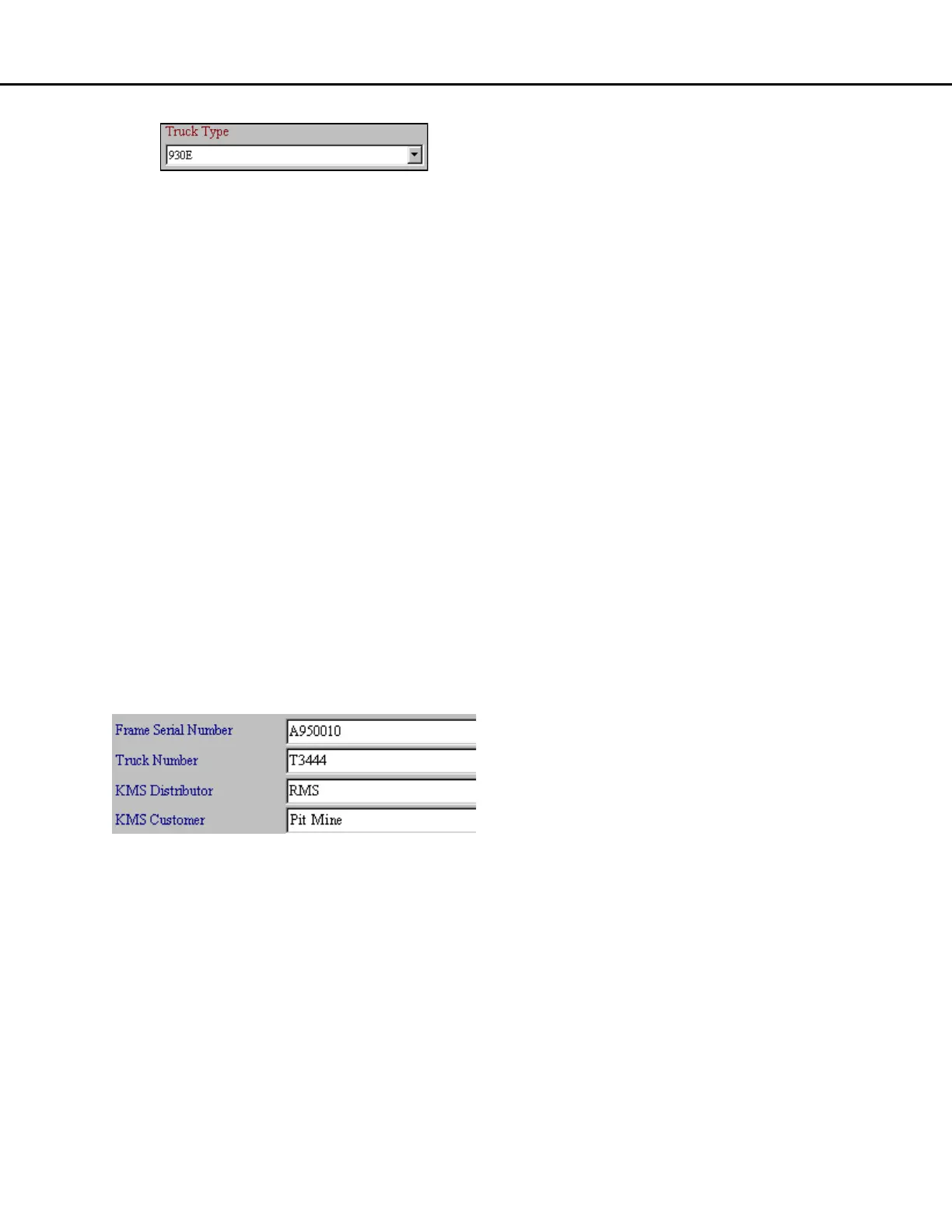
Setting the Truck Type
1. From the Truck Configuration screen, use the
pull-down menu to select the truck type that the
payload meter is installed on.
2. Press the "Save Changes" button to program
the change into the meter.
Setting the Display Units
The speedometer/load display shows the truck
speed on the upper display. The units for the speed
display are selected by using a jumper on the rear of
the case.
The payload units on the lower display can be
changed from metric to short tons or long tons using
the Truck Configuration screen. This selection also
switches between metric (kg/cm
2
) and psi (lbs/in
2
) for
the live display of pressures.
1. From the Truck Configuration screen, select the
payload units to be used on the lower display of
the speedometer/load display.
2. Press the "Save Changes" button to program
the change into the payload meter.
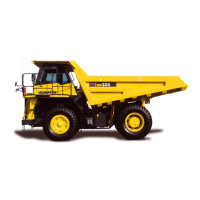
Setting the Frame Serial Number
The frame serial number is located on the plate
mounted to the truck frame. The plate is outboard on
the lower right rail facing the right front tire. It is very
important to enter the correct frame serial number.
This number is one of the key fields used within the
haul cycle database. The field will hold 20 alpha-
numeric characters.
1. On the Truck Configuration screen, enter the
truck frame serial number in the appropriate
field.
2. Press the "Save Changes" button to program
the change into the payload meter.
Setting the Truck Number
Most mining operations assign a number to each
piece of equipment for quick identification. This
number or name can be entered in the Truck Number
field. It is very important to enter a unique truck
number for each truck using the PLMIII system. This
number is one of the key fields used within the haul
cycle database. The field will hold 20 alpha-numeric
characters.
1. On the Truck Configuration screen, enter the
truck number in the appropriate field.
2. Press the "Save Changes" button to program
the change into the payload meter.
Setting the Komatsu Distributor
This field in the haul cycle record can hold the name
of the Komatsu distributor that helped install the
system. Komatsu also assigns a distributor number
to each distributor. This number is used on all
warranty claims. This Komatsu distributor number
can also be put into this field. The field will hold 20
alpha-numeric characters.
1. On the Truck Configuration screen, enter the
distributor name or number in the appropriate
field.
2. Press the "Save Changes" button to program
the change into the payload meter.
Setting the Komatsu Customer
This field in the haul cycle record can hold the name
of the mine or operation where the truck is in service.
Komatsu also assigns a customer number to each
customer. This number is used on all warranty
claims. This Komatsu customer number can also be
put into this field. The field will hold 20 alpha-numeric
characters.
1. On the Truck Configuration screen, enter the
customer name or number in the appropriate
field.
2. Press the "Save Changes" button to program
the change into the payload meter.



 To Next Page