105
Explanation Section
(Note) • The key is inoperable if error message *3 is displayed.
• The instrument operates as follows if error message *4 is displayed.
1 Clears the display by the MR key.
2 Aborts CAL ON state (i.e. the state that is effective when the
key is pressed).
3 Aborts MENU ON state (i.e. the state that is effective when the key is pressed).
4 Aborts measuring probe selection.
5 Aborts SYNC mode selection.
6 Aborts ID name setting.
7 Aborts analog display range setting.
8 Aborts measurement speed selection.
9 Aborts selection of the number of display digits.
!0 Aborts calibration standard selection.
!1 Aborts RS-232C baud rate selection.
• The instrument operates as follows if the error message *5 is displayed.
1 The
key is inoperable during CAL ON state (i.e. the state that is effective when the key is pressed).
2
The HOLD key is inoperable.
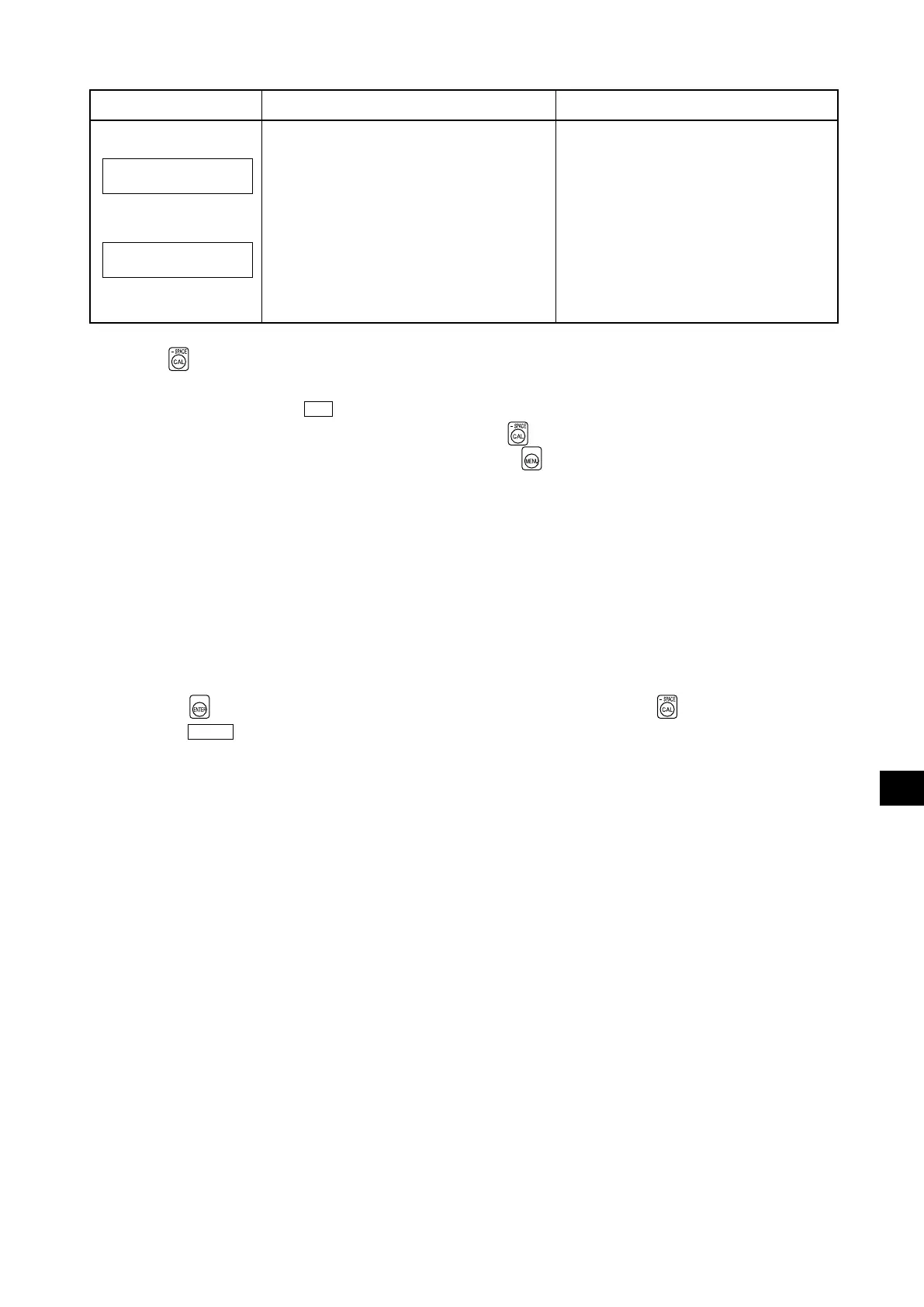
Error Message
Cause: (Description) Corrective Action
• Connect the correct probe or expansion
board.
• The connected probe or expansion board
differs from the one used on the instrument.
(
The indication in italics shows the model
name of the probe or expansion board.
)
INCORRECT PROBE
PROBE:
INCORRECT PROBE
PROBE:CA100Plus
INCORRECT BOARD
BOARD:
CA100Plus
CA100Plus
INCORRECT BOARD
BOARD:CA100Plus















 To Next Page