2
E
XAMPLES
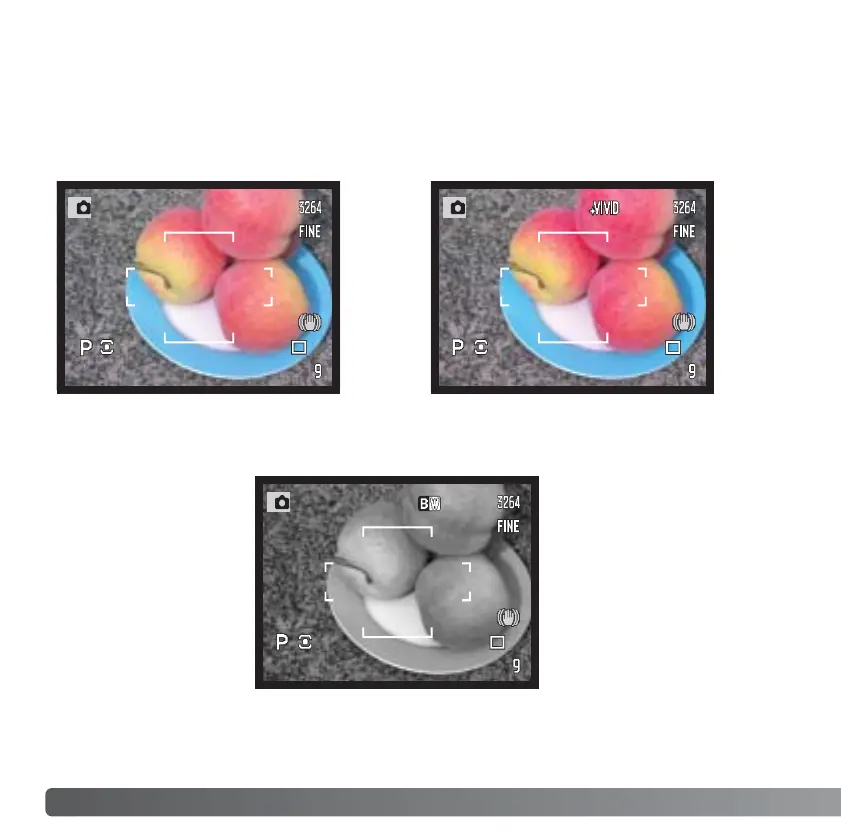
Black & White - produces
monochrome images.
COLOR MODE
The color mode controls whether a still image is color or black and white as well as the
color space. The color mode is set with the function button (p. 64). The live image on the
monitors will reflect the selected color mode. For more on the color mode see page 68.
Natural Color and Embedded
Adobe RGB - reproduces the
colors in the scene faithfully.
Vivid Color - increases the
saturation of the colors in the
scene.














 To Next Page