94
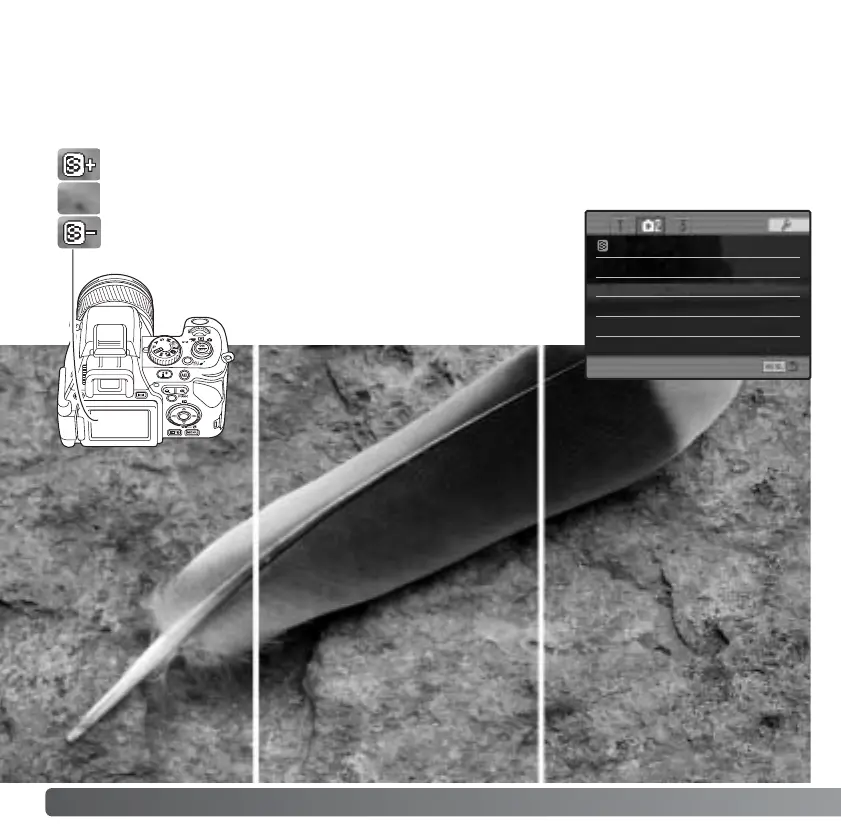
Soft Normal Hard
SHARPNESS
The sharpness of the image can be altered. This must be set before the image is
recorded. Sharpness is set in section 2 of the recording menu (p. 84). If any setting other
than normal is selected, the sharpness indicator is displayed on the monitors.
RECORDING MENU
Hard (+) - Increases the sharpness of the image, accentuating details.
Normal - No filter applied.
Soft (–) - Softens the details of the image.
Sharpness Normal
Date imprint
Off
Inst.playback Off
Full-time AF On
Direct MF Off














 To Next Page