73
FILTER
The overall color of a scene can be adjusted. The Filter
effects differ between the color mode in use, see the color
examples on page 171. The Filter effects are set with the
function button and the controller (p. 64). When changing
the setting, an icon and numeral will indicate the filter in
effect.
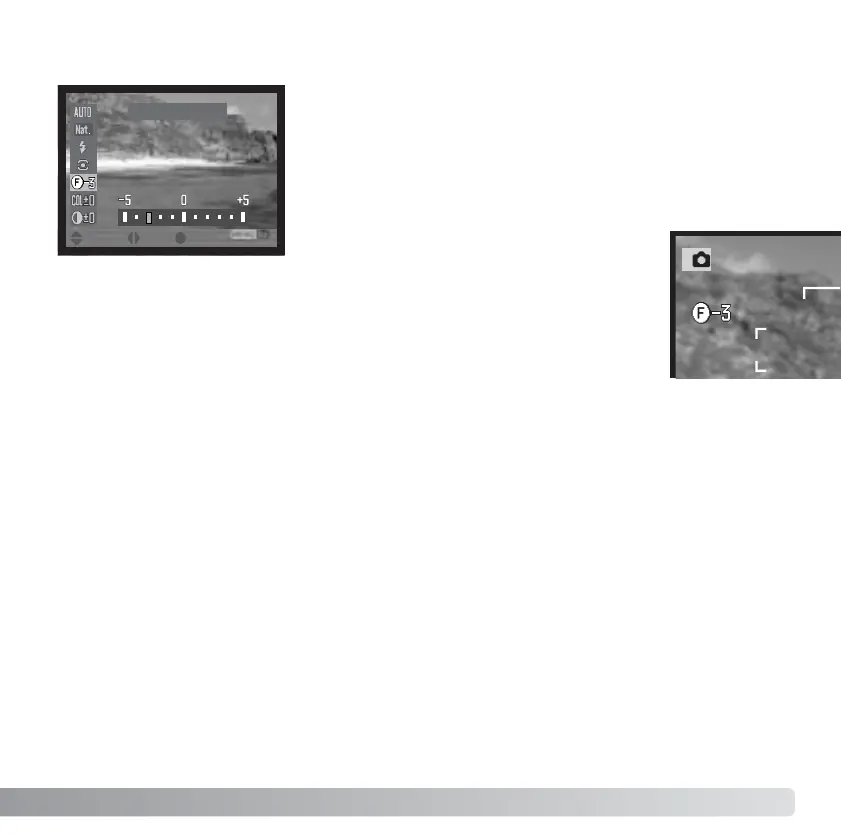
If the Filter is set to any other setting than
zero, an indicator and value will remain on
the displays as a warning.
Filter - 3
When used with Natural Color, Vivid Color, Portrait, or Embedded Adobe RGB, the Filter
can be adjusted in eleven levels (±5). A positive adjustment acts like a warming filter. A
negative adjustment makes the image cooler.
When used with the black-and-white color mode, the Filter can tone the neutral
monochrome image in eleven steps. The Filter effect cycles from neutral to red, to green,
to magenta, to blue, and returning to neutral. The zero position is neutral. Black and white
filter settings have no effect on RAW images.
:enter:sel.:move














 To Next Page