Fill-flash
:enter:sel.:move
70
A
DVANCED RECORDING
FLASH MODES
Flash mode is selected with the function button and the
controller (p. 64). For the flash to fire, the built-in unit must
be manually lifted. The flash fires in the selected mode
regardless of the amount of ambient light. The auto-white-
balance setting gives priority to the flash’s color
temperature. If preset or custom white-balance settings are
used, priority is given to the active setting’s color
temperature.
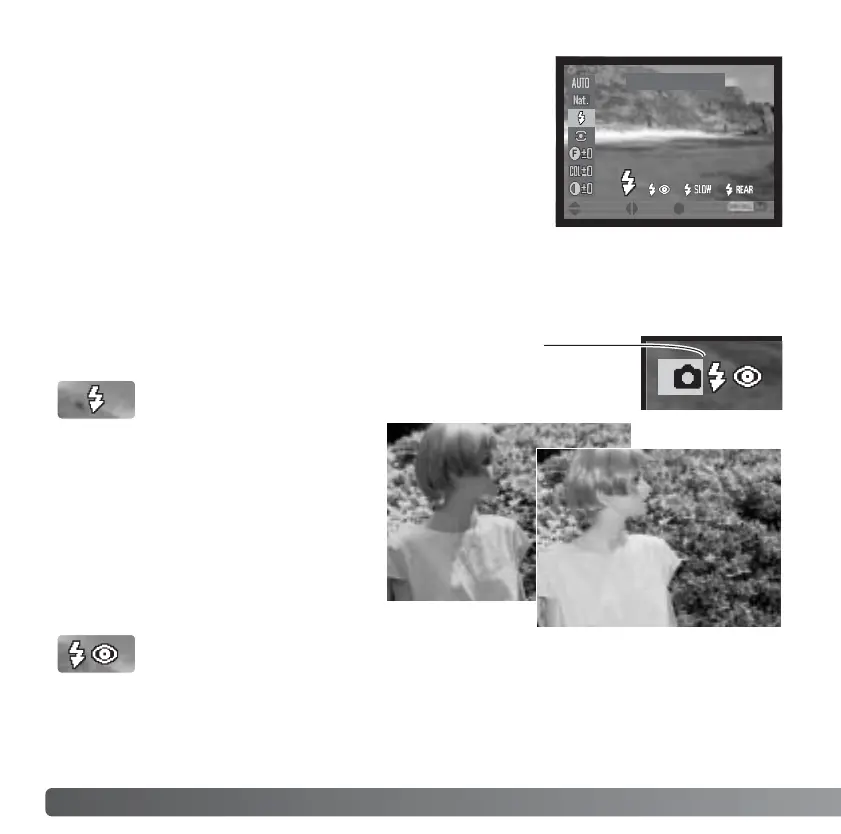
Fill-flash can be used as the main or
supplementary light. In low-light
conditions, the flash will act as the
main source of illumination and
overpower the ambient light. Under
strong sunlight or in backlit situations,
the fill-flash can reduce harsh
shadows.
FILL FLASH
Fill-flash with red-eye reduction is used when taking photographs of people or animals in
low-light conditions. The red-eye effect is caused by light reflected from the retina of the
eye. The camera will fire two pre-flashes before the main flash burst to contract the pupils
of the subject’s eyes.
FILL-FLASH WITH RED-EYE REDUCTION
The active flash mode is shown by an indicator on the
monitors when the flash is lifted.














 To Next Page